Apple’s Screen Time offers tools to rein in iPhone usage
Engadget details how iPhone and iPad users can monitor activity, schedule Downtime and set limits on apps and websites.
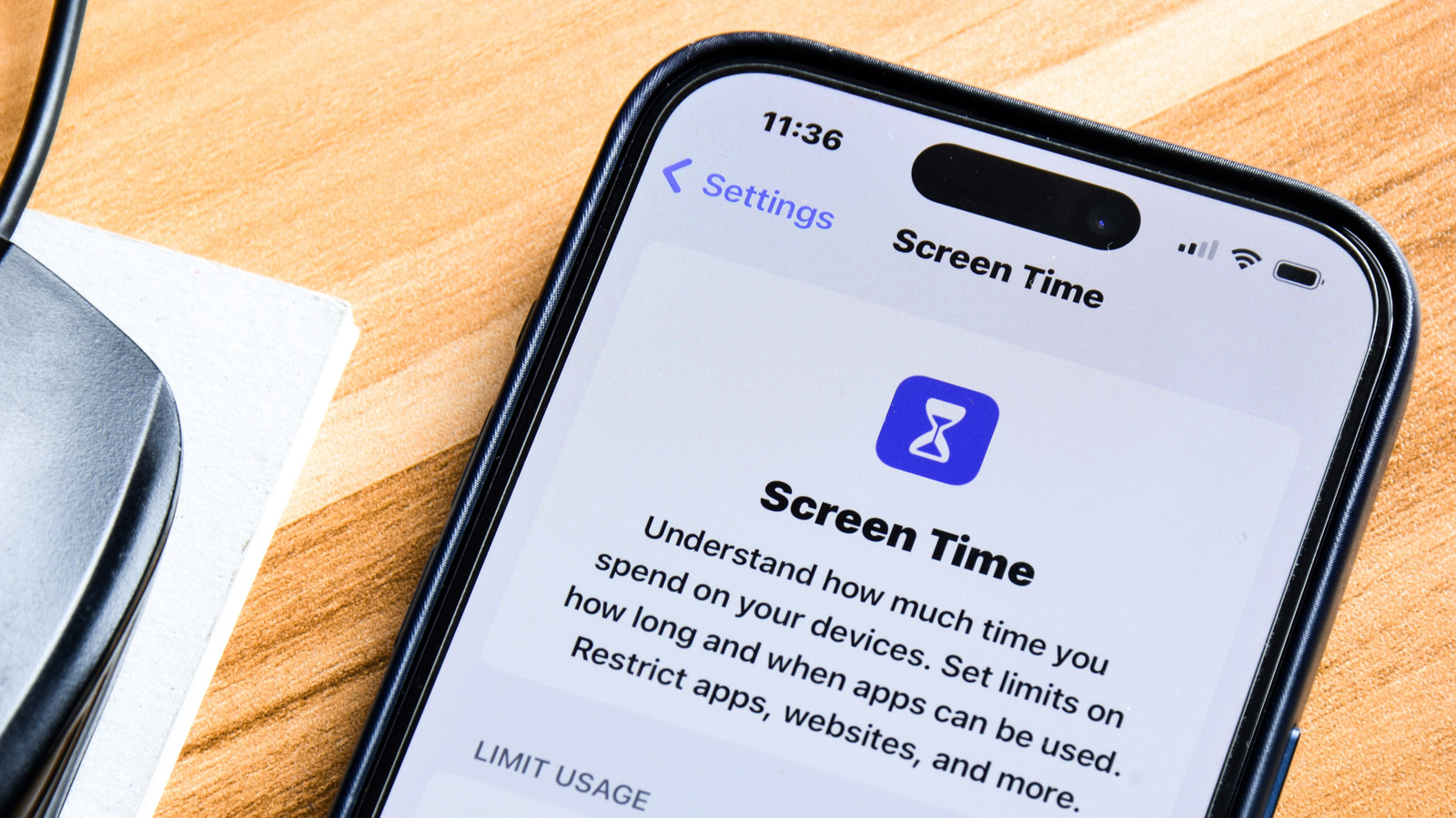
Apple’s built-in Screen Time feature gives iPhone and iPad users tools to monitor device use and restrict access to apps, websites and other functions, according to a guide published by Engadget.
The feature’s activity panel records daily usage, app categories, unlocks and notifications. Users can review activity by day or week and, where multiple Apple devices are linked, filter results for an individual device.
Screen Time includes scheduled Downtime, during which access is limited to approved apps and selected contacts. Users can also set daily limits for individual apps, groups such as social media and games, or websites, with different schedules available for different days.
Restrictions are not necessarily absolute. Once a limit is reached, users may be offered the option to continue for one minute, 15 minutes or the rest of the day. Apps can also be hidden, while the Share Across Devices setting can synchronise limits across iPhone, iPad and Mac devices using the same Apple Account.
The feature also supports parental controls through Apple Family Sharing. These include communication limits for Phone, Messages and FaceTime, content and privacy restrictions, and controls over app installations and settings. Engadget notes that the communication limits do not cover third-party messaging services such as WhatsApp.
A Screen Time passcode can prevent settings from being changed and make restrictions harder to bypass. Engadget says available controls and menu names may vary by device, operating system and Family Sharing configuration.