What Background App Refresh does on iPhone
Engadget explains how iPhone users can manage background updates to balance convenience, battery life and mobile data use.
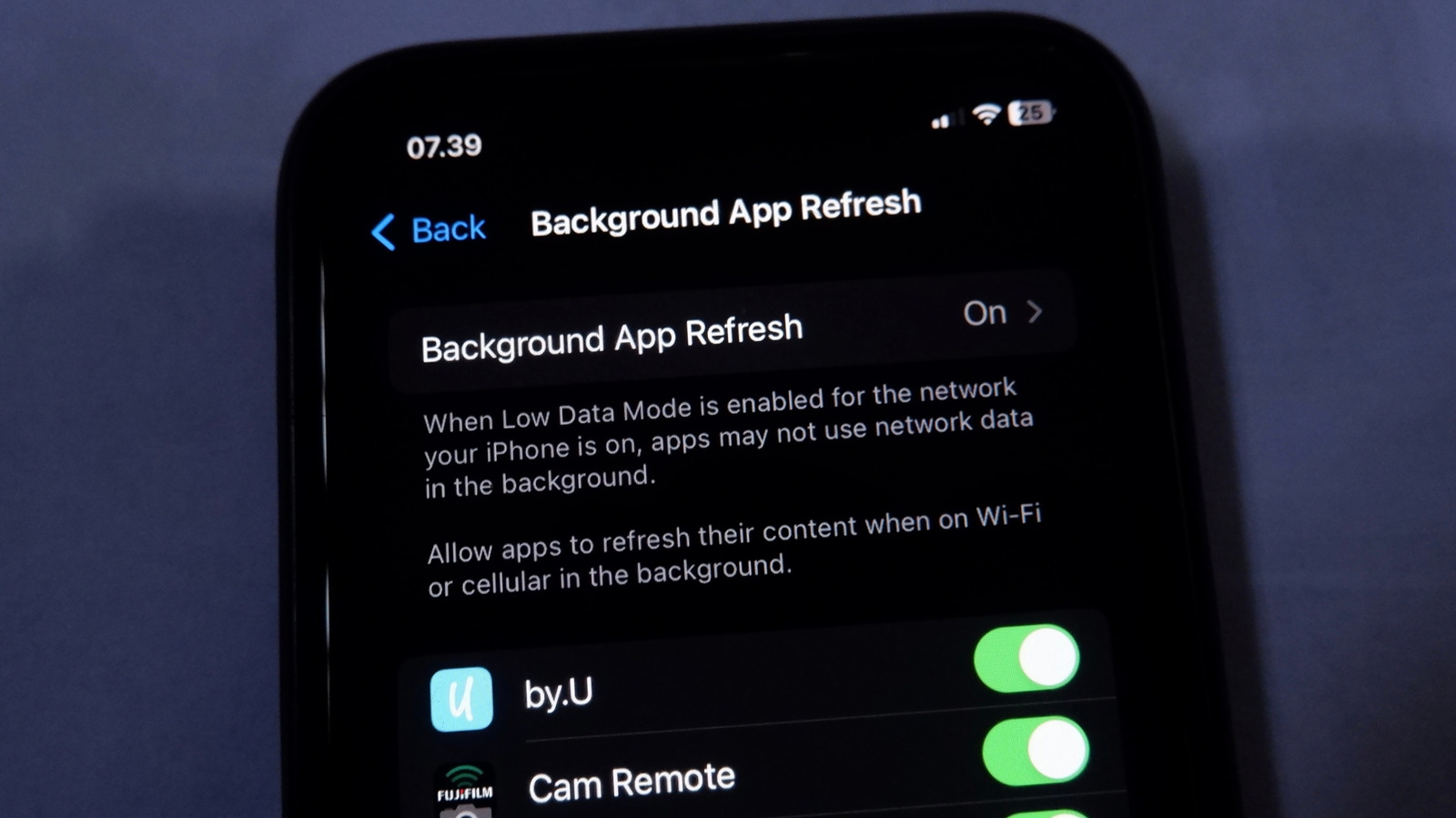
Background App Refresh allows iPhone apps to fetch internet content while they are not being actively used. The feature can help apps open with more up-to-date information, reducing the wait for content to load.
Engadget said the setting can be managed globally or for individual apps. Users can choose Wi-Fi and cellular data, restrict refreshing to Wi-Fi, or turn the feature off entirely through Settings > General > Background App Refresh.
The benefit is convenience, but background activity can use battery life and mobile data. Engadget recommends retaining refresh access for apps used regularly or relied on for travel, navigation, file syncing, reminders and productivity.
The feature may be less necessary for food and shopping apps, most games and apps used mainly to browse websites. The source noted that the effect of disabling refresh will often be limited to waiting a few seconds for new data when an app is opened.
Turning off Background App Refresh does not stop notifications. Apps can continue to display notifications if those alerts are enabled and are not blocked by a Focus setting.
Apple’s Low Power Mode disables background refresh for all apps. Low Data Mode limits background activity on cellular connections or selected Wi-Fi networks, while cellular data can also be disabled separately for individual apps.