Apple issues guidance for iPhone SOS mode connectivity glitches
Engadget outlines remedies for users stuck in SOS mode, ranging from basic restarts to advanced roaming settings, as the tech giant clarifies the distinction between emergency satellite features and technical faults.
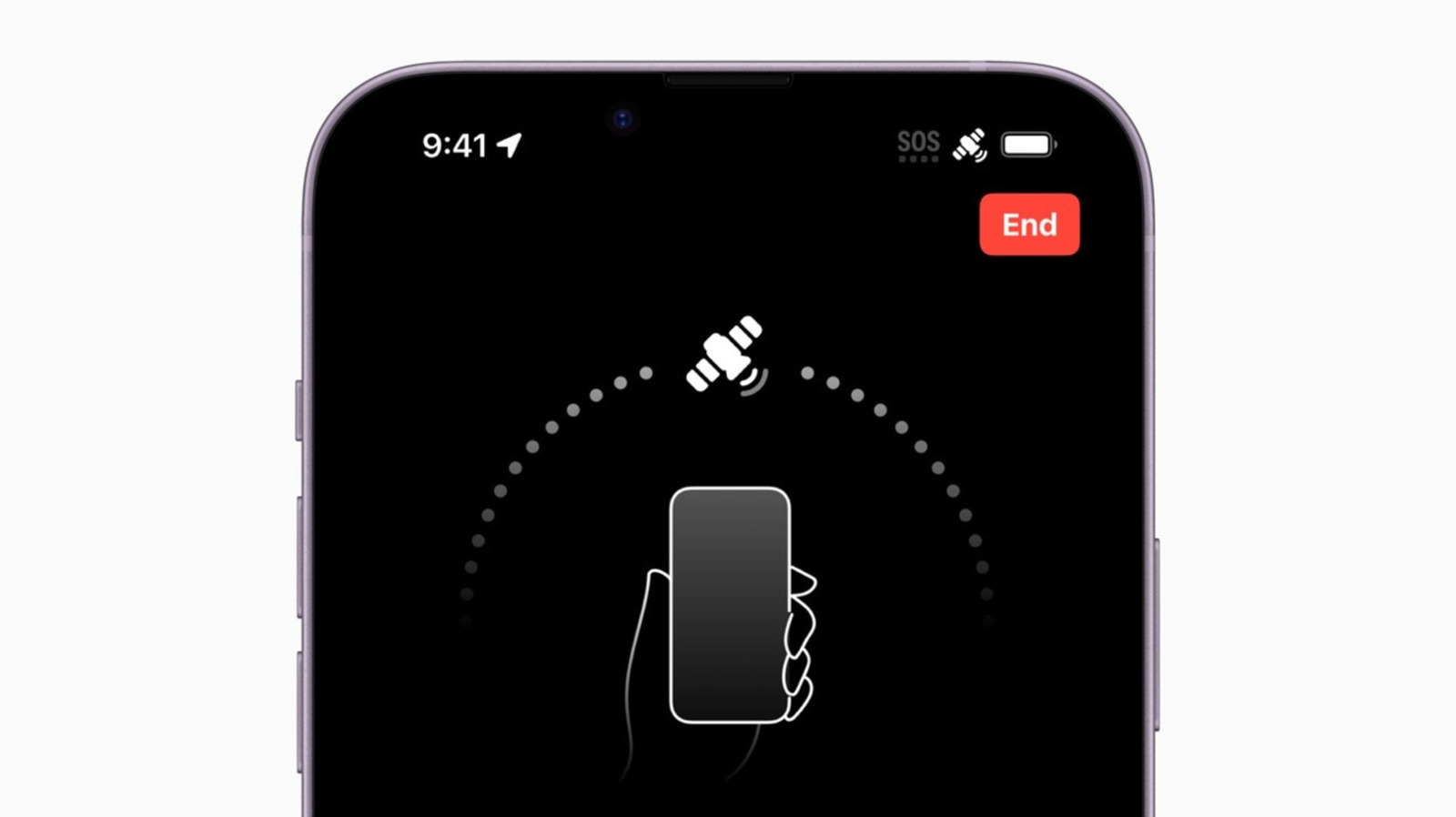
Apple has released a comprehensive guide to assist iPhone users who find their devices stuck in SOS mode, a state where the screen displays an SOS or SOS Only symbol rather than standard signal bars. While this indicator can signal a genuine emergency where satellite or alternative cellular networks remain accessible, the guidance distinguishes these scenarios from technical glitches that require reconnection to the user’s primary carrier. The advice is particularly relevant for iPhone 14 models and later, which feature satellite emergency calling capabilities in 18 countries, including Australia and New Zealand.
According to the troubleshooting steps published by Engadget, users should first attempt to re-establish a connection to their available cellular network. Apple recommends toggling Airplane Mode for at least 15 seconds before returning to regular settings. If this does not resolve the issue, the guide suggests performing a full restart of the device. Should the problem persist, users are advised to check for and install the latest iOS software update via the General settings tab, ensuring that automatic updates are enabled to prevent future software-related connectivity faults.
The guide also highlights the importance of verifying SIM and eSIM status, particularly for devices utilising multiple cellular lines. Users should navigate to the Cellular settings to confirm that all available lines are turned on. For those using physical SIM cards, removing and reinserting the card is recommended. Additionally, users should manually check for carrier settings updates in the General tab to ensure their device is compatible with their network provider’s latest configurations.
For international travellers, the guide identifies Data Roaming and Cellular Data Switching as potential solutions for connectivity issues abroad. Enabling these settings allows the device to utilise partner networks outside the home coverage area, though users are warned that this may incur additional fees. Engadget notes that it is prudent to confirm international plan options with the carrier before travelling. For users employing an international eSIM, turning off the primary carrier or enabling data switching can maximise coverage by utilising data from both plans.
If standard troubleshooting fails, users running iOS 18 or later can utilise the Apple Support app to run diagnostic checks directly on their device. For those unable to connect to Wi-Fi due to a carrier block or account issue, the guide advises contacting the carrier directly once connectivity is restored. Apple also reminds users that while SOS mode permits emergency calls and texts via satellite in countries such as the US, UK, and Germany, a No Service or Searching symbol indicates a complete lack of network connection, requiring different remedial actions.