Engadget guide details how to create a bootable Windows 11 USB drive
Microsoft’s Media Creation Tool can prepare a bootable USB drive, while Rufus and Ventoy offer ISO-based alternatives.
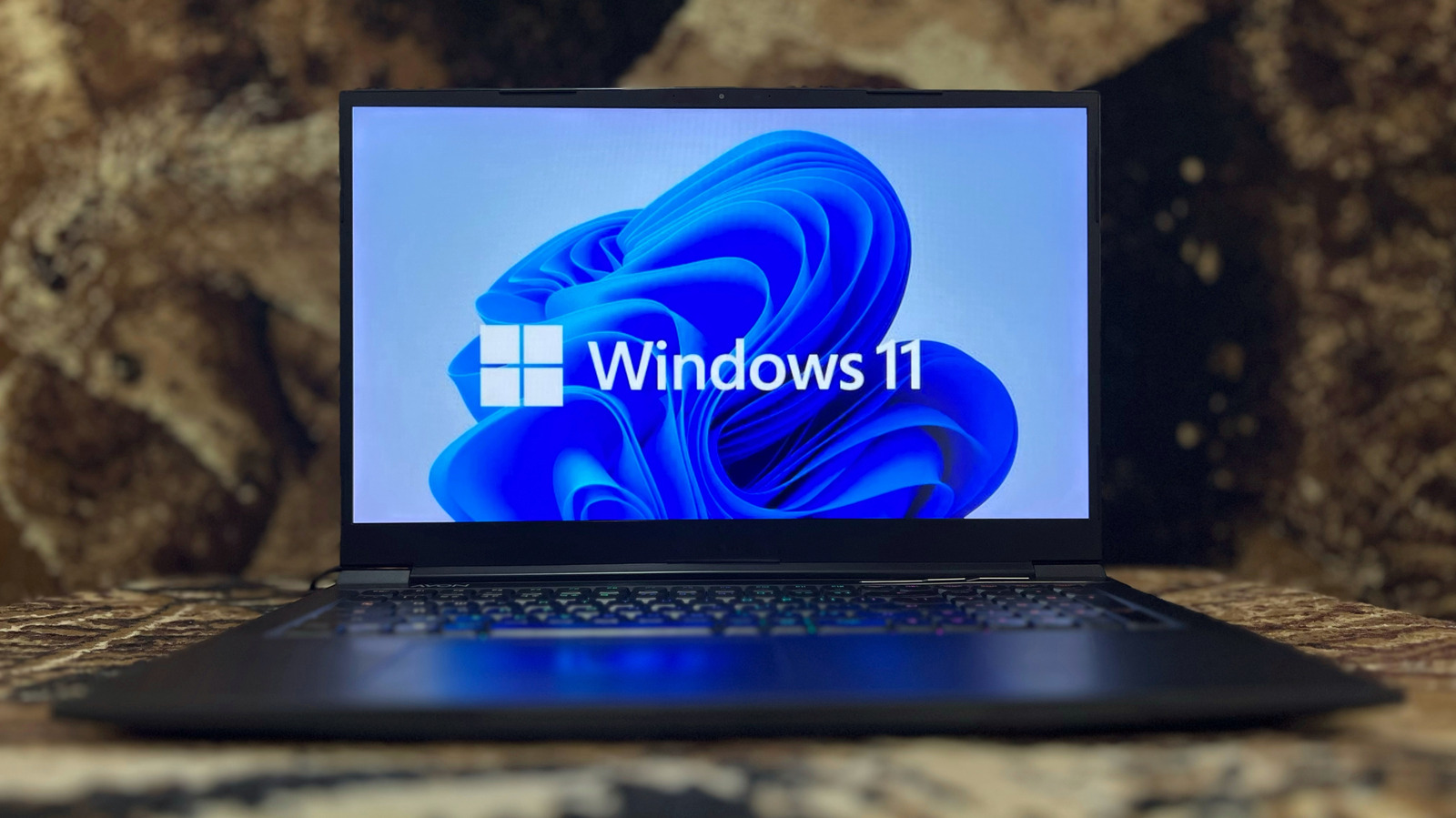
Engadget has published a guide to creating bootable Windows 11 installation media using Microsoft’s Media Creation Tool, outlining the equipment required, the installation process and common troubleshooting steps.
Users need a USB flash drive with at least 8GB of storage, a stable internet connection and a compatible 64-bit processor. The drive will be erased during the process, so existing files should be backed up first. ARM-based devices require Microsoft’s official ARM64 ISO rather than the standard x64 process.
The guide directs users to Microsoft’s Windows 11 download page, where they can download MediaCreationTool.exe. The tool should be run as an administrator before users accept the licence terms, select their language and edition, choose the USB flash drive and allow Windows 11 to download and write the bootable media.
Once complete, the USB drive can be connected to the target PC and selected during startup. Boot-menu keys vary by manufacturer, with Esc, F12 and Del among the possible options. Windows 11 installation may also require TPM 2.0, at least 4GB of RAM, 64GB of storage and graphics hardware compatible with DirectX 12 or later.
Microsoft does not require a licence to download the tool, although activation and personalisation limits may apply during setup. For users who prefer an ISO, Engadget describes Rufus as a simpler option for creating a single bootable drive, while Ventoy supports multiple operating-system images but involves a more complex setup. Troubleshooting steps include rerunning the tool as an administrator, checking for software interference, downloading a fresh copy and trying another USB drive.