A second monitor can reduce app switching, but setup matters
Engadget’s guide outlines possible uses for a second screen, alongside practical choices around size, positioning and computer connections.
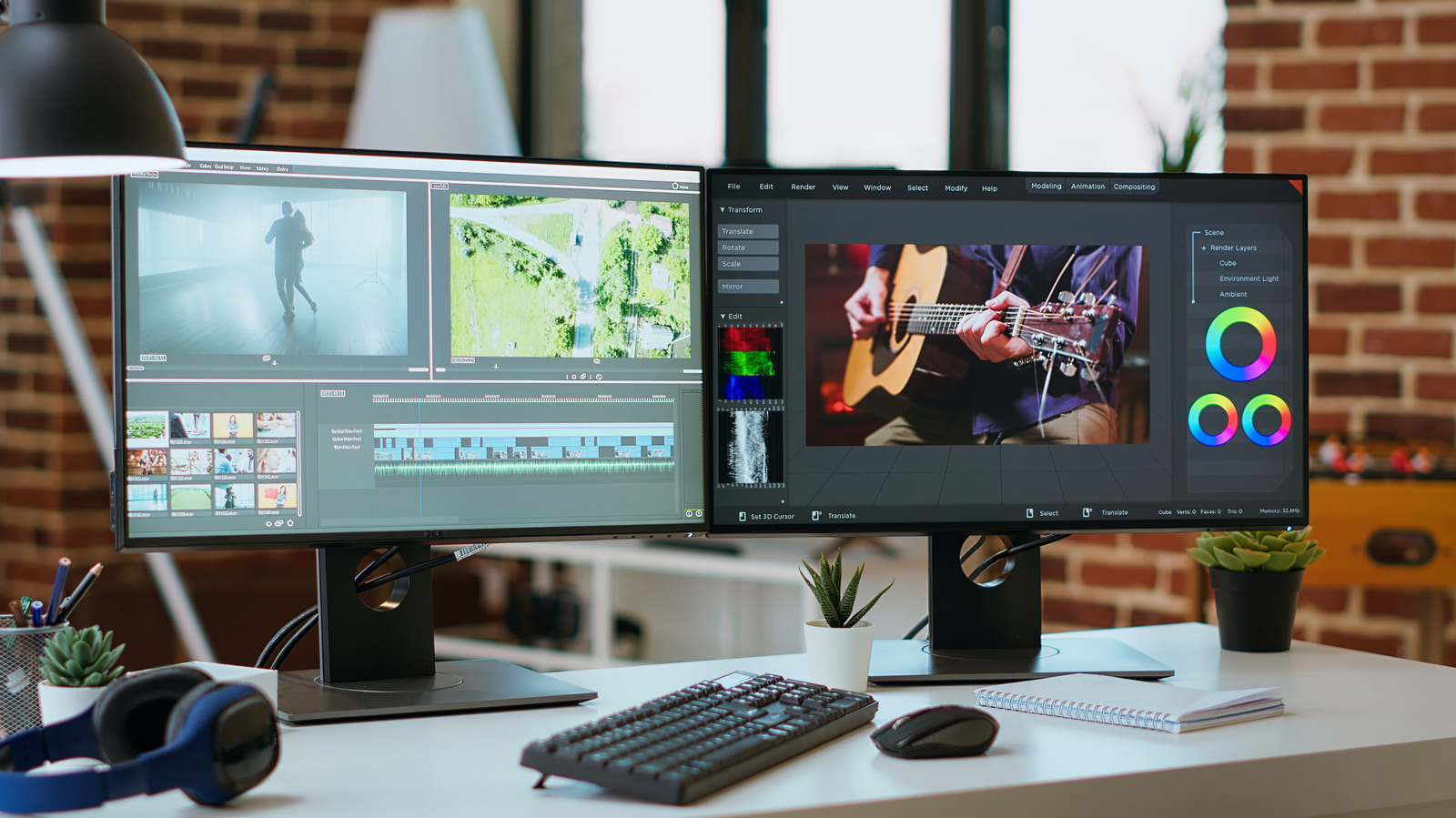
A second monitor can keep documents, research and communication apps visible alongside the main task, reducing the need to switch between windows. Engadget’s explainer says the arrangement may suit people who regularly multitask, from office workers to gamers.
The examples range from comparing documents and keeping a chat or inbox open to taking notes during video calls. Gamers can use a second display for recording controls or audience chat, while creative professionals and data analysts may value the extra workspace. Engadget says two screens may meet many needs, though some traders and programmers may benefit from three or four.
The article cites studies suggesting dual monitors can improve productivity and satisfaction, but the supplied material does not detail that evidence. Any gains should be treated as potential rather than assured.
Choosing a second screen involves more than price. Engadget recommends considering screen size and pixel density to keep text and image scaling consistent, as well as positioning the displays at a suitable height and distance. A less expensive monitor may be adequate if it is only used occasionally.
The computer also needs compatible video outputs and suitable cables for both displays. Users may need to adjust brightness, contrast and other display settings; laptop users might also need to configure the computer to keep running when its lid is closed. Engadget notes that support varies by computer, and its MacBook example does not establish compatibility for every model.