Why Roku devices may appear to turn off — and how to troubleshoot them
Engadget says auto power saving may put supported Roku devices into low-power mode after 20 minutes, while power, remote, TV and HDMI-CEC issues can also be responsible.
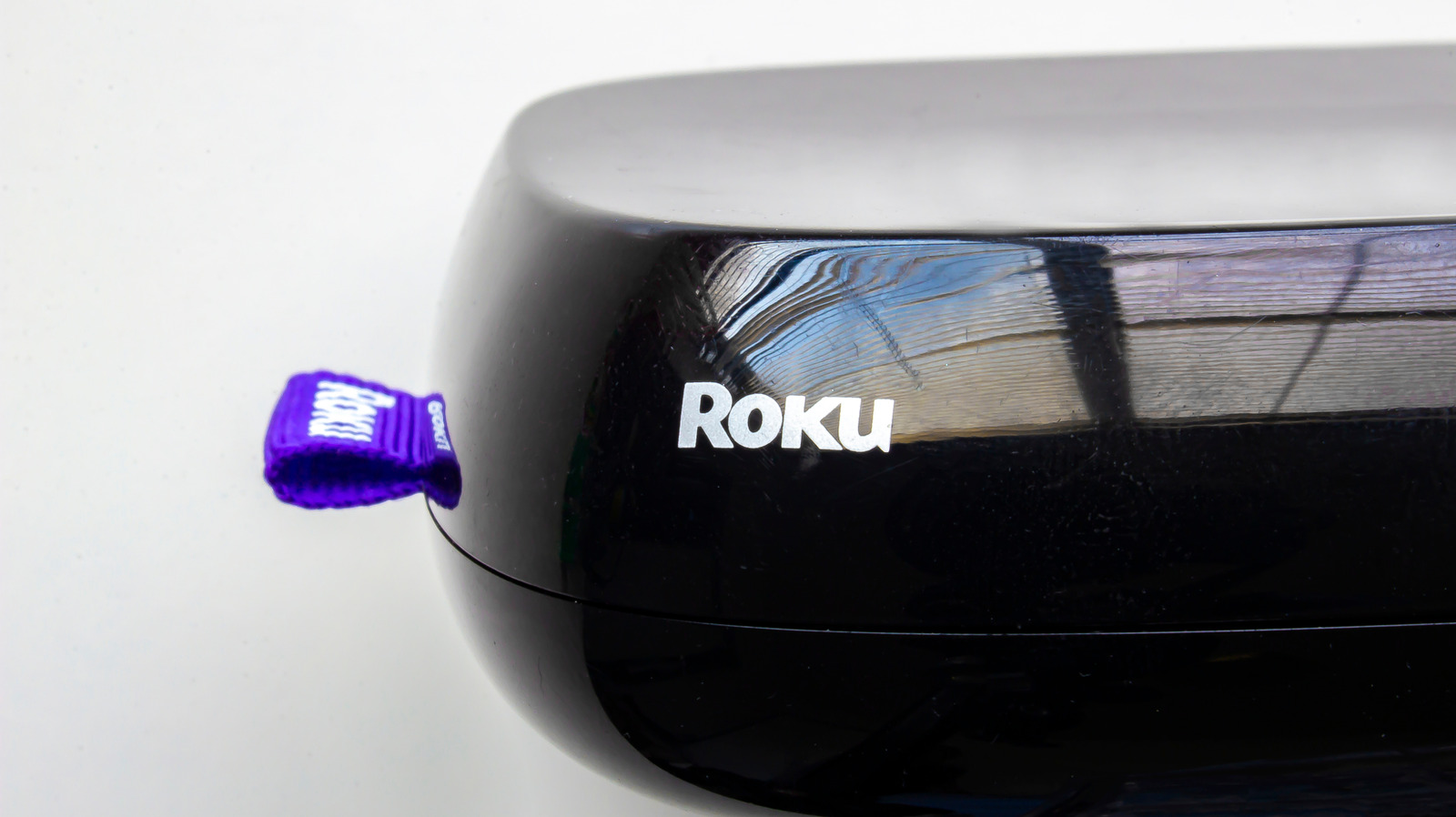
Roku devices that appear to turn off may be entering low-power mode rather than experiencing a hardware failure. Engadget reports that supported models can activate an auto power-saving feature after 20 minutes without streaming or user interaction, then attempt to turn off the connected television.
Users can wake the Roku by turning on the TV, pressing a button on the remote, using the mobile app, or casting content through AirPlay or supported apps. On models that support the feature, disabling the “After 20 minutes of no interaction” setting may prevent the behaviour. The setting may need to be changed again after a Roku reset.
If the problem continues, Engadget recommends checking that both the Roku and television are connected to a reliable power source. A television’s USB port may not provide enough power, so connecting the Roku directly to a wall outlet may help. Users should also unplug and reconnect the HDMI cable to rule out a loose connection.
The remote can be another possible cause. Removing its batteries can help determine whether it is sending unwanted commands. If the issue stops, users can try replacing the batteries, cleaning the buttons and checking that the remote is programmed correctly.
Television power-saving settings may also operate independently of the Roku. Another HDMI-connected device could be involved through HDMI-CEC, which allows devices to send commands to one another. Engadget suggests unplugging HDMI devices one at a time and reconnecting them individually to identify a possible source, then disabling HDMI-CEC on the device if necessary.