Why external drives still need a safe eject
Engadget says a completed transfer does not always mean a drive is idle: the computer may still be writing cached data or handling background tasks.
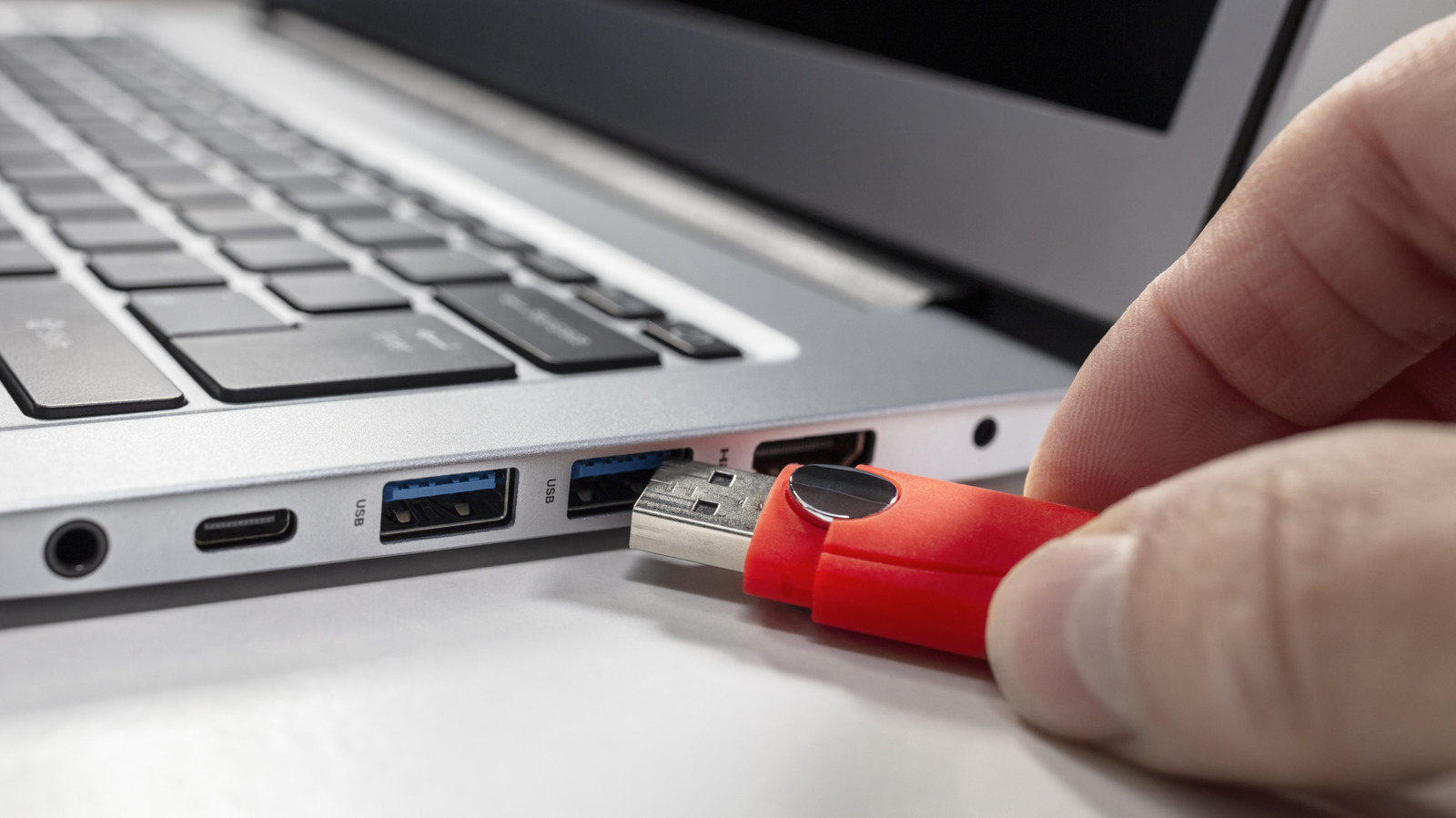
Unplugging an external drive as soon as a transfer bar finishes can leave the computer’s work incomplete, Engadget reports. Operating systems may still be writing cached data or updating file directories after the transfer appears done.
The risks include incomplete transfers and corrupted files or file systems. Corruption can go unnoticed, and in rare cases abrupt removal can damage a drive’s partition table, potentially leaving it unusable until repaired. These outcomes are risks, not certainties; Engadget says many drives show no apparent problem after being unplugged without ejection.
Activity can continue in the background. Engadget cites Time Machine backups and Spotlight indexing on macOS, while noting that operating systems handle drives differently. It also describes Windows 10’s Quick removal policy as reducing unsafe-ejection risks at a potential performance cost.
A drive may be safe to remove when it is genuinely idle, with no open files, active transfers or apps using it. But that state can be difficult to confirm because background tasks may be running without an obvious sign.
Engadget recommends ejecting or unmounting the drive before unplugging it. The operating system can finish any outstanding operation and indicate when removal is safe.