Samsung Galaxy battery guide focuses on settings, app use and health checks
Engadget outlines ways to reduce battery drain, while advising Galaxy owners to check battery status before assuming settings changes will address deterioration.
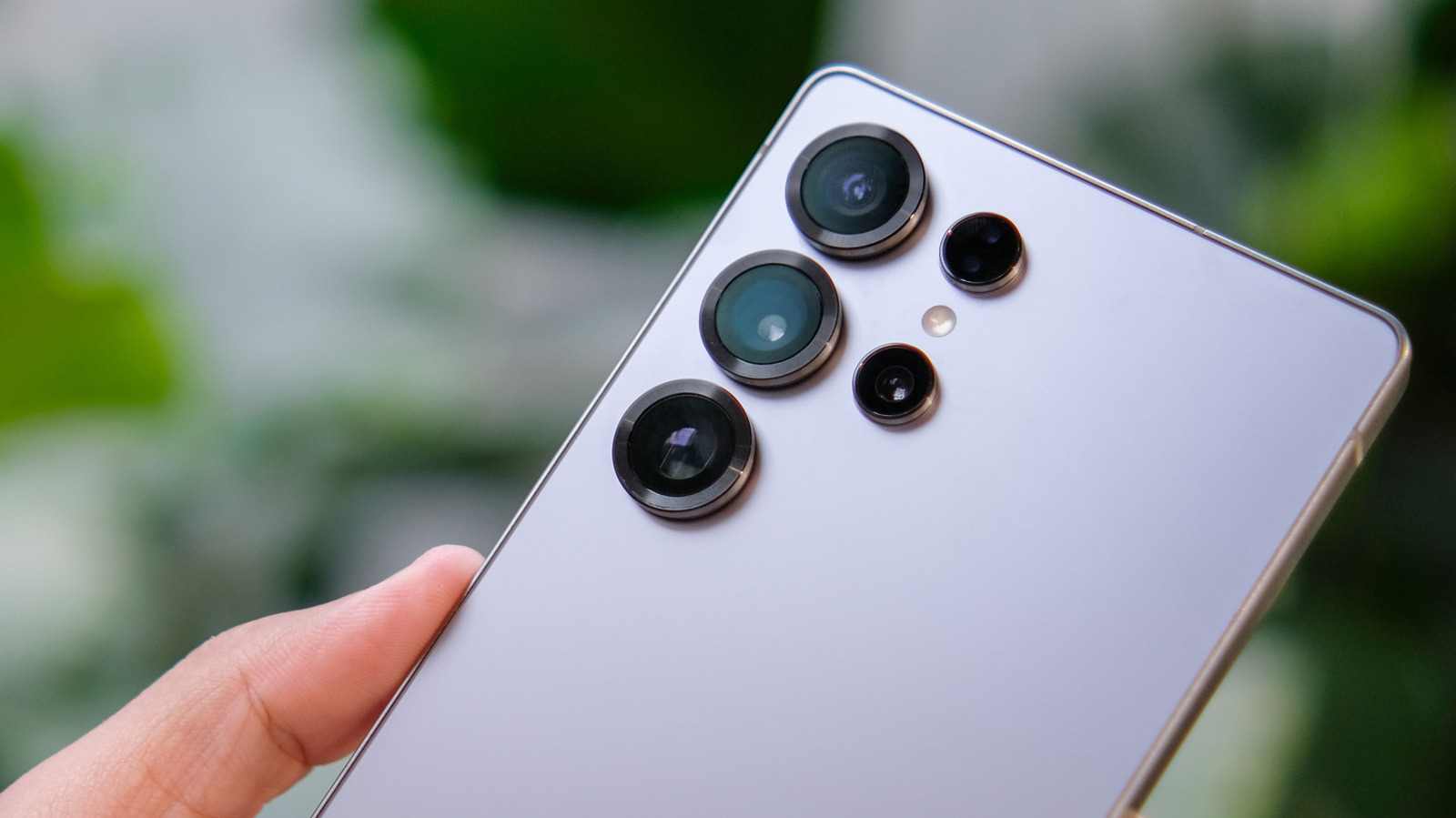
Engadget has published a guide to Samsung Galaxy battery performance, recommending software updates, background app controls and display adjustments as ways to reduce drain. It does not quantify the gains, which can vary by device, settings and usage.
The guide suggests using Battery and Device Care to identify apps consuming power, then placing rarely used apps in deep sleep. Samsung’s Power saving option can also restrict background apps’ access to Wi-Fi and mobile data.
Display changes include adaptive brightness and a shorter screen timeout. Some models allow users to reduce the refresh rate, trading smoother scrolling and animations for lower power use. Engadget also notes Samsung’s Light performance profile, which prioritises battery life over processing speed and does not apply to games.
Owners can switch off Bluetooth, Wi-Fi or location services when they are not needed. Samsung’s Battery protection settings also offer charging options, including a selectable maximum charge limit between 80 and 95 per cent.
For a battery health check, the guide directs users to Samsung Members, under Support and Phone diagnostics. Results are shown as Normal, Weak or Bad; a Weak or Bad result may warrant professional assessment or replacement. Menu names and available features can vary by model and software version.