MSI mode may smooth GPU performance, but it will not raise frame rates
Engadget reports that Message Signaled Interrupts can improve frame pacing and input latency on some older graphics cards, while warning against forcing the setting on unsupported hardware.
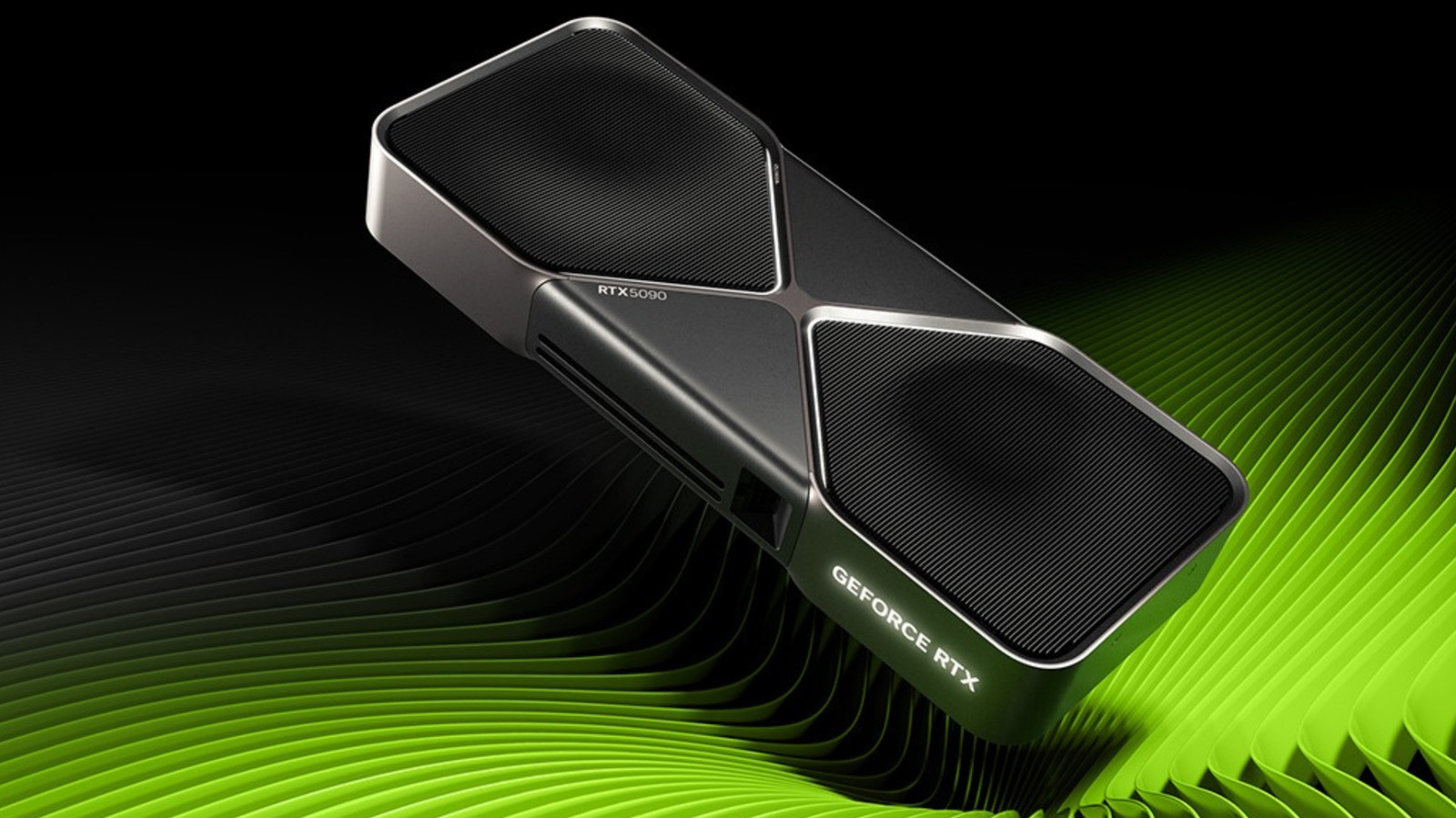
Message Signaled Interrupts, or MSI, may make some Windows PCs feel more responsive without making their graphics cards render frames faster. The setting can improve frame pacing and reduce input latency in systems affected by older, line-based interrupt handling, but it does not increase average frame rates.
Engadget reports that MSI allows hardware to communicate with the CPU by writing to specific memory addresses rather than sharing physical interrupt lines. Each interrupt arrives with an identifier for its sending device, reducing the possibility of delays caused by multiple components using the same line.
MSI was introduced in the PCIe 2.2 specification and incorporated into Windows Vista. MSI-X, an expanded version supporting more individual messages, followed with PCI 3.0. Windows uses MSI-X by default when a device supports it.
The setting is controlled by the MSISupported registry value, which is written by the hardware driver. Most modern graphics drivers reportedly enable MSI by default, including drivers for many recent AMD and NVIDIA models. Where it is disabled, the choice may reflect a manufacturer’s compatibility assessment.
Forcing MSI on can cause crashes, driver timeouts or an unresponsive device if the hardware has an incompatible implementation. Dell support guidance cited by Engadget describes a case involving certain Windows 10 SSDs that stopped completing reads and writes with MSI enabled; disabling the setting resolved the problem.
For users seeking higher frame rates, MSI is therefore not a performance unlock. Its potential benefit is improved consistency and responsiveness in specific configurations, and the supplied material does not identify which older graphics cards gain materially from the change.