Siri silence in the car: Why CarPlay voice failures are rarely the assistant's fault
New troubleshooting guidance suggests that voice assistant glitches on Apple CarPlay typically stem from iPhone configuration, connectivity limits, or vehicle infotainment systems rather than the AI itself.
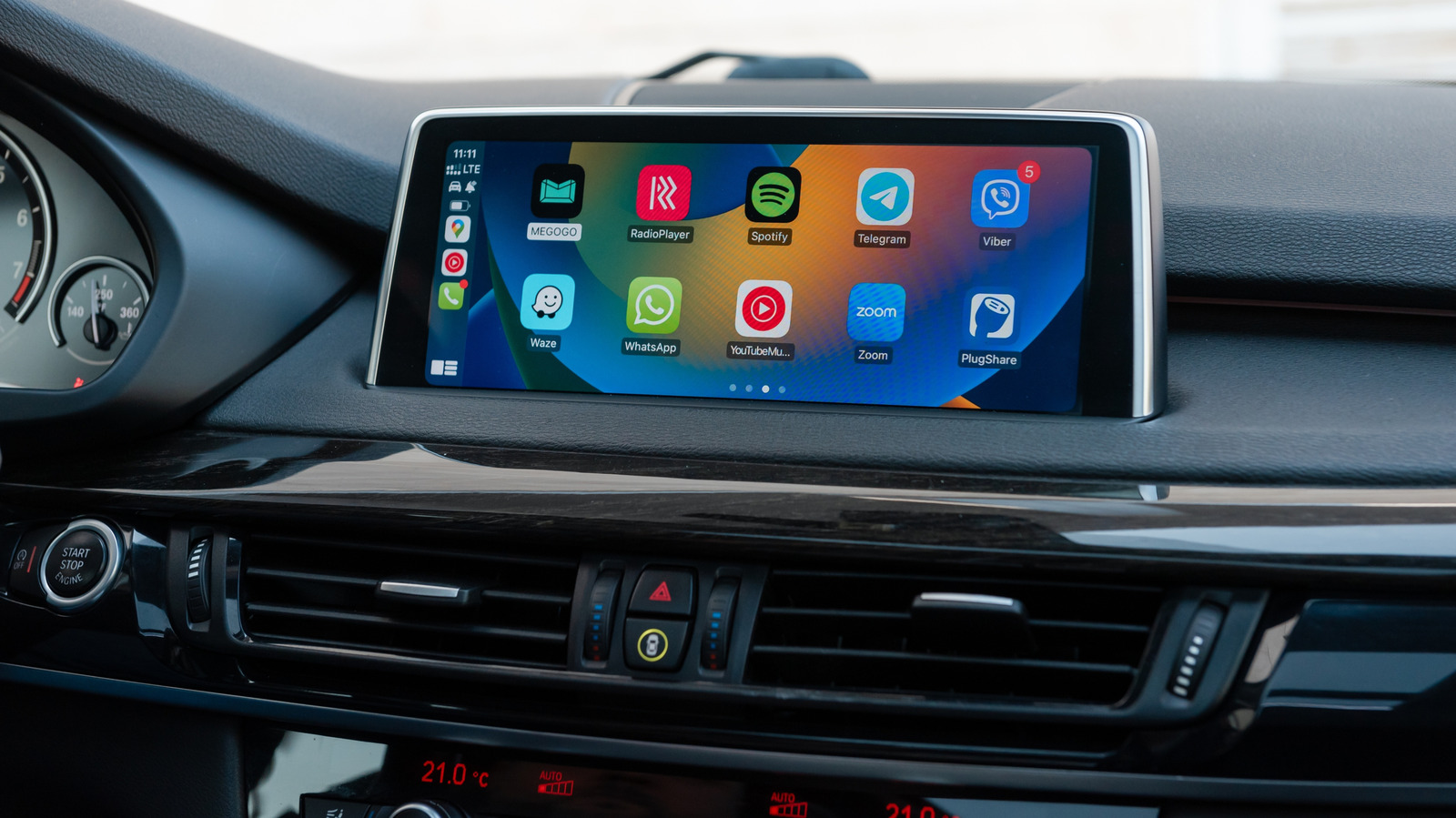
Drivers experiencing sudden silence from Siri on Apple CarPlay should look beyond the voice assistant itself, according to a recent troubleshooting guide published by Engadget. The report highlights that while the CarPlay interface may continue to display maps and stream music, the voice command function can fail due to underlying issues in iPhone settings, data connectivity, or the vehicle's own infotainment hardware.
The guide advises users to begin their diagnosis with the iPhone, as it is the easiest component to isolate. Apple maintains Siri's voice activation controls under the Apple Intelligence and Siri settings, where toggling the "Siri" or "Hey Siri" options off and on can resolve recognition issues. Users are also encouraged to repeat the voice-recognition setup if the assistant remains unresponsive.
Less obvious configuration errors can also disrupt functionality. For instance, Siri may be disabled when the iPhone is locked, a significant issue for drivers who leave their phones in pockets or cupholders. Additionally, CarPlay can be inadvertently disabled under the Screen Time settings, specifically within the Content and Privacy Restrictions section for allowed apps.
Connectivity remains a critical factor, as Siri requires an active internet connection to process requests even when the CarPlay dashboard appears fully operational. The guide notes that certain VPN profiles may interfere with this operation, although specific configurations are not detailed. A simple diagnostic test involves disconnecting CarPlay and testing Siri directly on the iPhone; if the assistant functions normally without the car connection, the fault likely lies in the vehicle's integration.
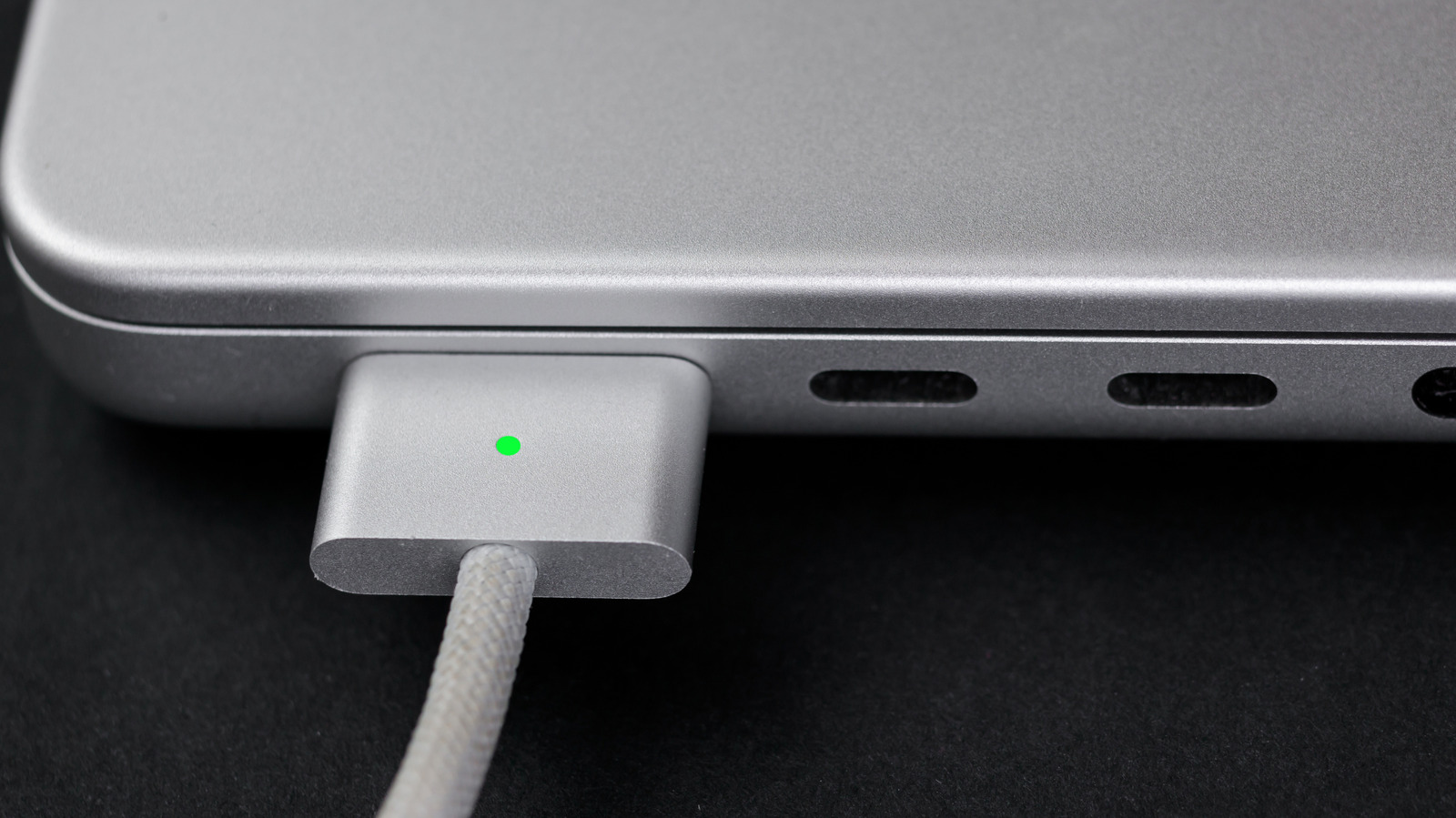
For wired setups, users should check for faulty USB cables or incompatible ports. Wireless CarPlay presents a more complex requirement, needing both Bluetooth and Wi-Fi to be active, with Auto-Join enabled for the CarPlay network. Failure in either connection can cause erratic behaviour despite the interface appearing stable.
If issues persist, Apple recommends restarting both the iPhone and the vehicle, or forgetting the car in the settings and re-pairing it. The guide also suggests checking with the vehicle manufacturer for infotainment firmware updates, noting that a simple restart may no longer suffice for modern systems. Finally, users should distinguish between a broken assistant and low volume, as Siri may be responding at a level that is difficult to hear in a moving vehicle.