Microsoft’s Xbox mode brings a controller-friendly gaming interface to Windows 11
Microsoft’s Xbox mode centralises game libraries from several launchers in a full-screen Windows 11 interface, but does not improve gaming performance.
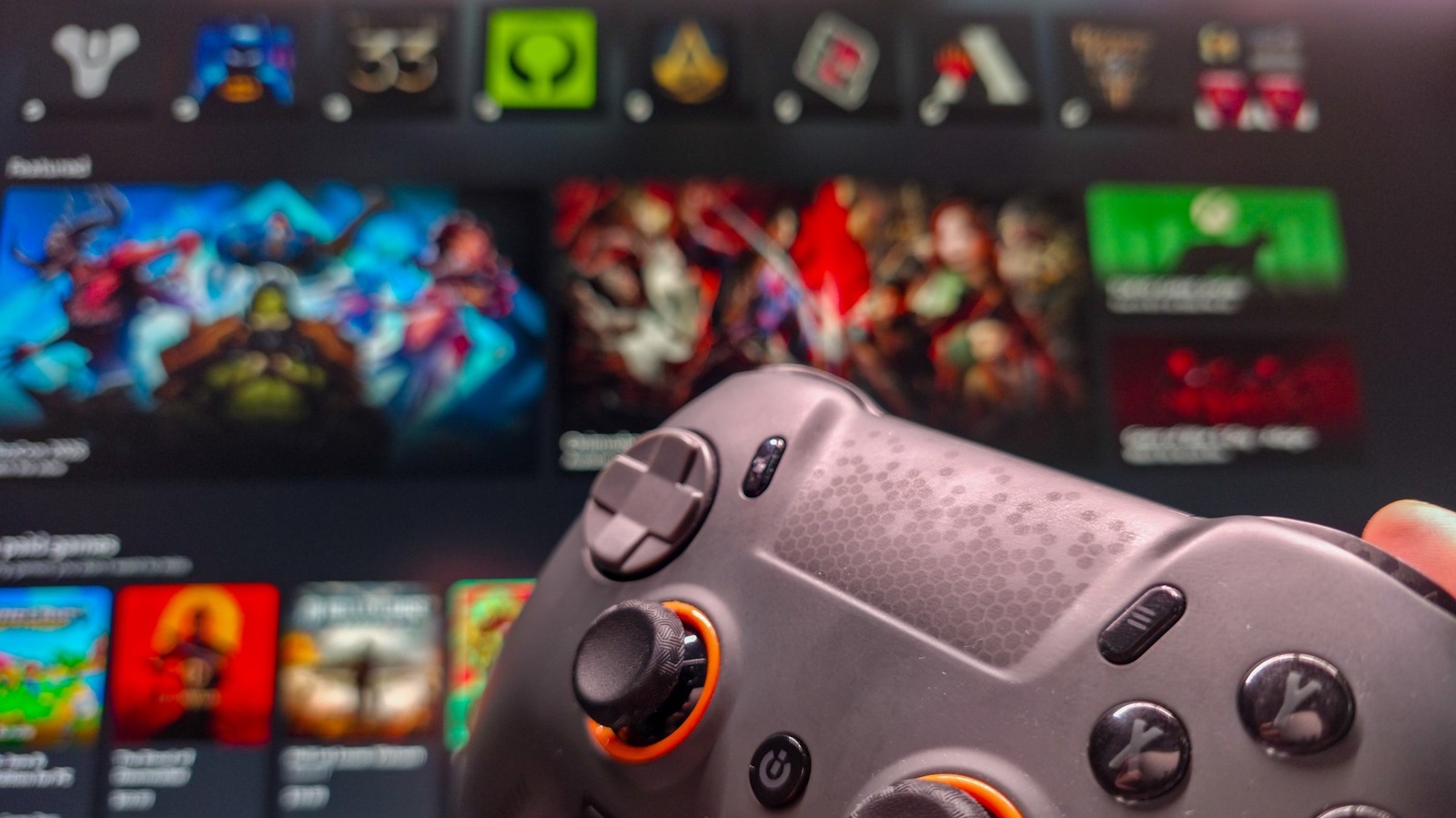
Microsoft’s Xbox mode is now available on Windows 11 PCs, giving users a full-screen interface designed for controllers and gaming. The feature began rolling out in May and reduces the need to interact with the standard Windows desktop.
Users can enable Xbox mode under Settings > Gaming > Xbox mode. It can then be opened with the Win + F11 shortcut, through Game Bar, the Xbox app or Task View. Microsoft also allows users to set Xbox mode to open at startup.
The interface brings libraries from multiple services into one place, including Steam, Epic Games, Battle.net, Ubisoft Connect and Humble Launcher. Xbox Game Pass libraries are also available, while Nvidia GeForce Now can be selected as the default cloud gaming service in the Xbox app.
Engadget, which tested the feature, reported that games launched successfully but that the process was not always quick or smooth. Opening third-party launchers before starting Xbox mode may speed up access.
Xbox mode is separate from Windows’ Game Mode, which is the setting intended to improve the gaming experience by reducing background activity. Engadget said the new interface is likely to be more useful on handhelds and living-room PCs than on conventional gaming desktops.