Make Google Maps easier to use in Apple CarPlay
An Engadget guide outlines ways to bring Google Maps within easier reach, from changing the default app where available to preparing routes and maps in advance.
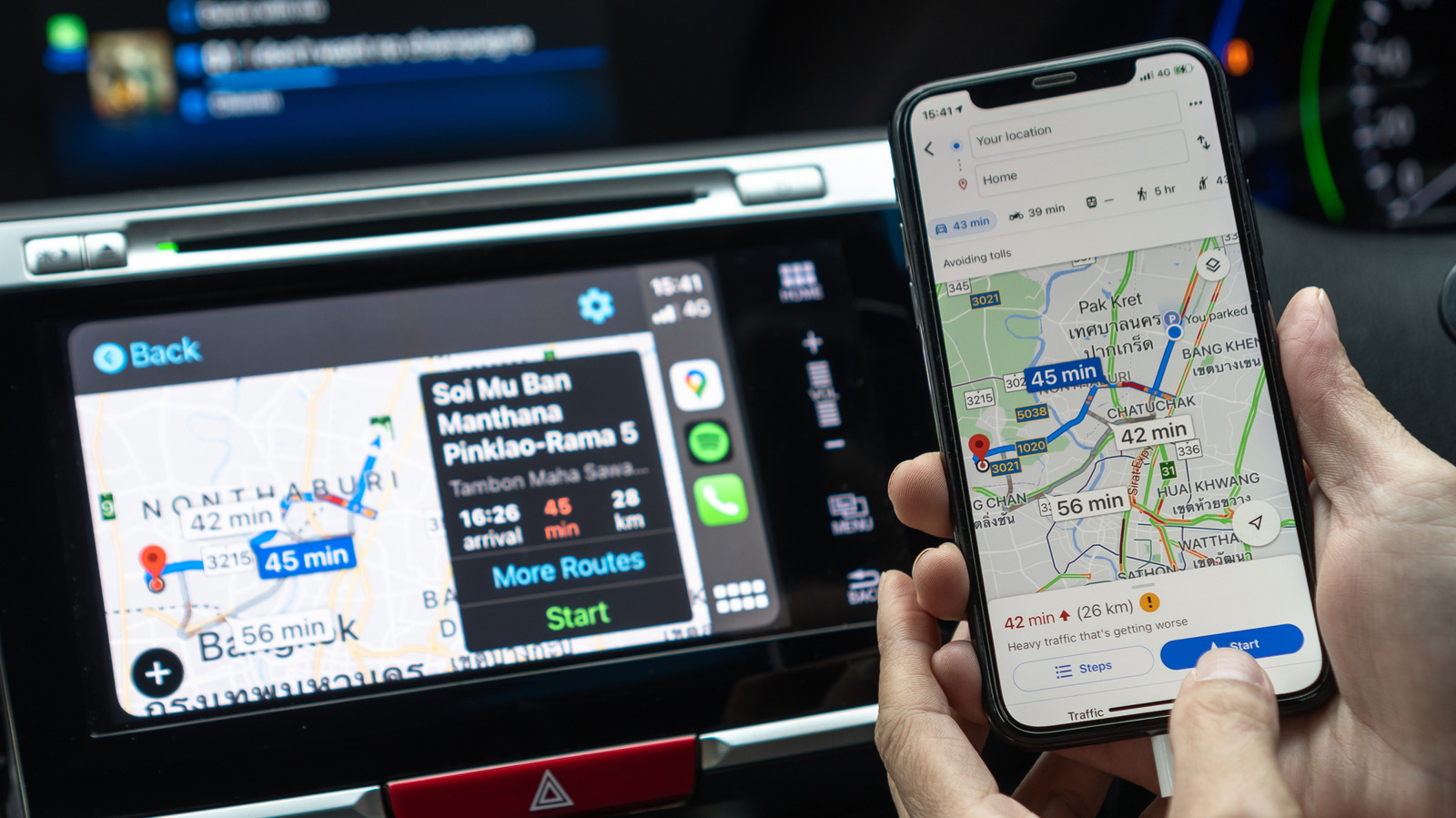
Google Maps can be used in Apple CarPlay, but Apple Maps remains the default navigation app in regions where iPhone settings do not allow users to choose another. An Engadget guide says people in the EU and Japan can select Google Maps in the iPhone’s Default Apps settings.
For drivers elsewhere, the guide recommends moving Google Maps near the top of the CarPlay Home Screen so it is easier to find. The app can also be added as a dashboard widget; some vehicles offer a split-screen panel that may display a Google Maps route.
Siri requests can be directed to Google Maps by adding “on Google Maps” to the end of a directions request. Google Maps must be installed on the iPhone, and its CarPlay settings let users add it to the app list if it is missing.
The guide also suggests saving home and work addresses in Google Maps to make common routes easier to start, and downloading offline maps for trips where cellular coverage may be unavailable. It recommends downloading large map areas over Wi-Fi.
Drivers can switch between north-up and heading-up views using the compass button. Map themes can be set to change automatically through CarPlay’s Appearance settings. Widget and dashboard behaviour can vary by vehicle.