Laptop fan cleaning guide urges caution before opening the chassis
Engadget recommends starting with the vents and checking a laptop’s service manual before attempting deeper cleaning.
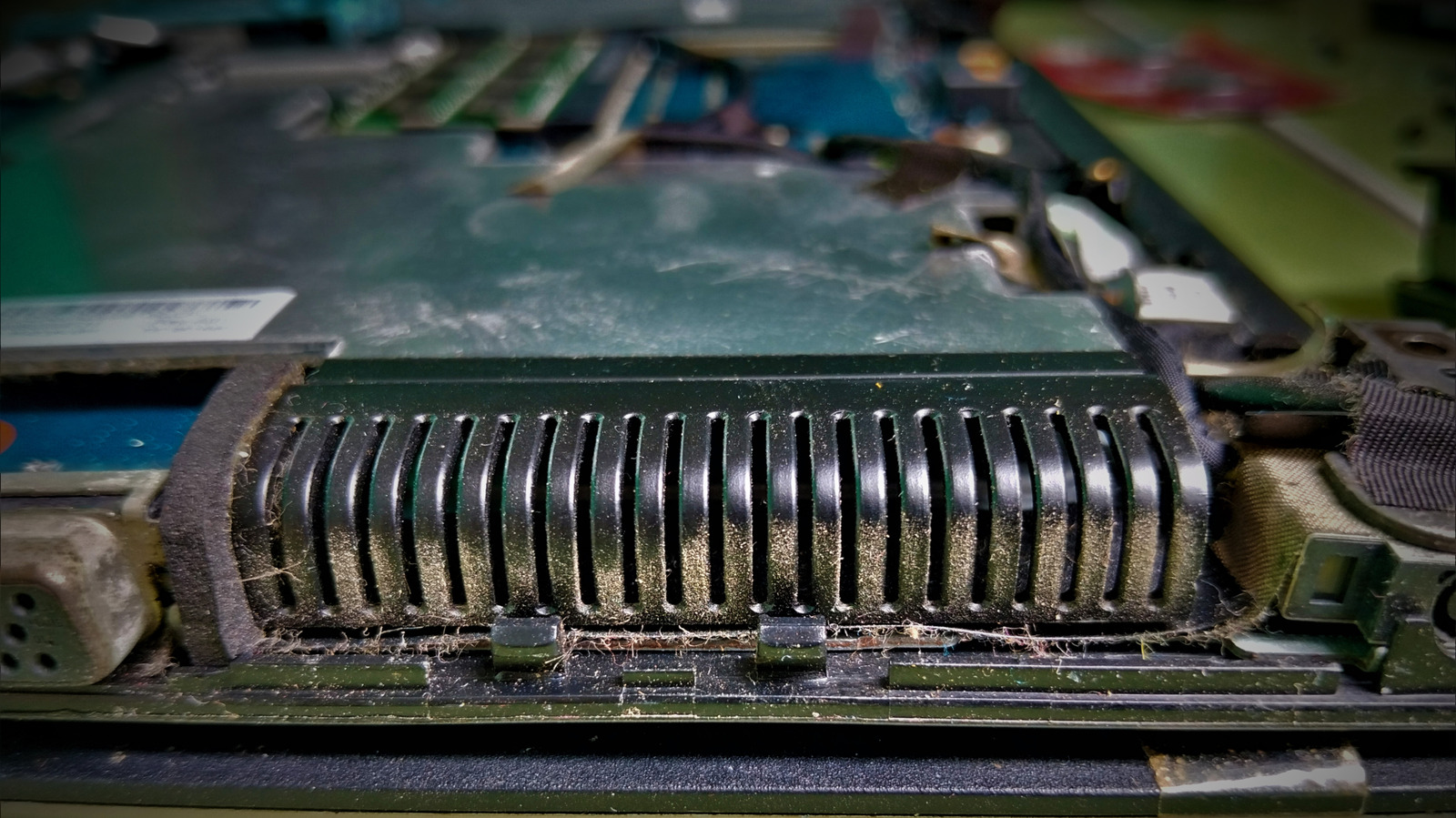
Dust around vents, fans and heat sinks can restrict airflow and contribute to thermal throttling, when a processor reduces performance to control temperature. Engadget’s guide to laptop fan cleaning recommends beginning with routine vent maintenance.
The guide advises turning the laptop off and unplugging it before using short bursts of electronics-safe compressed air through the vents. It also lists an ESD-safe brush, non-static cloth or hand-powered bulb blower as alternatives, and says standard WD-40 is not suitable for the job.
For dust deeper inside, access varies by model. Engadget recommends consulting the specific service manual before removing a cover or cooling component. A clean fan alone may not restore airflow if dust remains in a heat sink or exhaust fins.
Dell says some Alienware cooling-system procedures are intended only for authorised service technicians. It also cautions against using alcohol wipes on its Element 31 thermal material, which could be dissolved into conductive particles and create a short circuit.
Engadget cites Lenovo’s recommendation to clean laptop fans every three to six months, depending on the environment. The guide’s steps are general maintenance advice; cleaning may not resolve every overheating or performance issue.