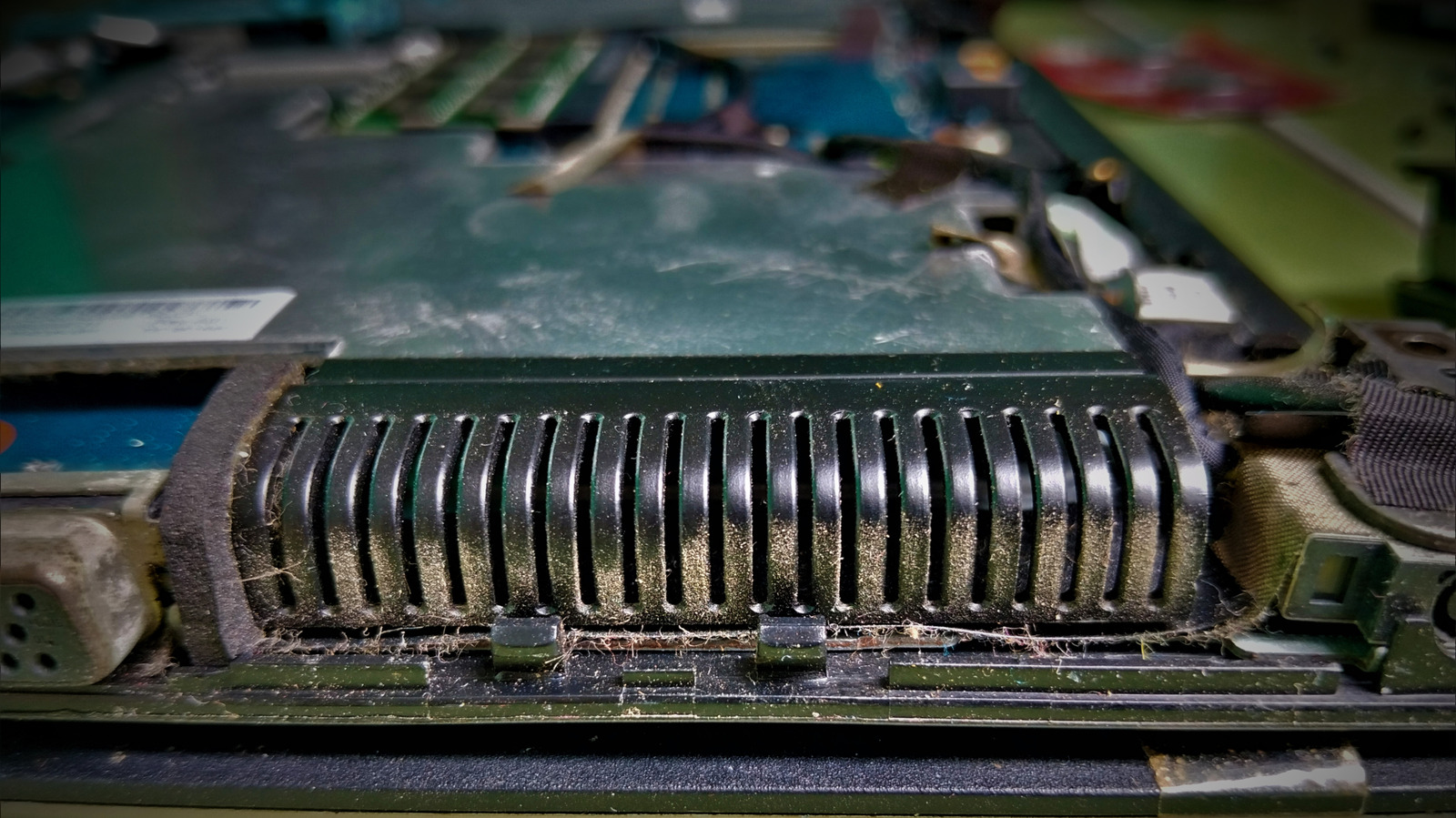
An old laptop can run Home Assistant, but the always-on cost matters
Engadget outlines a low-cost way to try the open-source hub, with setup effort, power use and device compatibility among the trade-offs.
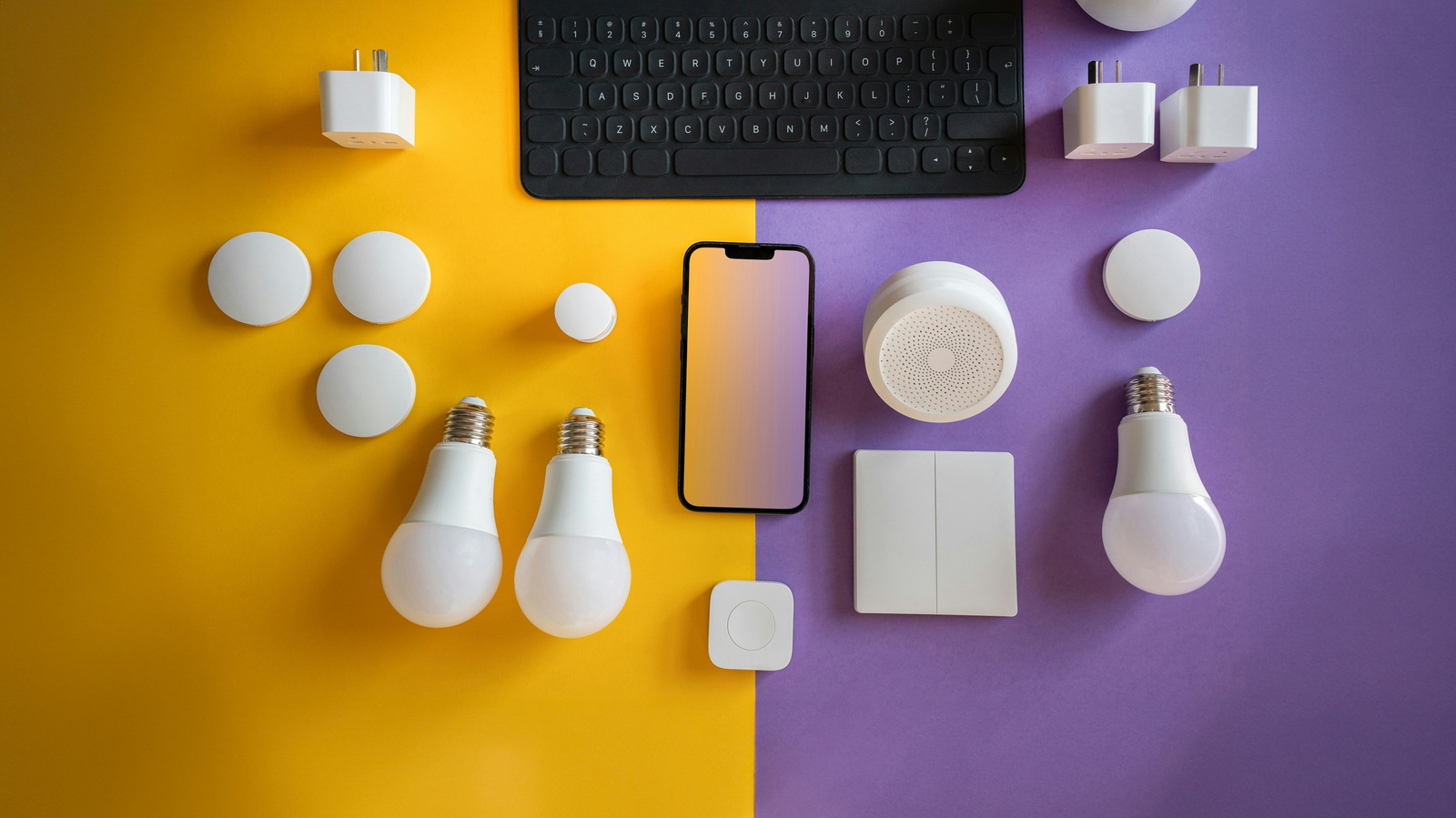
An older laptop can give Home Assistant a home without buying a Raspberry Pi or mini PC, according to a guide from Engadget. The open-source platform brings smart devices from different brands into one control system and can run automations across them.
Users can run Home Assistant OS in a virtual machine while keeping the laptop’s existing operating system, or install it directly and dedicate the machine to the hub. The VM option adds some overhead; direct installation replaces the existing operating system. The laptop must stay powered on and connected for automations to work.
Home Assistant supports integrations for services including Philips Hue, Google Nest, Ring, Sonos and Ecobee, though compatibility and setup requirements vary. Some integrations rely on manufacturer accounts or cloud services, while others can operate locally. Device discovery may be automatic, but some products require manual configuration.
Engadget recommends a stable connection, with Ethernet preferred and Wi-Fi also possible. Battery condition also needs attention before leaving a laptop running continuously; a swollen or damaged battery should not be used. The machine’s power settings must prevent it from sleeping, including the host system if Home Assistant runs in a virtual machine.
The setup can be a practical way to experiment, but continuous operation uses electricity, and an older laptop may draw more power than newer dedicated hardware. Engadget suggests starting with a few devices and moving to a more efficient machine later if the system proves useful.