How to safely dispose of an old television
Testing, data removal and careful recycling can help keep unwanted TVs out of landfill and give working sets a second life.
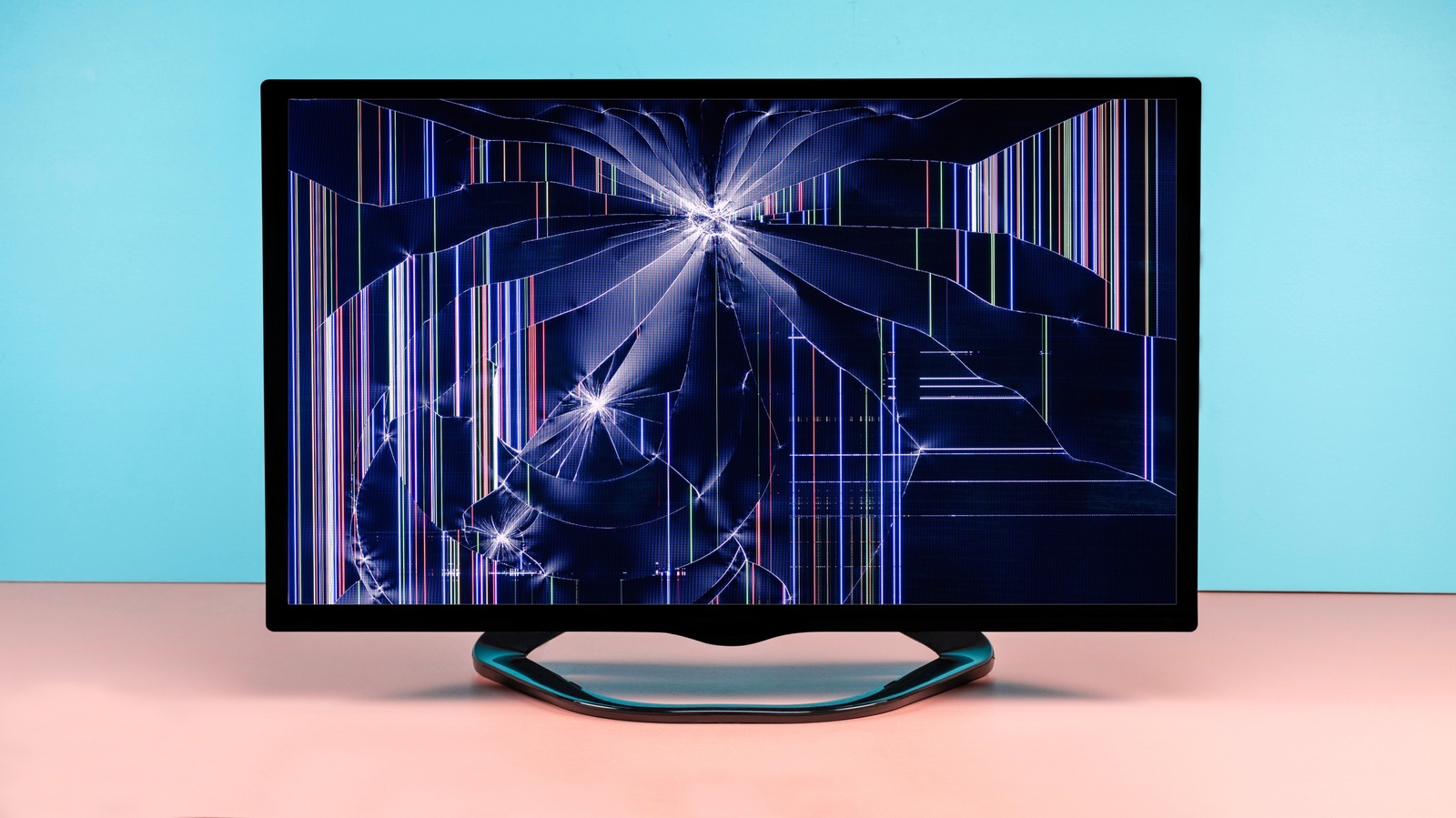
Disposing of an old television requires more than placing it in a rubbish bin. Engadget advises owners to assess the set’s condition, remove personal data and follow current local guidance before choosing reuse, donation, resale or e-waste recycling.
The first step is to test whether the television still works. Owners should check the picture, sound and remote, and use a streaming stick or set-top box to test the HDMI connection if available. A working TV could be sold, given away, donated or repurposed with newer streaming equipment.
Smart TV owners should sign out of apps, remove USB drives and streaming sticks, and perform a factory reset. The reset is generally found in the system menu; the user manual can provide instructions. Streaming services may also allow users to review and log out of devices remotely.
Televisions should not be placed in ordinary rubbish. Some sets may contain materials such as lead and mercury, while older CRT models require particular care because of their size, construction and potentially hazardous components. Owners should check council and other local e-waste guidance, including any fees, size limits and collection restrictions.
Possible options include local waste facilities, certified recyclers, retailer schemes and manufacturer take-back programmes, although availability varies by location. Engadget cites US examples including the EPA, Best Buy, LG, Samsung and Sony; these services should not be assumed to operate in Australia.
Large flat-screen televisions should be kept upright during transport, protected with suitable packing and handled by at least two people. CRT sets need additional caution and should not be opened or have their glass broken.