How to restart, reset and diagnose a Samsung Galaxy tablet
Engadget outlines restart options for slow, crashing or frozen Samsung Galaxy tablets, along with factory-reset and diagnostic tools.
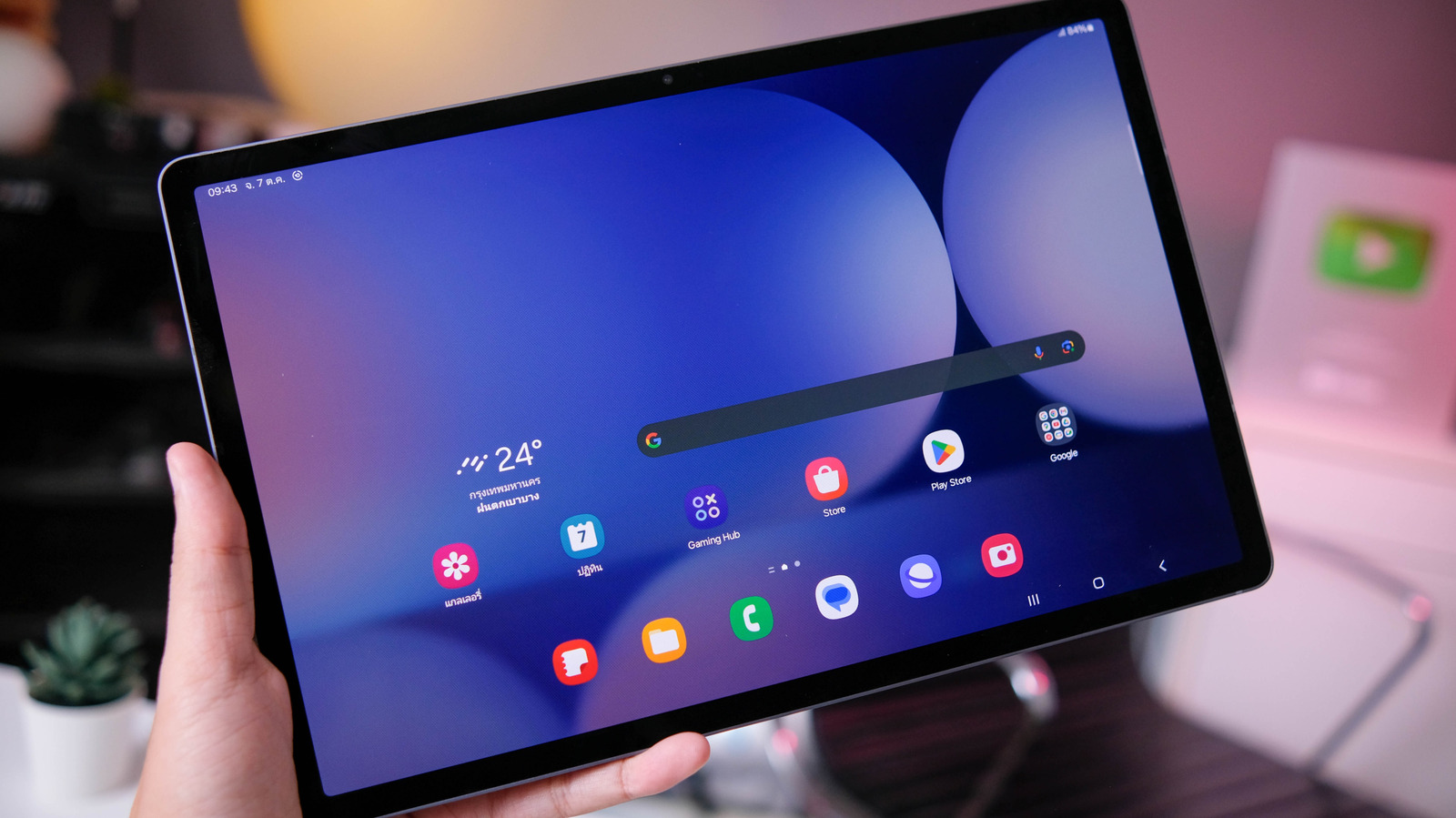
A restart is a straightforward first step for a Samsung Galaxy tablet that is running slowly, repeatedly crashing or showing an unresponsive app. Engadget outlines three approaches: a standard restart, a force restart and a recovery process for cases where the usual methods fail.
For a standard restart, users can press and hold the Power and Volume Down buttons, then select Restart from the power menu. The same option is available by opening the quick settings panel, pressing the power icon and confirming the restart. These methods generally retain stored data and apps.
If the screen has frozen, holding the Volume Down and Side/Power buttons at the same time can force the tablet to restart. A force restart generally does not erase stored data, although unsaved work may be lost. Button names and menu locations can vary by tablet model and software version.
If those methods do not work, Engadget says users can hold the Power button for up to two minutes, leave the tablet switched off for one minute and then try restarting it. Allowing the battery to drain completely, followed by 30 minutes of charging, is another recovery option, but it is not a routine troubleshooting step.
A factory reset is available through Settings > General Management > Reset > Factory Data Reset. It restores the tablet to its original state and permanently deletes apps, photos and personal data, so users should back up important files first.
For problems that continue after a reset, the Samsung Members app includes diagnostic checks for software, battery, network connections, sensors, buttons and cameras. Engadget notes that unresolved issues may require assistance from Samsung Support or a repair shop.