How to fix an iPhone message marked ‘Not Delivered’
Engadget outlines checks for connectivity, messaging settings, Apple service disruptions and SMS fallback when an iPhone message fails to send.
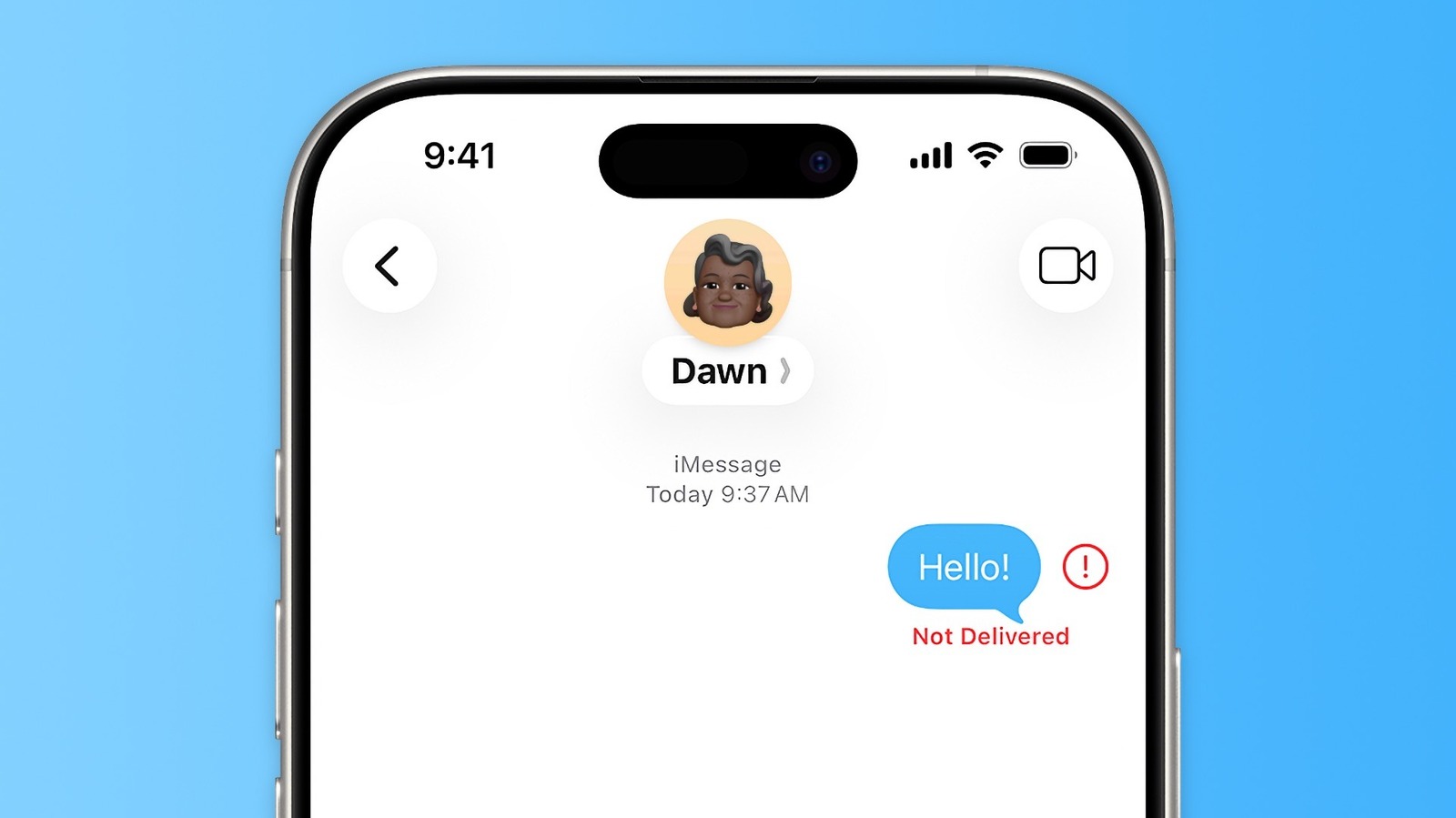
An iPhone message marked “Not Delivered” may reflect a problem with the phone, network or messaging service. Engadget’s troubleshooting guide covers iMessage, RCS and SMS, which are handled through Apple’s Messages app.
Users can first tap the red exclamation mark beside the failed message and try sending it again. Toggling Airplane Mode on and off may also refresh the phone’s connection to the cellular network.
iMessage and RCS require an internet connection, while SMS depends on cellular reception. If internet access is unavailable but cellular service is working, a failed message can be sent as SMS by selecting “Send as Text Message”. Users can also enable “Retry as Text Message” in Messages settings.
Engadget recommends checking that iMessage is enabled and that the correct phone number or email address is selected under “Send & Receive”. Disabling and re-enabling iMessage may refresh its connection to Apple’s servers.
Users should also check Apple’s System Status page for an iMessage disruption, confirm that MMS Messaging is enabled for photos and videos sent by regular text, and restart the iPhone. Installing the latest available iOS update is another suggested step.
If the problem affects only one contact, the recipient’s device or connection may be unavailable. Engadget also advises trying another contact, while noting that message failures can have several possible causes.