Ethernet splitters and switches serve different home-networking needs
Engadget’s guide separates basic passive splitters from powered devices and conventional switches, with speed and expandability the key considerations.
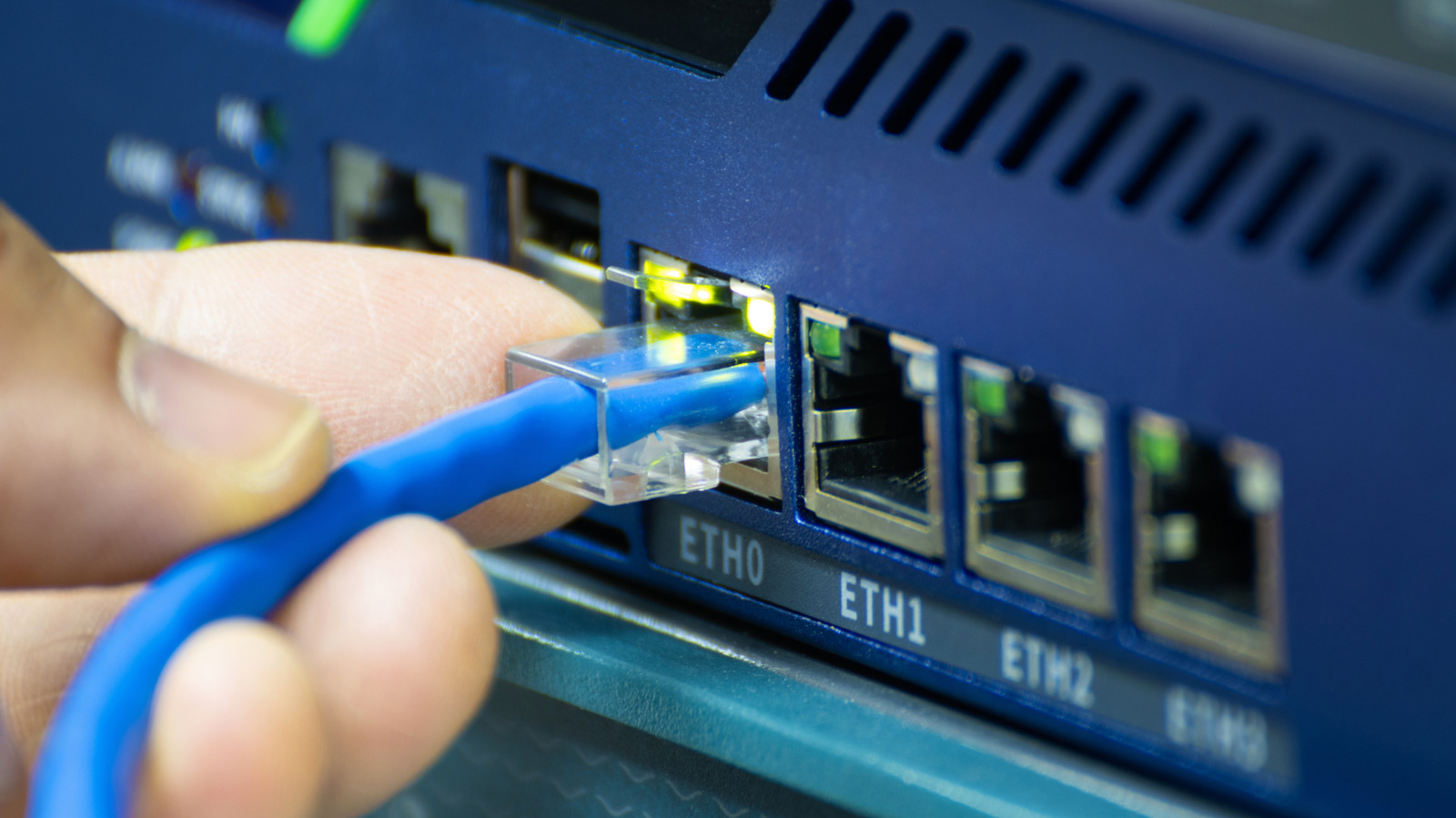
Ethernet splitters are not interchangeable devices, and choosing the wrong type can limit network speed or prevent connections from working. Engadget’s comparison says passive splitters have relatively few practical uses, while powered splitters operate more like compact network switches.
Cat5e and newer Ethernet cables contain four twisted pairs, or eight copper wires. Passive splitters divide those pairs into two separate two-pair connections, allowing them to carry only 10Mbps or 100Mbps Ethernet. They also require two units, one at each end of the cable run. A single passive splitter cannot make two independently usable connections from one router port because it only rearranges the wiring and does not manage network traffic.
Powered splitters include switching hardware and can provide fully functional ports at the connection’s supported speed, including Gigabit Ethernet and beyond. They require power and allow multiple devices to connect through one upstream Ethernet connection, but devices used at the same time share the available upstream bandwidth.
For users needing only one or two extra ports, Engadget says an active splitter may be suitable. Those requiring more connections or room to expand are better served by a conventional Ethernet switch, which typically offers several ports and broader scope for future use.
Unmanaged Gigabit switches are generally sufficient for home networks. A 2.5Gbps model may be useful for faster local-network tasks, such as transfers to network-attached storage, or for future-proofing, provided the router, cabling and connected devices support that speed.