Engadget outlines method for voice-controlling non-Roku TVs via HDMI-CEC
A guide published by Engadget details how to programme Roku remotes to manage power and volume on external televisions using HDMI-CEC compatibility.
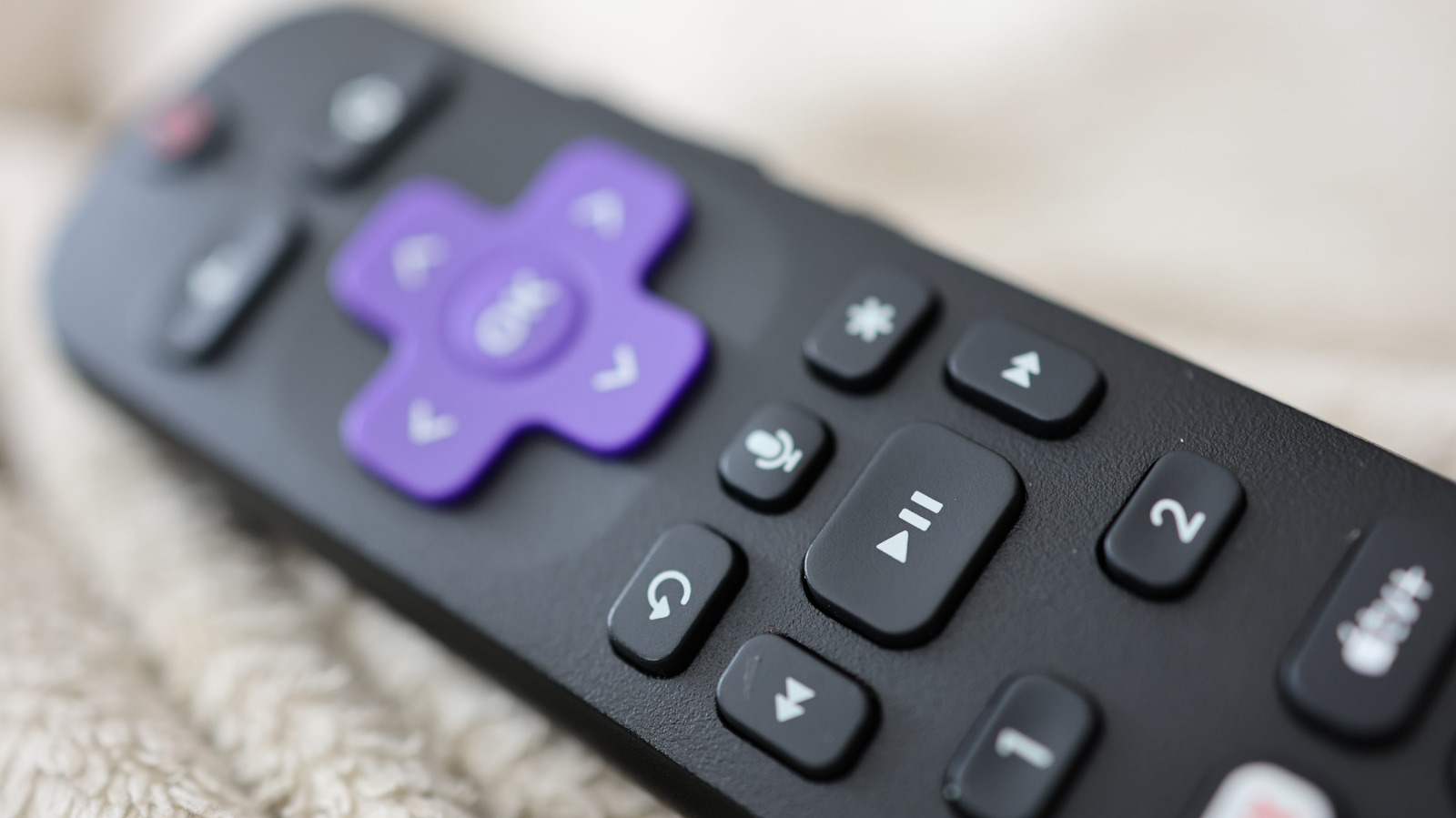
Engadget has published a technical guide detailing how users can programme Roku remotes to control non-Roku televisions through voice commands. The functionality relies on HDMI-CEC compatibility, a standard feature in many modern televisions that allows connected devices to manage each other. This setup enables users to handle basic TV functions, such as power and volume, directly through the Roku interface, reducing the need for multiple remotes.
All current-generation Roku streaming players include remotes with voice control capabilities, with the exception of the remote supplied with the Roku Streambar SE. Users can verify if their remote supports voice commands by looking for a button with a microphone icon located below the D-pad controls. This hardware feature allows for hands-free operation once the device is correctly configured.
To enable TV control, users must navigate to Settings > Remotes & devices > Remotes on the Roku device and select 'Set up remote for TV control'. The setup process requires the Roku device to identify the TV's brand and model, which often involves performing basic control tests such as adjusting the volume. Roku recommends connecting the streaming device directly to the TV during this initial setup if it is currently connected to a receiver, to aid in accurate identification.
Specific HDMI-CEC implementations vary by manufacturer, with different naming conventions. For instance, Samsung refers to the feature as Anynet+, while Sony labels it Bravia Sync. Users must ensure these features are enabled in their television's settings menu for the voice control to function correctly.
For Roku Voice Remote Pro users, voice control of the TV requires HDMI-CEC to be enabled on both the TV and the Roku device settings. Once configured, users can utilise the "Hey Roku" wake word to turn the TV on or off, or adjust the volume, without pressing any physical buttons. The Roku interface also supports AI-powered voice control for launching apps and finding content.