Meta Display glasses add Audio Only mode for driving
Meta’s glasses can disable their visual display when Driving Detection identifies that the wearer is driving, while retaining calls and voice commands.
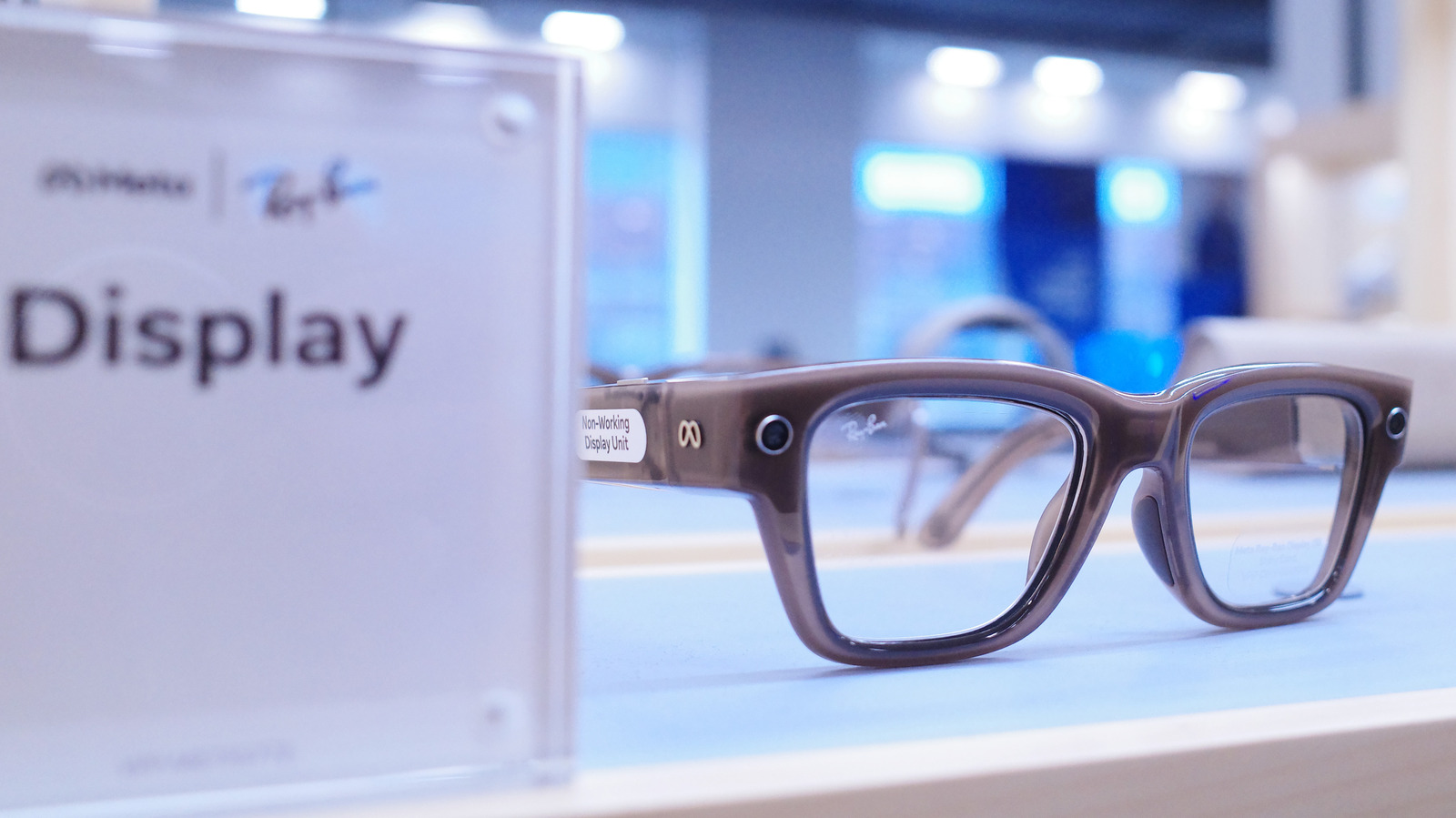
Meta Display glasses can automatically switch to Audio Only mode when the Meta AI app’s Driving Detection feature identifies that the wearer is driving, according to Engadget.
The mode turns off the glasses’ visual display while preserving hands-free calls and voice commands. Users can enable Audio Only and Driving Detection in the Meta AI app by opening Settings, selecting their glasses and entering Device Settings.
The glasses can also be switched manually using the voice command, “Hey Meta, turn on/off audio only.” The display is reported to reactivate automatically after the wearer leaves the vehicle.
Audio Only does not add driving navigation capabilities. Meta Display glasses currently support pedestrian navigation, but do not provide driving directions, real-time traffic updates or lane guidance.
Driving Detection reportedly uses the glasses’ internal sensors to identify when the wearer is in a moving vehicle. The report does not specify how accurately it distinguishes a driver from a passenger, what phone permissions are required, or whether the feature is available across all regions and software versions.
Disabling the display may reduce screen-related distractions and battery use, although Audio Only does not remove every potential distraction while driving.