Engadget guide outlines hardware and software strategies for high-fidelity PC audio
A new technical guide from Engadget details how users can bypass the audio compromises inherent in modern computing hardware to achieve studio-grade sound reproduction.
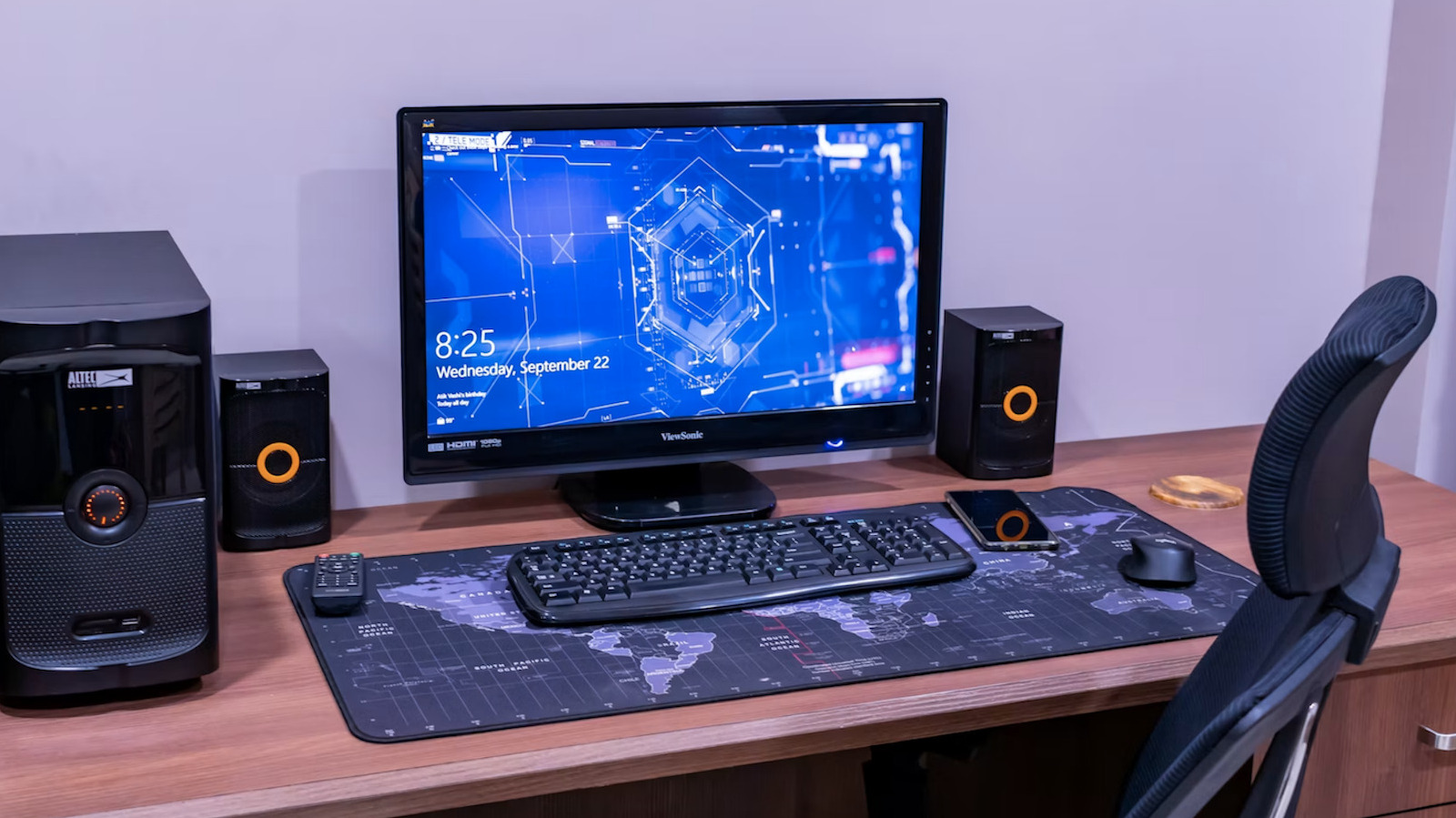
Modern desktop PCs and laptops are rarely engineered with high-end audio components as a primary focus, with manufacturers typically allocating budget towards graphics cards and central processors. While laptop manufacturers such as HP have partnered with Bang & Olufsen and Samsung has integrated Harman Kardon technology to improve onboard sound, physical form factors remain a significant constraint. Consequently, Engadget has published a comprehensive guide recommending external solutions to overcome these hardware limitations and enhance sound fidelity.
The guide identifies external speakers with integrated digital audio converters (DACs) as a superior alternative to standard built-in systems. While wireless setups offer convenience, they are noted to produce thinner sound profiles compared to wired options. High-end Wi-Fi speakers are recommended over Bluetooth devices due to their higher bandwidth capabilities, which better support high-resolution audio transmission. For users seeking deeper bass response, systems featuring standalone subwoofers are suggested, with the option to place the subwoofer discreetly under a desk or entertainment unit.
For those with limited space, high-end headphones paired with portable DACs provide a potent solution. These USB-based converters, often the size of a thumb drive, deliver higher-quality decoding than a computer’s internal DAC. The guide advises against relying on standard gaming headsets for top-tier audio, recommending open-back or closed-back studio monitors instead. Wireless headphones are acknowledged as a viable option for many users, as modern iterations often include built-in DACs and amplifiers that mitigate the need for additional hardware.
Software configuration plays a critical role in audio performance. Engadget suggests using equalisation apps to tune sound output to specific room acoustics, such as reducing bass frequencies in rooms that naturally accentuate low-end tones. Loudness applications can push volume limits on built-in speakers, but the guide warns that excessive amplification can cause distortion and potentially damage speaker components over time. Additionally, users are advised to optimise their operating system by deleting unused files, limiting background processes, and partitioning drives to separate the operating system from audio files.
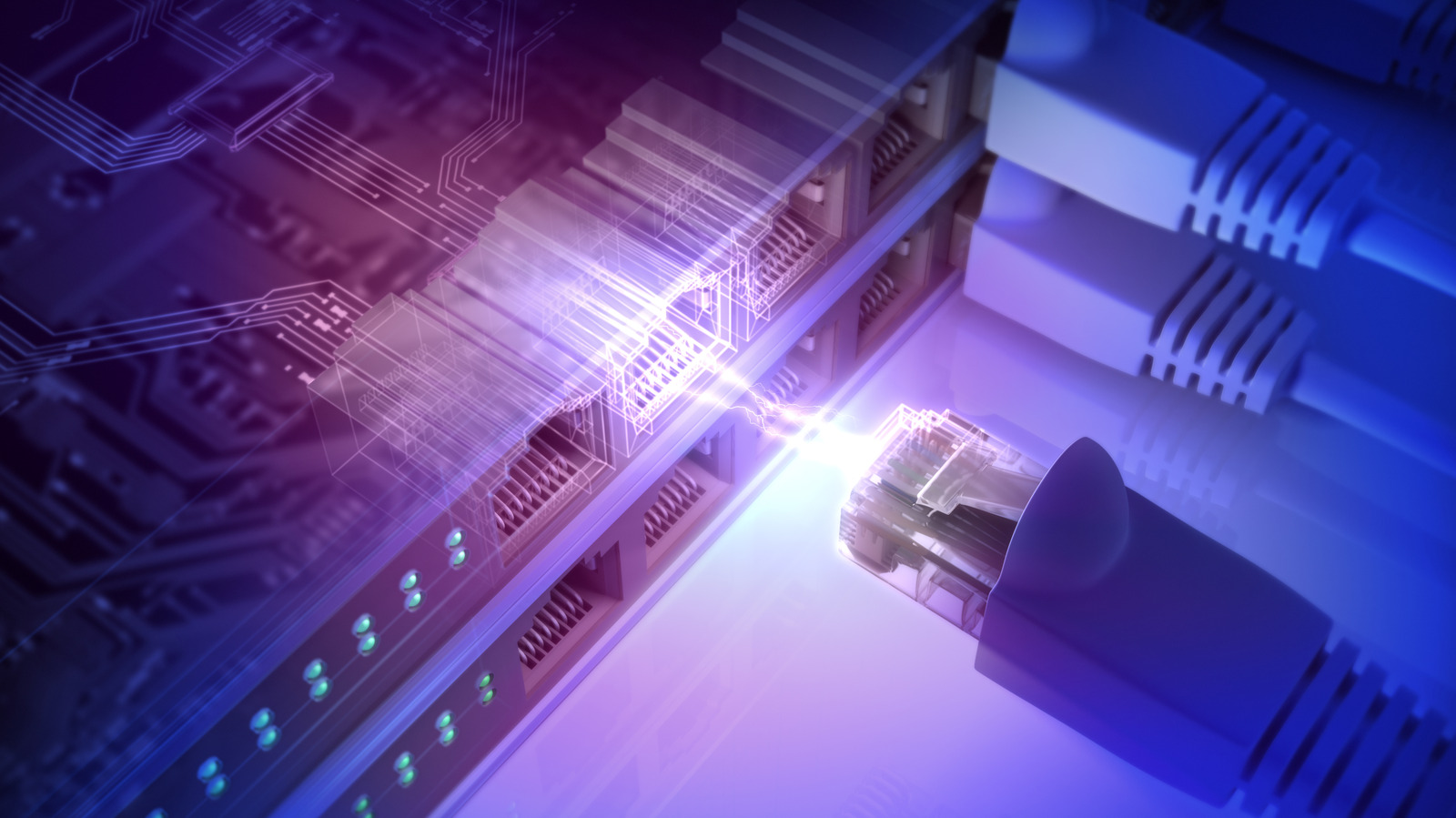
The source material emphasises the importance of source file quality and physical setup. Users are encouraged to utilise high-resolution formats such as FLAC, WAV, AIFF, and ALAC rather than heavily compressed MP3s, despite the larger storage requirements. Physical interference is also a key factor; the guide recommends minimising vibrations, using acoustic absorption materials, and raising speakers off desks. Furthermore, shutting down computer displays during playback can reduce high-frequency noise emitted by LCD screens, and a wired Ethernet connection is preferred over Wi-Fi to prevent jitter or lag during hi-res streaming.
While AI tools are available for audio enhancement, the guide notes their utility is primarily limited to cleaning up degraded audio from old sources, such as cassette recordings, rather than improving standard digital streaming. For home audio integration, users can connect computers via 3.5mm-to-RCA cables or standalone USB DACs with RCA ports. Wireless integration is also possible through Bluetooth-enabled systems or wireless USB DACs, allowing for seamless streaming to existing stereo setups.