Engadget guide contrasts traditional and AI photo upscaling methods
A recent Engadget report details how traditional algorithms and artificial intelligence tools handle image enhancement differently, while outlining the specific utility of JPEG, PNG, WebP, and HEIC formats for various use cases.
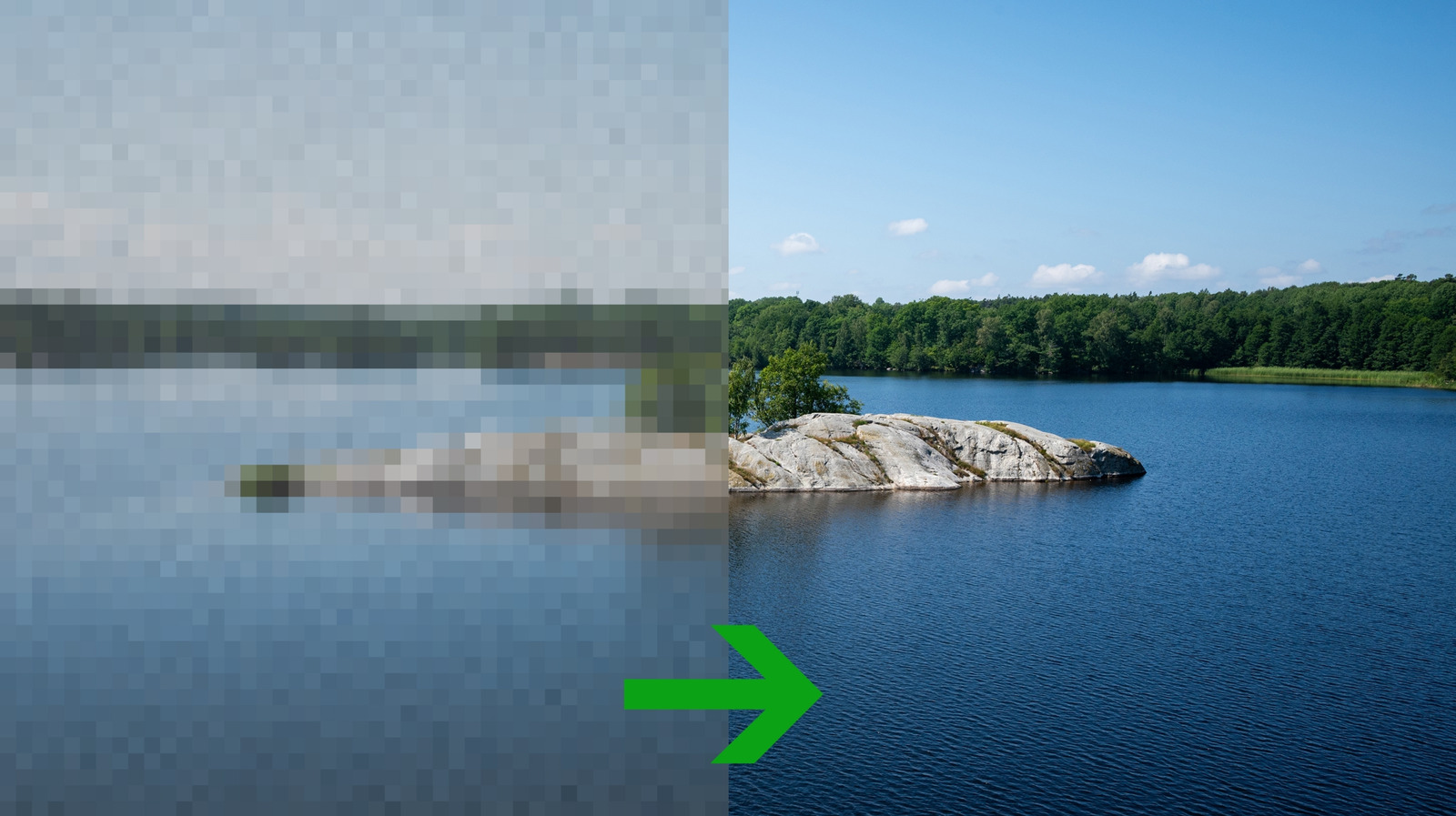
Image upscaling is frequently treated as a straightforward task, yet the results can be inconsistent depending on the method employed. Engadget has published a guide examining the technical distinctions between conventional pixel-averaging algorithms and newer artificial intelligence-based tools, alongside an assessment of common image formats. The report highlights that while AI can significantly enhance clarity, it may introduce inaccuracies, making it unsuitable for images requiring strict fidelity.
Traditional upscaling methods function by generating new pixels based on the averages of surrounding pixels. The nearest-neighbour algorithm copies the nearest pixel wholesale, which preserves the blocky aesthetic of pixel art and diagrams but introduces aliasing and jagged edges on regular photographs. Bilinear upscaling averages four surrounding pixels, often resulting in an overly soft image, whereas bicubic upscaling considers 16 pixels to produce sharper results with fewer jagged edges, though it may introduce halos.
In contrast, AI upscaling utilises prediction models trained on millions of high-resolution images to fill in gaps. This approach can remove grain from older photographs and produce cleaner, more saturated results. However, the AI may hallucinate details not present in the original source. For instance, an AI upscaler was reported to add eyes to a blurred face in album art, assuming the presence of features based on training data rather than the source image. Consequently, AI is discouraged for images where accuracy is paramount.
The choice of image format also dictates how an image can be utilised. JPEG remains the most widely compatible format due to its lossy compression, which keeps file sizes small and makes it ideal for large photo libraries. However, it does not support transparency and degrades with repeated editing, making it less suitable for logos or text.
PNG offers a lossless alternative that supports transparency through an alpha channel, retaining quality during editing. This makes it the preferred format for logos, illustrations, and screenshots, despite resulting in larger file sizes compared to JPEG. For web usage, WebP provides a more efficient option, being approximately a quarter the size of PNG and between 25 and 34 percent the size of JPEG, which facilitates faster website loading times.
For users within the Apple ecosystem, HEIC is the default format, offering file sizes roughly half that of JPEG while retaining full detail and editing history within the Photos app. However, HEIC has limited compatibility outside of Apple devices, often requiring third-party extensions or viewers for Windows systems.