Drivers can tame Siri’s interruptions in Apple CarPlay with new settings guide
A new guide from Engadget outlines specific configuration changes to reduce Siri’s intrusiveness, balancing safety and audio continuity for drivers using Apple CarPlay.
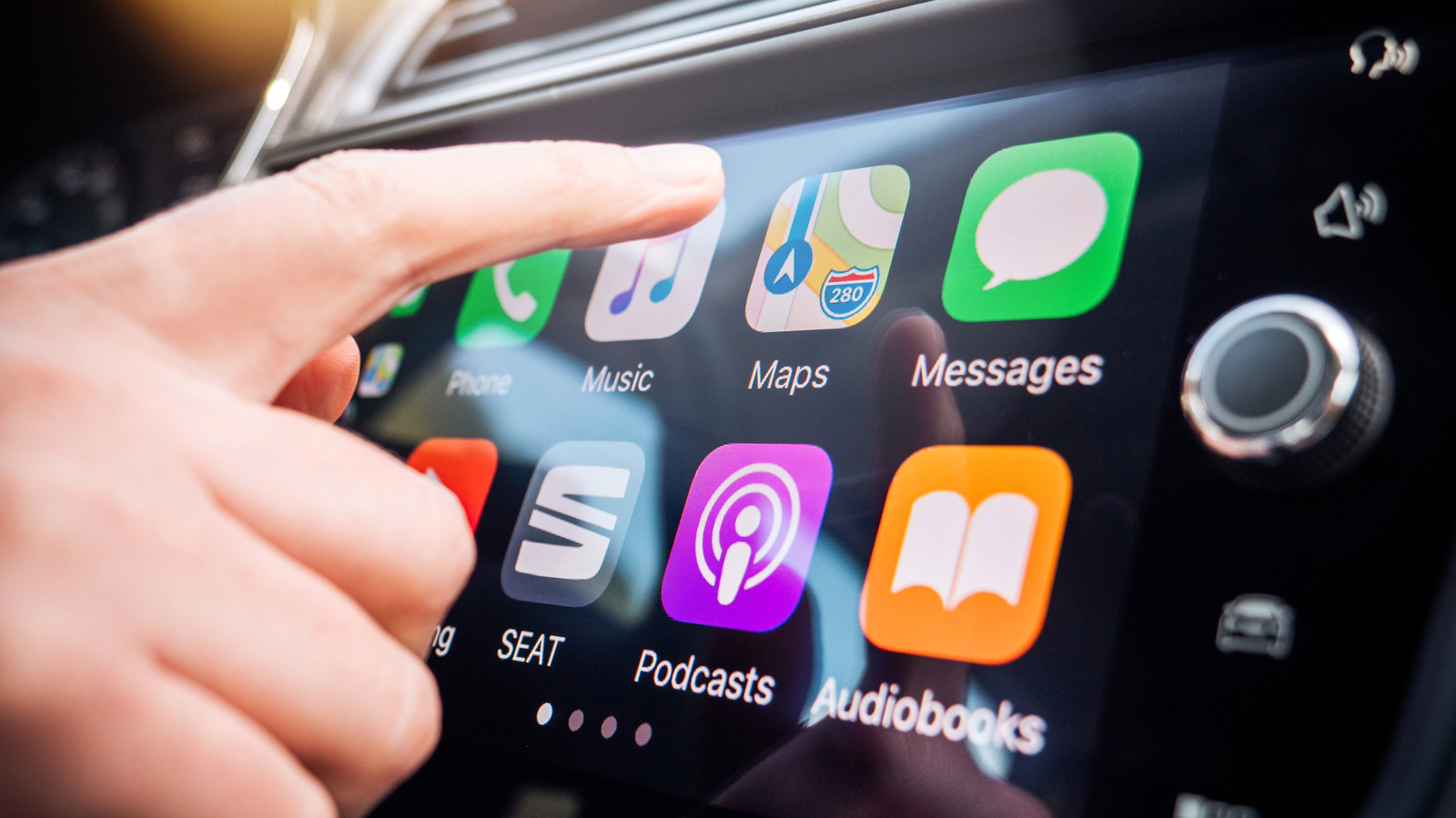
Apple CarPlay has become a standard interface for in-car connectivity, yet the constant interruptions from Siri remain a source of distraction for many drivers. According to a guide published by Engadget, while Siri is currently required for CarPlay to function, users can significantly limit its intrusiveness through a series of specific settings adjustments. The primary goal is to prevent the assistant from talking over music, podcasts, or in-car conversations, thereby reducing the risk of distracted driving.
The most effective method recommended is the activation of the Driving Focus mode. This feature, an extension of the Do Not Disturb function, allows users to filter notifications to a selected list of contacts. By enabling this mode, drivers can ensure that only alerts from chosen individuals appear on the screen, while spam calls and non-essential messages are silenced. The guide notes that this mode can be set to activate automatically when CarPlay is connected, providing a seamless transition into a quieter driving environment.
To further reduce auditory clutter, the guide advises disabling the "Announce Messages" feature within the CarPlay menu. This stops Siri from reading incoming alerts aloud during a trip. Additionally, users are encouraged to enable "Reply Without Confirmation" in the notification settings. By default, Siri reads back a spoken reply for confirmation before sending it; turning this off streamlines the process, allowing drivers to send messages in a single step without the extra verification loop.
For those experiencing issues with Siri stopping unexpectedly due to road noise or other passengers speaking, the "Require 'Siri' for Interruptions" setting in the Accessibility menu offers a solution. When enabled, Siri will not pause its current task unless the user explicitly says the wake word. The guide also suggests adjusting the Siri Pause Time to "Longer" or "Longest" to give drivers more time to formulate a response without the assistant timing out.
Activation controls can also be tightened to prevent accidental triggers. By turning off "Talk to Siri" in the Apple Intelligence and Siri settings, users can restrict activation to the steering wheel button or the phone’s side button. In some vehicles, the volume knob can also be used to adjust Siri’s volume independently of music playback, though this feature varies by vehicle model.
Finally, navigation apps such as Apple Maps, Waze, and Google Maps offer customisation options for audio guidance. Drivers can choose to play alerts only, rather than full spoken directions, which provides a balance between safety and audio continuity. For Google Maps users, enabling "Play alerts even while muted" and adjusting the guidance volume can further refine the experience. The guide concludes by noting that Siri’s upcoming AI overhaul may eventually address these hassles, but for now, manual configuration remains the best approach.