Your Wi-Fi router’s USB port can do more than you think
Engadget outlines how supported routers can turn USB devices into network storage, share printers and provide backup internet connections.
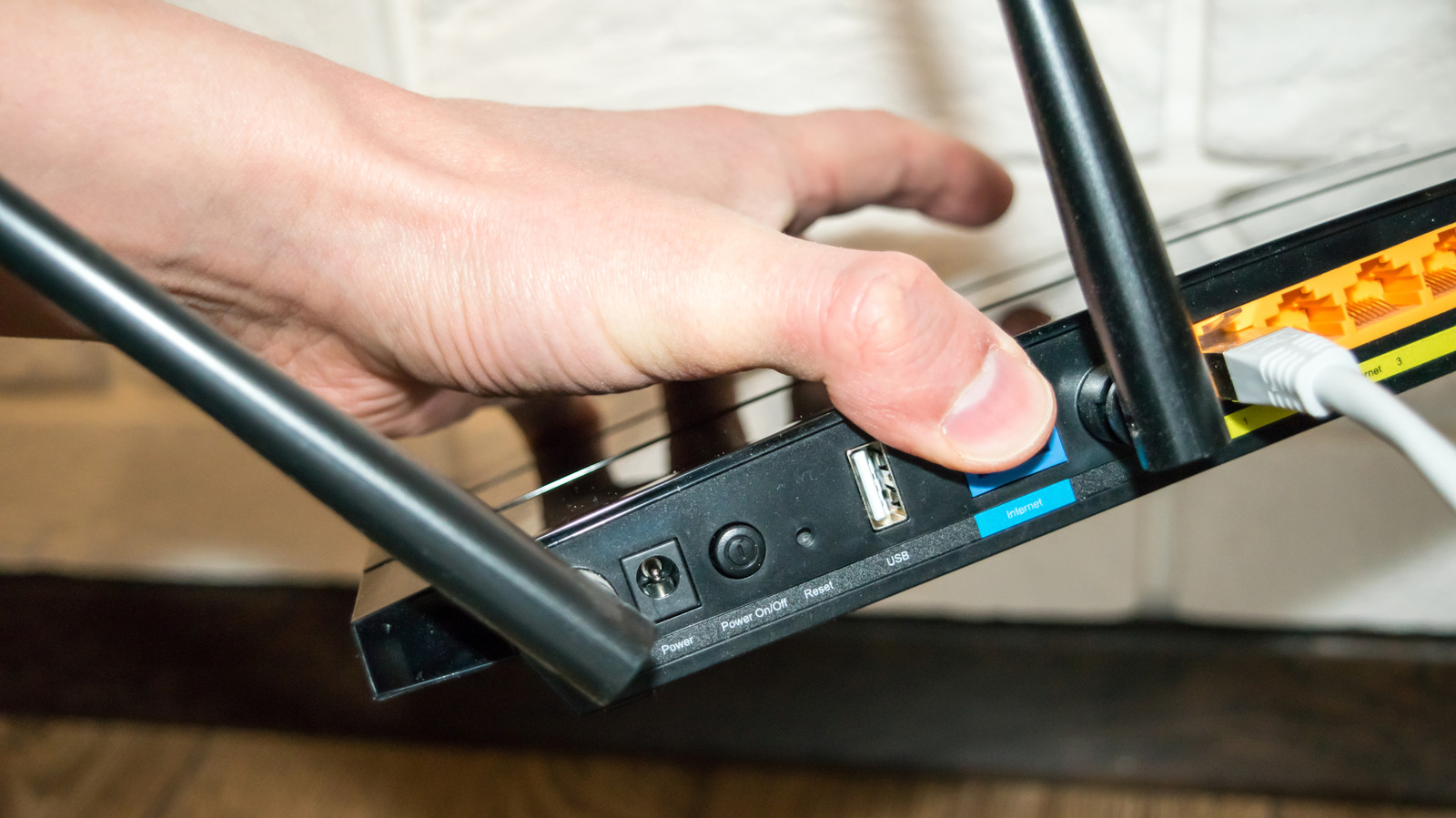
The USB port on a Wi-Fi router can support several functions beyond charging or connecting a basic peripheral, according to a guide from Engadget. Depending on the manufacturer and model, it may enable networked storage, printer sharing, cellular connectivity or internet failover.
A USB hard drive, SSD or flash drive can become a file server after the relevant router setting is enabled. Supported devices may then be accessible across the network through SMB, Samba or FTP. Some routers also support USB printers, allowing older printers without built-in Wi-Fi to receive print jobs wirelessly, although companion software may be required.
Certain models can connect to a cellular dongle using the router’s USB port, providing either a primary internet connection or a fallback when an internet service provider suffers an outage. Some routers also support Android USB tethering. Unlike a compatible dongle, however, a tethered phone generally must be connected manually when needed and may not provide automatic failover.
Performance and compatibility remain key constraints. Many older routers use USB 2.0, whose theoretical maximum is 480 Mbps, or 60 MBps, while real-world transfer speeds may be lower. Some routers may also struggle to power portable hard drives, which can draw more power than flash drives.
Engadget cautions that a dedicated network-attached storage device generally offers stronger performance, stability and support for multiple drives. NAS systems may include RAID, which can reduce the impact of a single-drive failure but is not a substitute for a backup. Router-connected storage is better suited to file sharing or temporary media than protecting important data.