Windows 11 settings guide focuses on control over updates, prompts and power
Engadget’s optional customisation tips cover clipboard history, storage management and ways to reduce Windows recommendations.
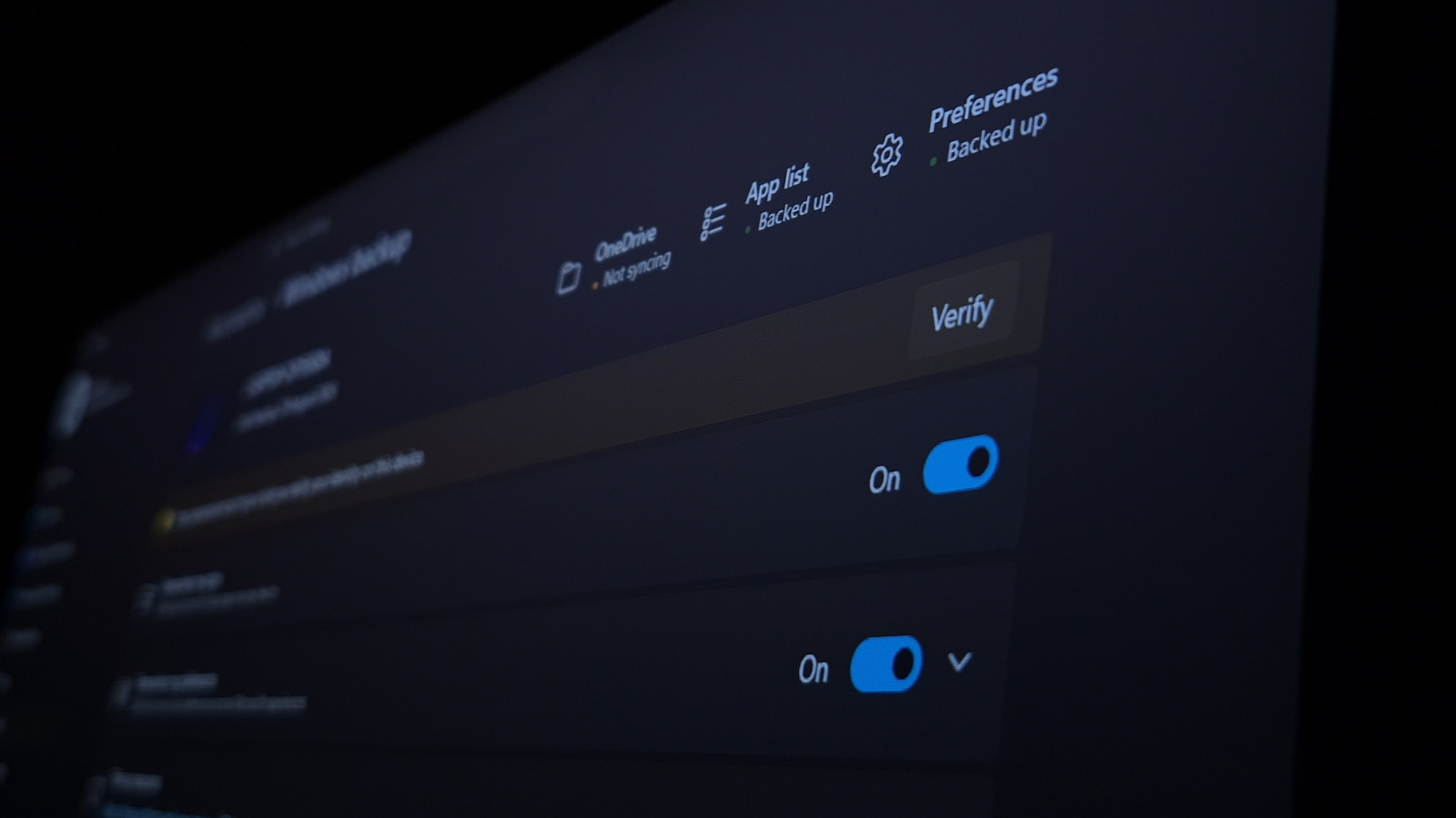
Engadget has published a guide to Windows 11 settings users can adjust to tailor their PCs, manage routine tasks and reduce prompts. The recommendations are optional customisations, not a new Microsoft feature or policy.
The guide covers practical controls including default apps, clipboard history and taskbar options. Clipboard history can retain recent copied text and images, while users with multiple PCs can enable syncing across devices.
Several settings address recommendations and pre-installed software. Engadget suggests disabling promotional prompts in Start, Search, the lock screen and Settings, and reviewing installed apps to remove software users do not need. It also recommends limiting update sharing to devices on a local network.
For update management, users can set active hours when Windows will not automatically restart to install updates. Storage Sense can automate some file clean-up, while Night light and sign-in PINs offer display and login options.
Power mode can be set to Best performance, which Engadget says may use more energy. The guide’s menus and available settings can vary by Windows version and device configuration; its suggested productivity and performance benefits are not independently measured in the supplied material.