Why an iPhone’s Always-On Display may go dark
Engadget’s troubleshooting guide points to power settings, Focus modes and everyday usage conditions as possible causes.
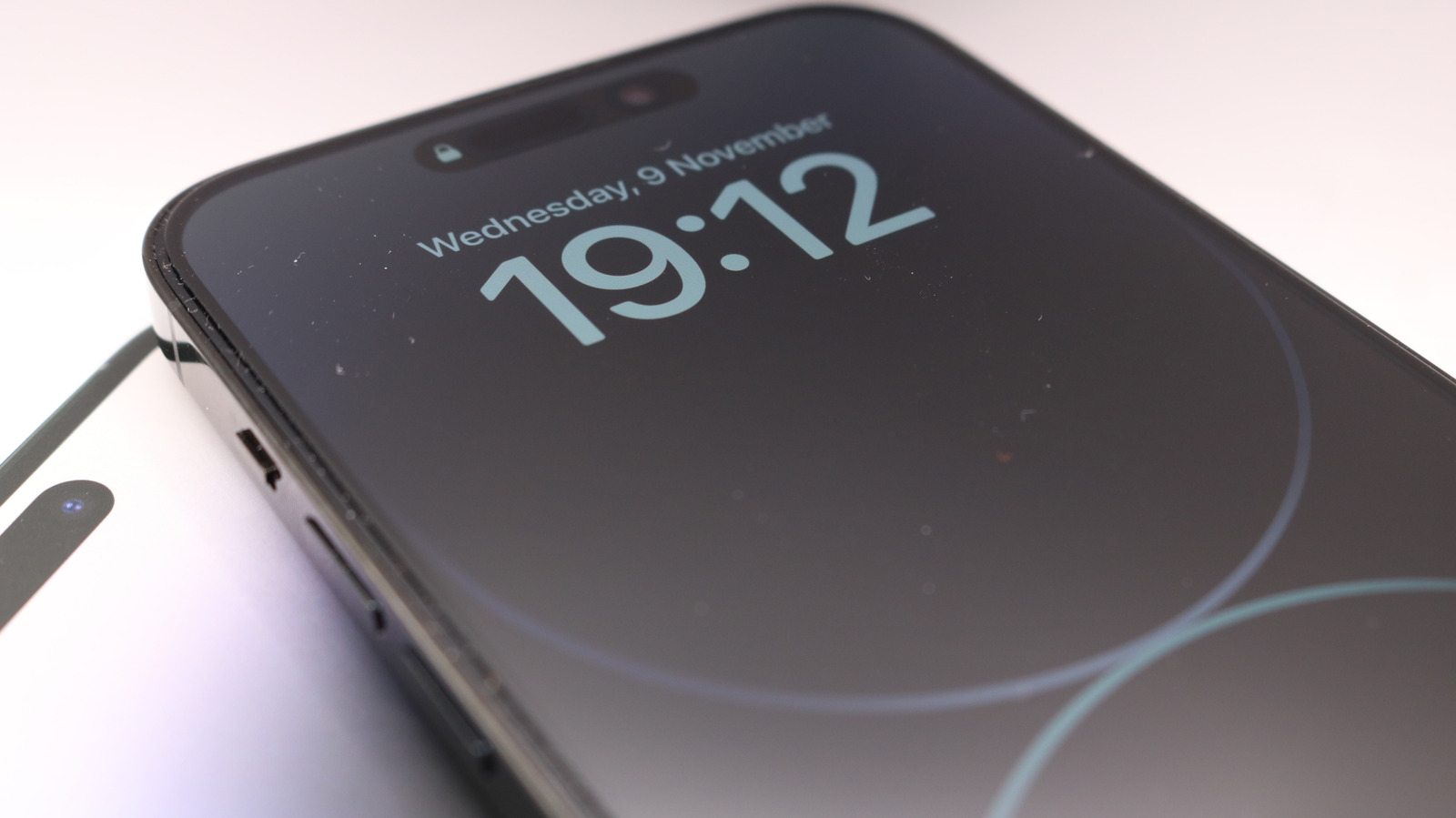
An iPhone’s Always-On Display can switch off for several reasons, according to troubleshooting guidance published by Engadget. The feature keeps a dimmed Lock Screen visible, but is available only on certain iPhone models.
Some triggers are tied to how the phone is being used. Engadget says the display may go dark when an iPhone is face-down or obstructed, away from a paired Apple Watch, or left inactive for a long period. It also turns off during CarPlay sessions and while using Continuity Camera.
Settings may also be responsible. Low Power Mode and Sleep Focus can disable the display. Other Focus modes can be configured to keep it on, while Adaptive Power may switch Low Power Mode back on when battery charge falls below 20 per cent, Engadget says.
The guide recommends checking that Always-On Display is enabled in Display & Brightness, then reviewing power and Focus settings. If the problem continues, restarting the iPhone may clear a temporary issue. These steps are suggestions; the source does not identify a specific cause for any individual user.