When to switch off Find My iPhone, according to Engadget
A new guide advises keeping Apple’s tracking service active for security, but notes it must be disabled for repairs or resale to avoid blocking diagnostics and ownership transfer.
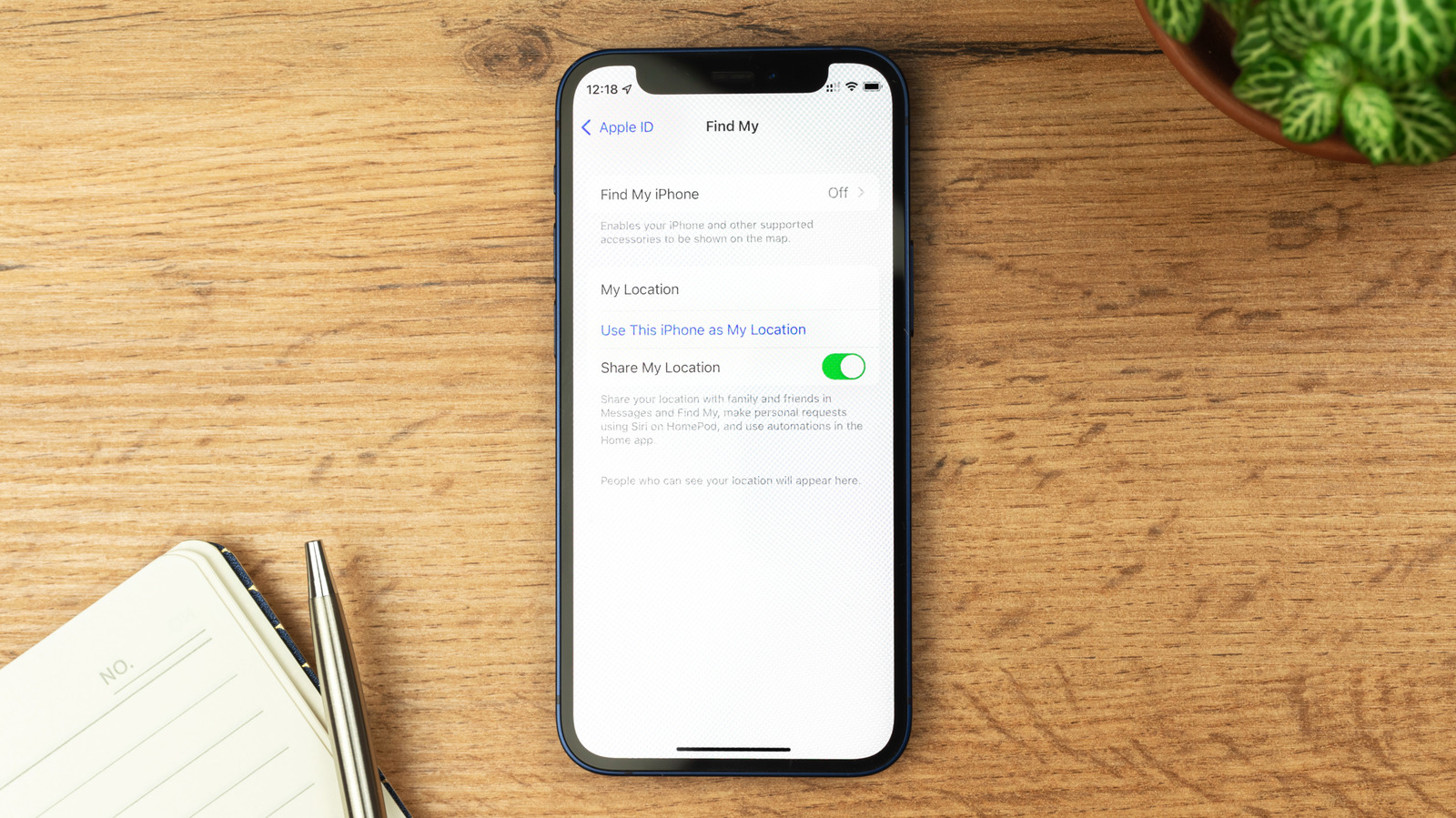
Engadget has published a consumer guide outlining the specific scenarios in which iPhone users should disable Apple’s Find My service. The publication advises that the feature generally remains the best line of defence against loss or theft, relying on a crowdsourced network of other Apple devices to locate hardware via Bluetooth, even when the phone is switched off.
However, the guide notes that the service can interfere with essential maintenance. Apple recommends disabling Find My before selling, trading in, or sending a device for repair. This step ensures technicians are not hampered by security features and can run diagnostics effectively. If a user is selling or giving away a device, a factory reset via the Settings menu is the simplest method, as it automatically disables Find My and requires the Apple Account password for verification.
A key technical detail highlighted in the guide is that disabling Find My also switches off Activation Lock. This feature links the device to the user’s Apple Account, preventing a stolen iPhone from being wiped and resold. Conversely, if a phone is lost or stolen, erasing it remotely via iCloud does not switch off Find My or Activation Lock, meaning the device remains trackable and protected.
For those sending a device for repair without a factory reset, the guide explains that Find My must be disabled manually through the Settings menu. A potential hurdle is Stolen Device Protection, which is enabled by default in iOS 26.4. This feature adds security delays when the phone is away from familiar locations, such as home or work, and may grey out the Find My toggle. Users must first disable Stolen Device Protection, ideally while at a trusted location, to access the Find My settings.
The guide also warns against disabling the service when a device is lost, particularly if the owner receives intimidating messages from scammers. Citing numerous anecdotal reports from Reddit, Engadget notes that fraudsters often demand owners disable Find My to bypass Activation Lock, threatening to publish personal data or fabricating emotional stories. In such cases, the advice is to erase the phone to secure data but keep Find My enabled to render the device useless to resellers.
Finally, the guide clarifies that Find My also facilitates location sharing with friends and family. Disabling the entire service stops this function, whereas removing a specific person’s access is a more targeted approach. Recipients of location sharing are generally not notified when access is stopped, provided they are not using an older operating system, though they may notice the absence of the user’s name in the app.