Switching from a MacBook to Windows brings trade-offs, Engadget says
Windows offers greater hardware choice, gaming support and upgradeability, but Mac users may face compatibility problems, more complex setup and weaker iPhone integration.
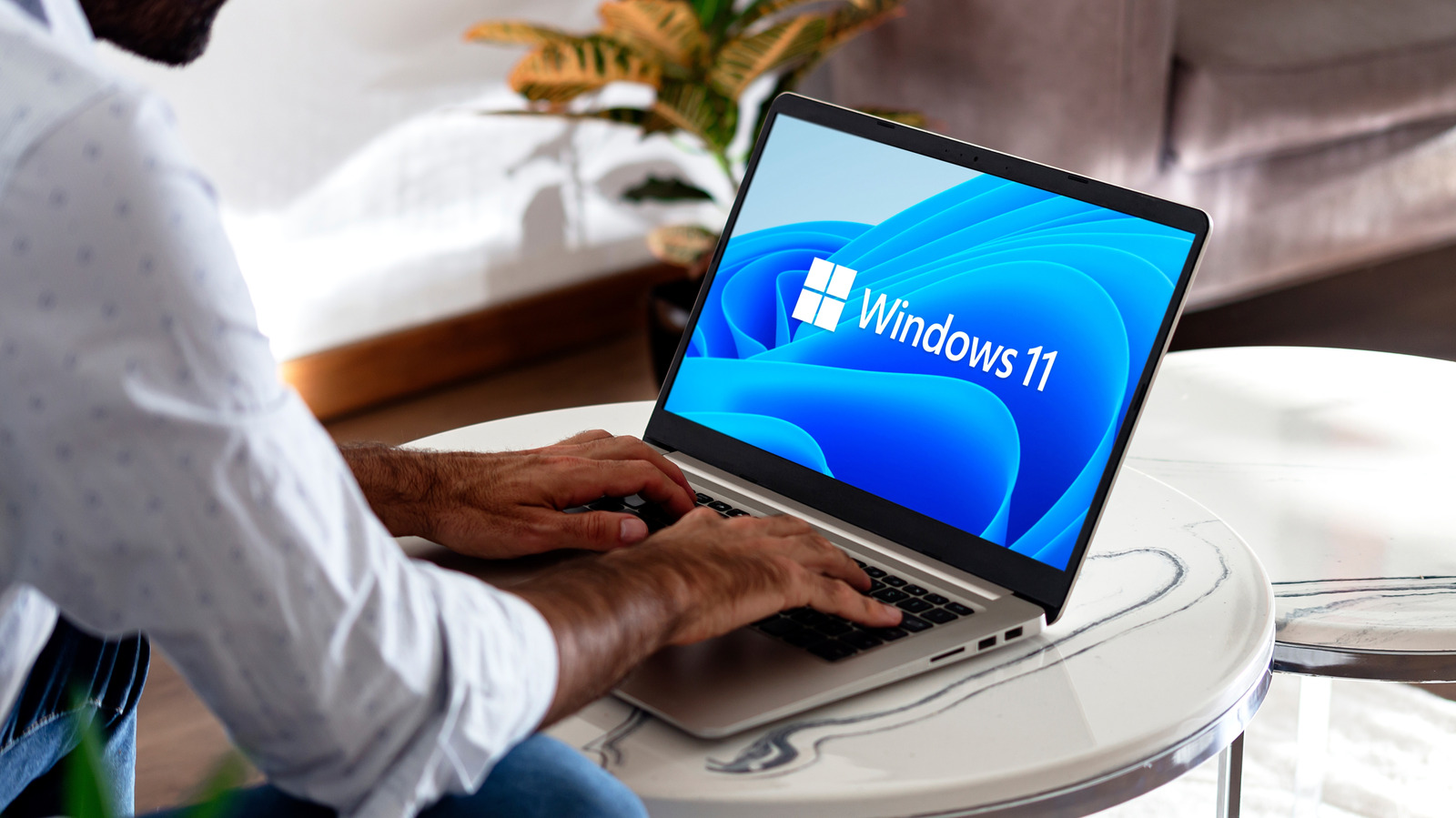
Moving from macOS to Windows can open access to a broader range of computers, but Engadget says the switch also brings practical drawbacks that MacBook users should consider before changing platforms.
Windows laptops span more designs and configurations, including gaming machines, two-screen devices and 3-in-1 computers. They also generally offer more ports, while some models allow users to replace memory and storage. Windows remains a major platform for PC gaming and workplace software such as Microsoft 365.
The trade-offs vary by model. Engadget says lower-cost Windows laptops are often built with plastic, although premium alternatives are available. Most Windows laptops still use x86 processors and tend to deliver shorter battery life than MacBooks using Apple’s ARM-based M-series chips. ARM-based Windows machines can improve battery performance, but may create additional software-compatibility issues.
Software is likely to be the largest adjustment for Mac users. Applications may not work in the same way, while Windows 11 setup can involve connecting a Microsoft account, service advertising and unwanted pre-installed software. Engadget says users may need to remove bloatware and change data-collection and advertising settings.
Integration with an iPhone is also more limited. AirDrop is unavailable without third-party software, iMessage access through Windows Phone Link is partial, and Windows users can join an existing FaceTime call but cannot initiate one. After the initial adjustment, Windows provides wider scope for customisation, though Engadget notes that greater flexibility can require more attention to security and system settings.