Sony PS5 Bluetooth Audio Limitations and Workarounds
Engadget reports on the technical constraints of PlayStation 5 audio and the necessary steps to connect wireless headphones.
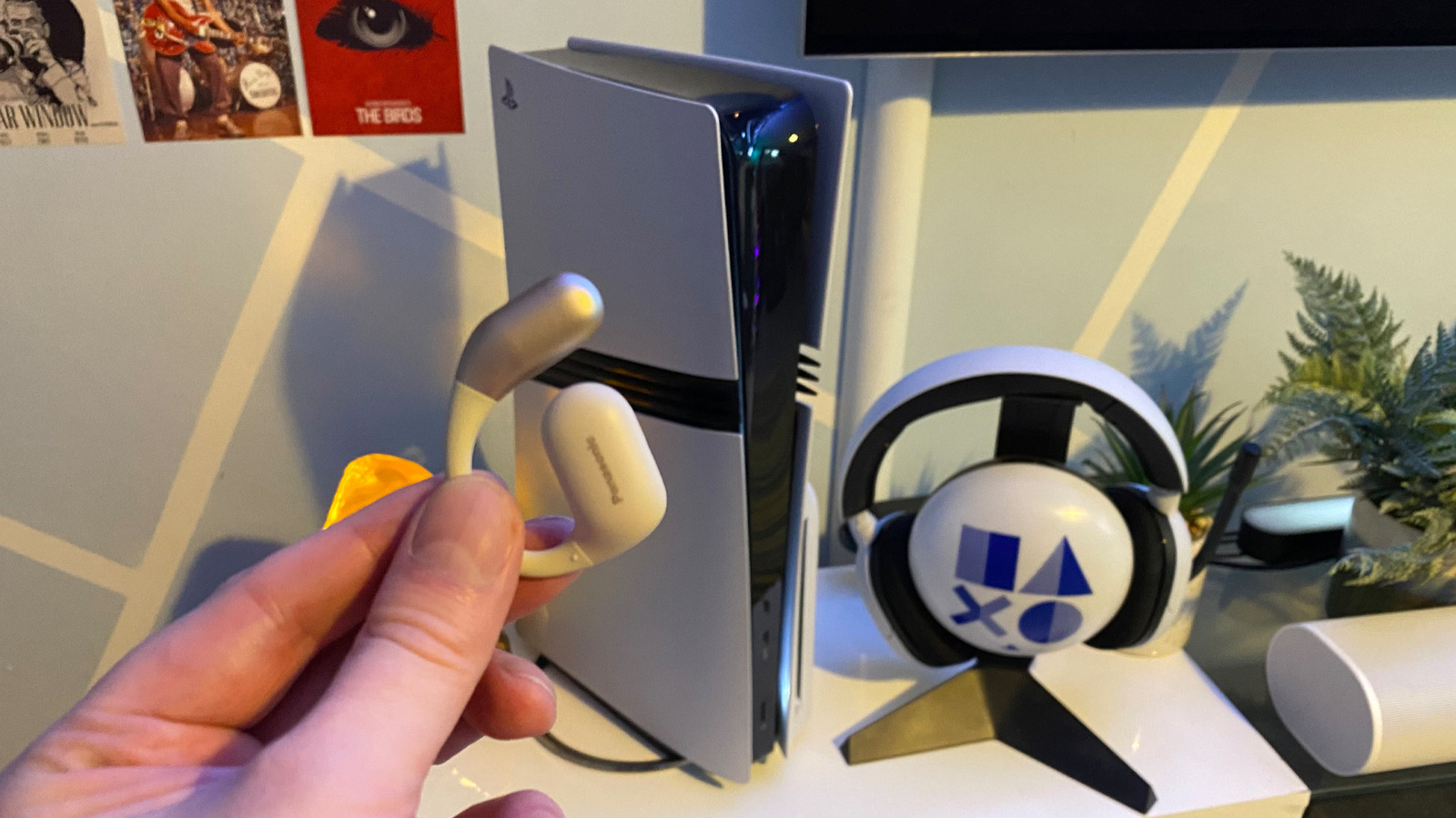
The PlayStation 5 does not natively support Bluetooth audio output, a design choice driven by the need to maintain low latency for gaming immersion. While the console supports Bluetooth for gamepads and accessories such as the Media Remote, Sony has excluded native audio support to avoid connection dropouts and subpar microphone quality inherent in standard Bluetooth implementations.
Users wishing to connect Bluetooth headphones must utilise a third-party USB-C Bluetooth adapter, with the UGREEN transmitter cited as a viable option. The setup process involves plugging the adapter into a USB-C port on the console, pairing the headphones to the device, and selecting the adapter as the audio output source within the PS5 settings under Sound.
Sony recommends dedicated gaming headsets for superior audio quality and stable connections. Models such as the SteelSeries Arctis 7P+ Wireless and the Sony PlayStation Pulse Elite are highlighted for their support of Tempest 3D AudioTech, which is showcased in titles like Returnal. These headsets offer low latency and robust wireless dongle connections that standard Bluetooth headphones cannot match.
An alternative method involves connecting Bluetooth headphones to a smart TV and outputting the PS5 audio through the television. However, this approach is not guaranteed to resolve latency issues, which can disrupt the synchronisation of sound with onscreen action in fast-paced games.
The exclusion of native Bluetooth audio stems from the technology not being originally designed for the low-latency requirements of modern video games. Sony’s stance prioritises a reliable gaming experience, suggesting that users seeking the best audio performance should invest in hardware specifically engineered for console gaming rather than relying on general-purpose wireless audio devices.