Samsung Anynet+ HDMI-CEC can simplify TV controls — with compatibility caveats
Engadget outlines how to enable Samsung’s Anynet+ HDMI-CEC feature, troubleshoot connection issues and preserve HDMI eARC support.
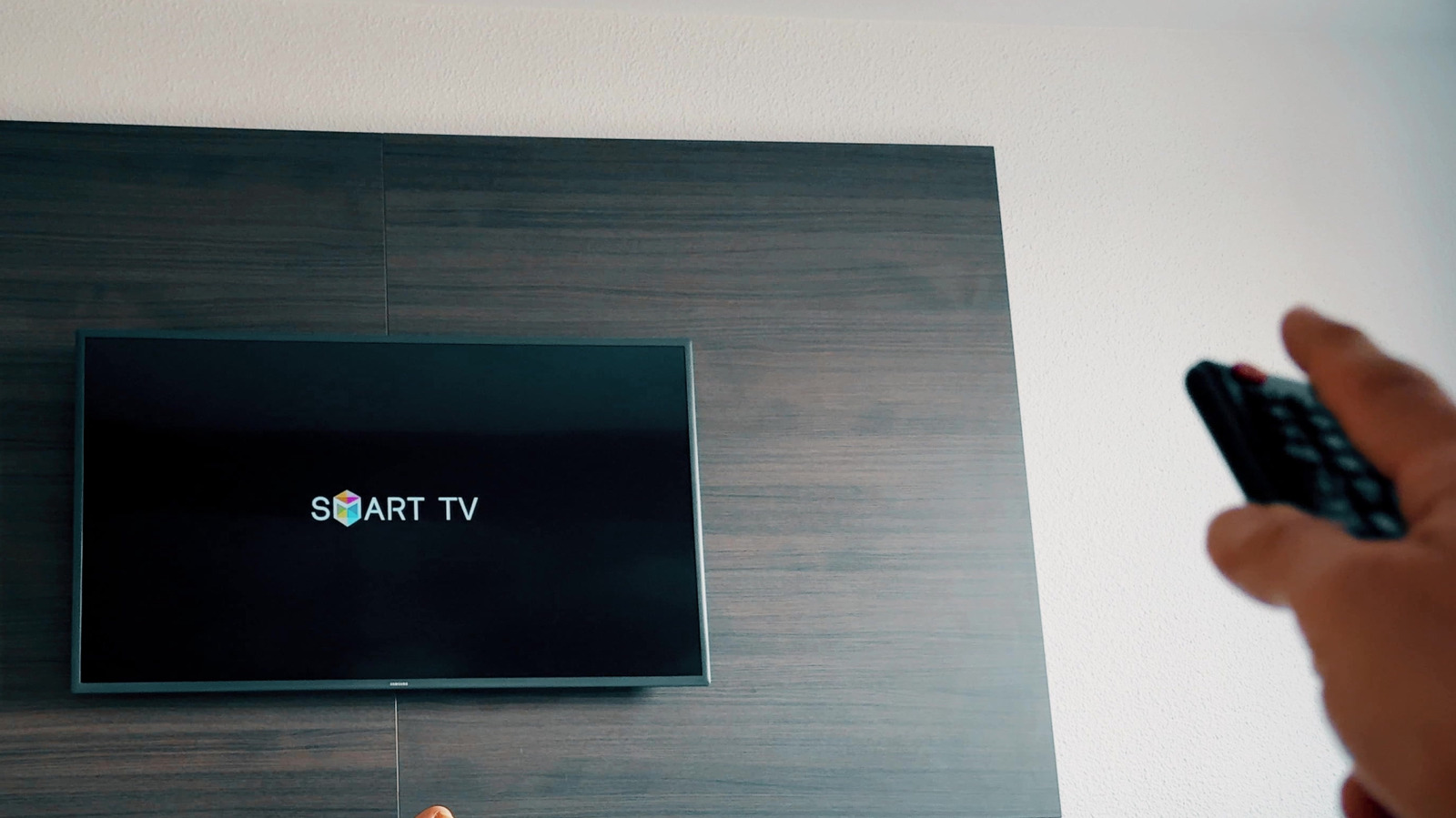
Samsung’s Anynet+ is the company’s name for HDMI-CEC, a feature that allows compatible devices connected over HDMI to share control signals. It can let a Samsung TV remote operate supported playback and volume functions, while compatible consoles, streaming boxes and soundbars may switch inputs or power the TV on and off.
On newer Samsung TVs, Anynet+ is generally found under Settings > All Settings > Connection > External Device Manager. Some models place it under Settings > General > External Device Manager, with menu locations varying by model and software version. Samsung says most of its smart TVs made after 2008 support the feature.
Enabling Anynet+ on the television is only part of the setup. HDMI-CEC must also be switched on for the connected device, where it may use another name, including LG’s SIMPLINK or Sony’s BRAVIA Sync. Samsung says the initial connection handshake can take up to two minutes.
If the feature fails or causes unwanted input changes, Engadget recommends checking CEC settings on both devices, reseating or replacing the HDMI cable, restarting the hardware and installing available firmware updates. Compatibility between manufacturers is not fully consistent, so devices that support HDMI-CEC may not support every command in the same way.
Samsung says Anynet+ can control up to 12 compatible devices, including up to three of the same type and one home theatre system. A key limitation applies to audio equipment: HDMI eARC requires Anynet+ to remain enabled, meaning disabling the feature to address control or input-switching problems can create a separate audio issue.