iPhone Voice Memos offers recording, transcription and editing tools
Engadget’s guide outlines how iPhone users can record, edit, transcribe, organise and sync audio through Voice Memos, with features varying by device and software support.
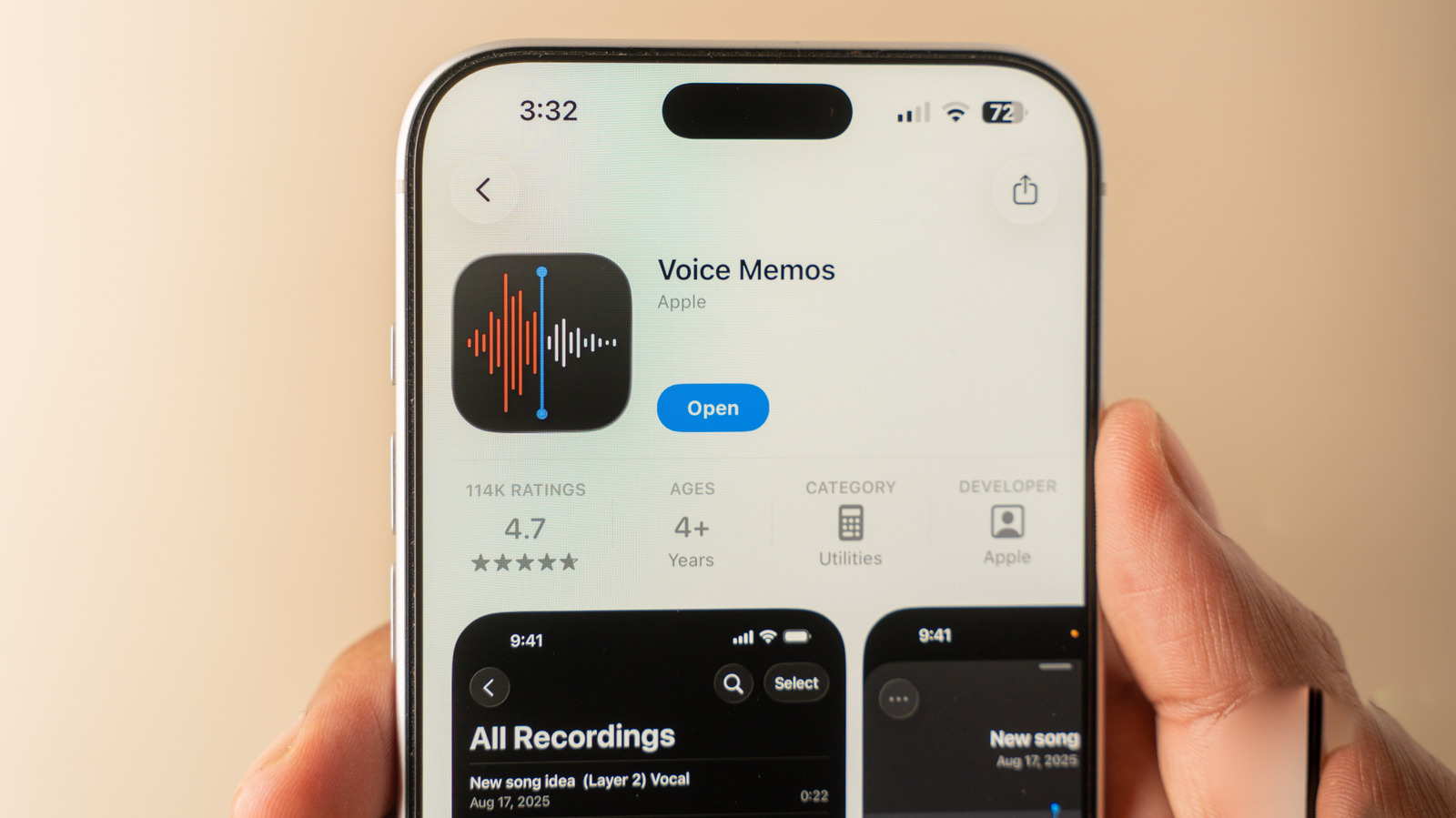
Apple’s built-in Voice Memos app provides iPhone users with tools to record audio for interviews, classes, meetings and brainstorming without downloading another app, according to a guide published by Engadget.
Users can pause and rewind while recording, and replace sections of a clip with new audio. The app also supports trimming, sharing, renaming and favouriting recordings. Multitrack recording is available on an iPhone 16 Pro or newer, Engadget said.
Where supported, Voice Memos offers Mono, Stereo and Spatial recording modes. Playback features include Skip Silence and Enhance Recording for mono or stereo files, while spatial recordings can use a Studio Sound option and an intensity slider.
The app can generate transcripts, including in real time as speech continues. Users can copy a transcript into other apps, select words to move to the corresponding point in the recording and search recordings for matches within transcripts. Availability may depend on the iOS version, device model and language.
Recordings can be arranged in folders and synced across Apple devices through iCloud when Voice Memos is enabled in the relevant settings. If location services are active, the app may name a memo after the user’s current location, although that name can be changed.