iOS 27 gives iPhone users finer control over Liquid Glass
A new slider adjusts Liquid Glass between a transparent and opaque appearance, with separate controls for the Lock Screen and accessibility settings.
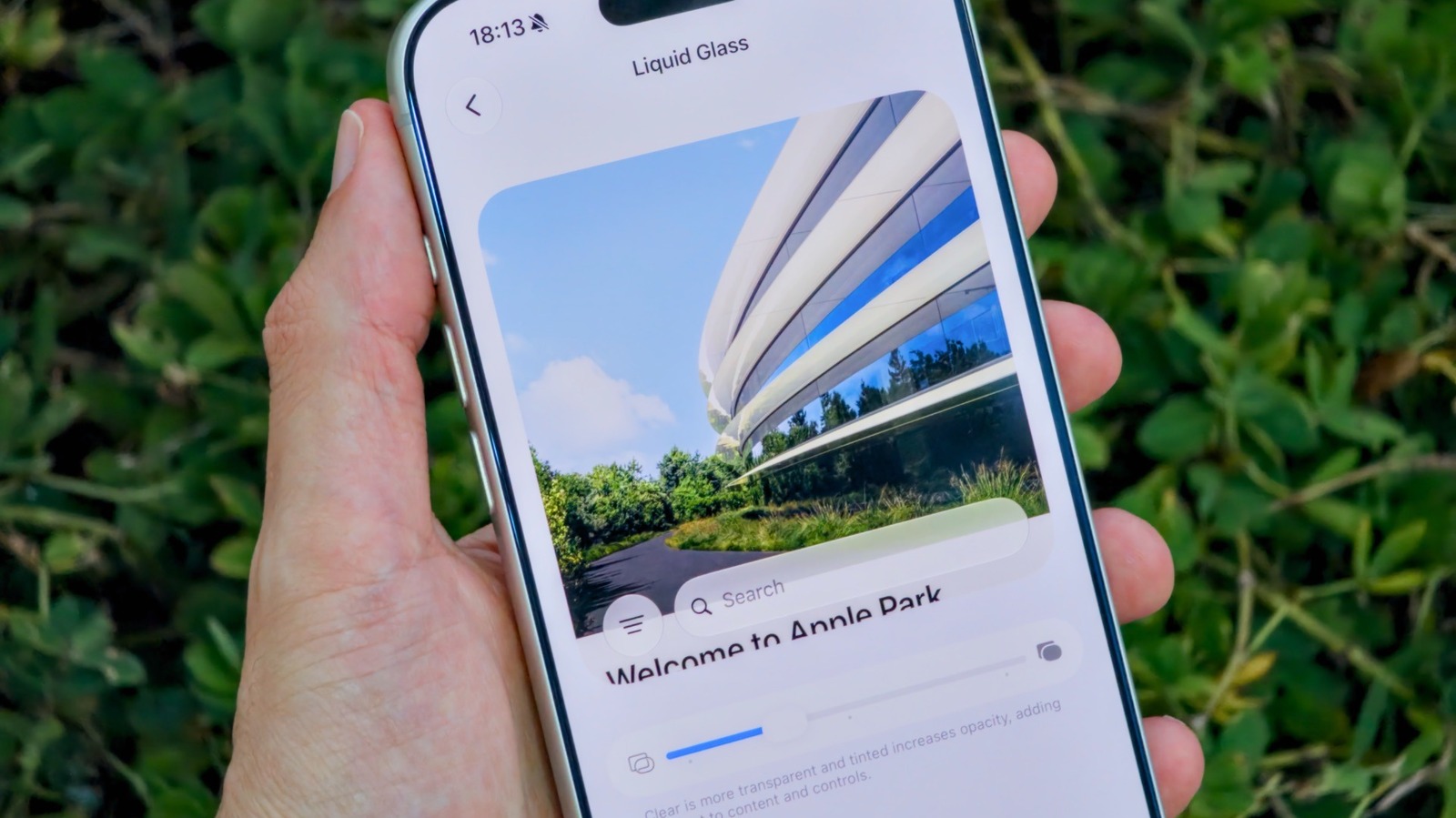
Apple’s iOS 27 reportedly adds a slider that gives iPhone users more control over the appearance of its Liquid Glass interface, according to Engadget.
The control is located in Settings under Appearance > Liquid Glass. Moving the slider towards the transparent end creates a more glass-like look, while moving it towards the other end produces a more opaque, higher-contrast appearance. A live preview shows the effect as users adjust it.
The Lock Screen’s Liquid Glass intensity remains controlled separately from the main interface slider. Users seeking a stronger reduction in the effect can also go to Accessibility > Display & Text Size and enable Reduce Transparency.
The change follows iOS 26.1, which introduced Tinted Mode to lower Liquid Glass opacity and increase contrast after criticism that the design could reduce readability.
Engadget reports that iOS 27 is compatible with iPhone 11 models and newer, although the supplied information does not specify which devices support every Liquid Glass control. The public release was reported for September, but no specific release date is provided.