Engadget outlines practical ways to improve iPhone audio
Streaming settings, equaliser controls, accessibility options and suitable hardware can all affect how an iPhone sounds.
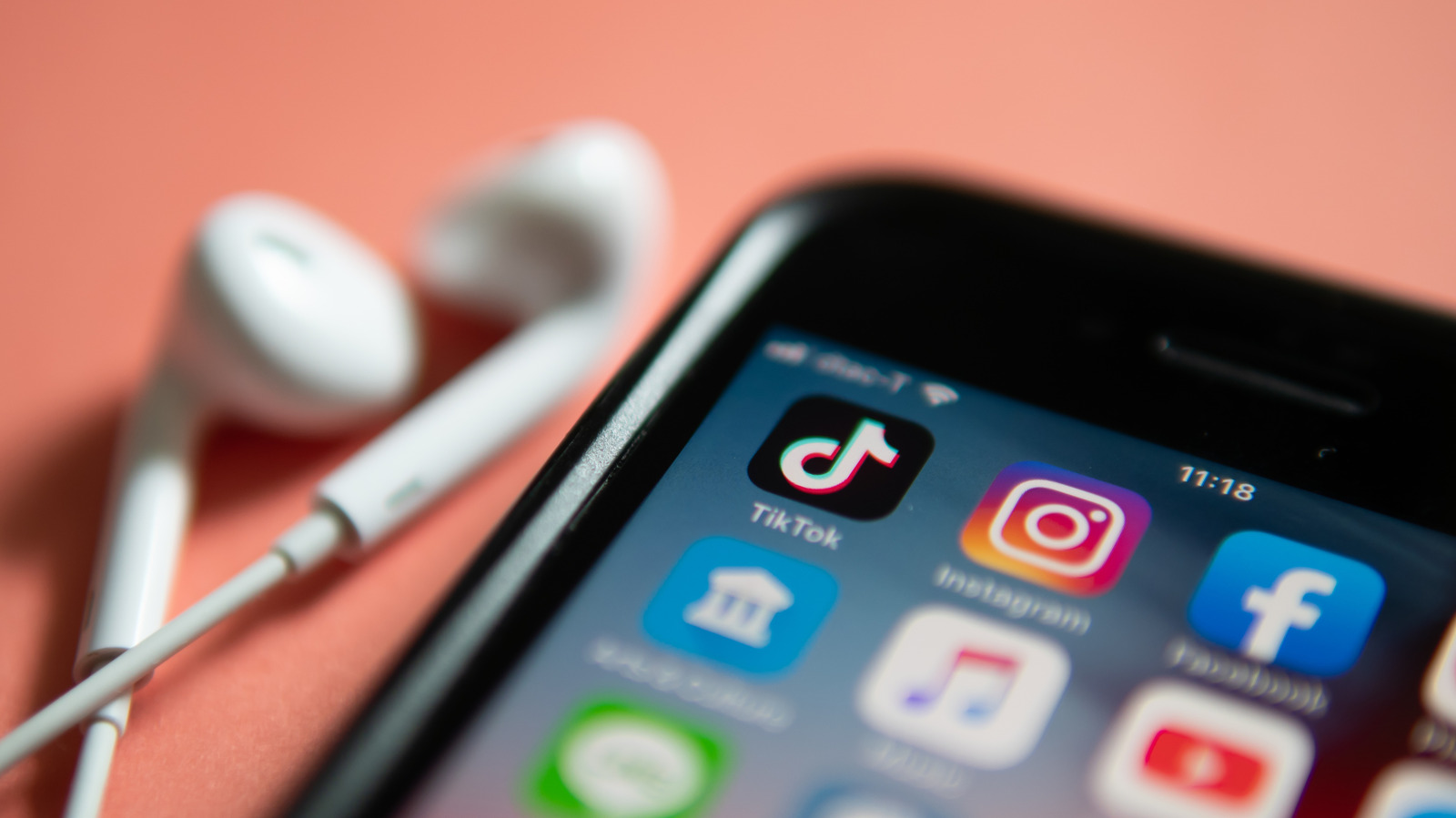
Engadget has outlined several ways iPhone users can improve audio quality, from adjusting settings in Apple Music and Spotify to cleaning the phone’s speaker grilles.
Both services offer controls for streaming quality, equalisation and volume normalisation. Apple Music users can adjust quality separately for mobile data, Wi-Fi and downloads, while Spotify offers settings that vary between free and Premium accounts.
Lossless audio preserves more of the original recording data but uses substantially more data and storage. Engadget says it generally requires suitable wired equipment, as standard Bluetooth does not support lossless audio. Apple Music’s Hi-Res Lossless setting uses even more data and is aimed at listeners with premium equipment.
The iPhone’s accessibility menu also includes audio controls, including a balance slider, Phone Noise Cancellation on supported older models and Headphone Accommodations for supported Apple headphones. These options can adjust frequencies or amplify quieter sounds, although results will vary by listener, device and content.
For sound from the built-in speakers, keeping the speaker grilles free of obstructions may help. Engadget points to cleaning putty or an air blower as possible tools for removing debris.
The guidance also highlights the limits of software adjustments: headphones, speakers and other hardware remain important to the listening experience, and lossless audio will not necessarily sound better to every listener.