Engadget guide clarifies USB port symbols and colour coding for consumers
A new analysis from Engadget breaks down the complex landscape of USB standards, explaining how to interpret logos, speed markings, and colour codes to optimise device connections.
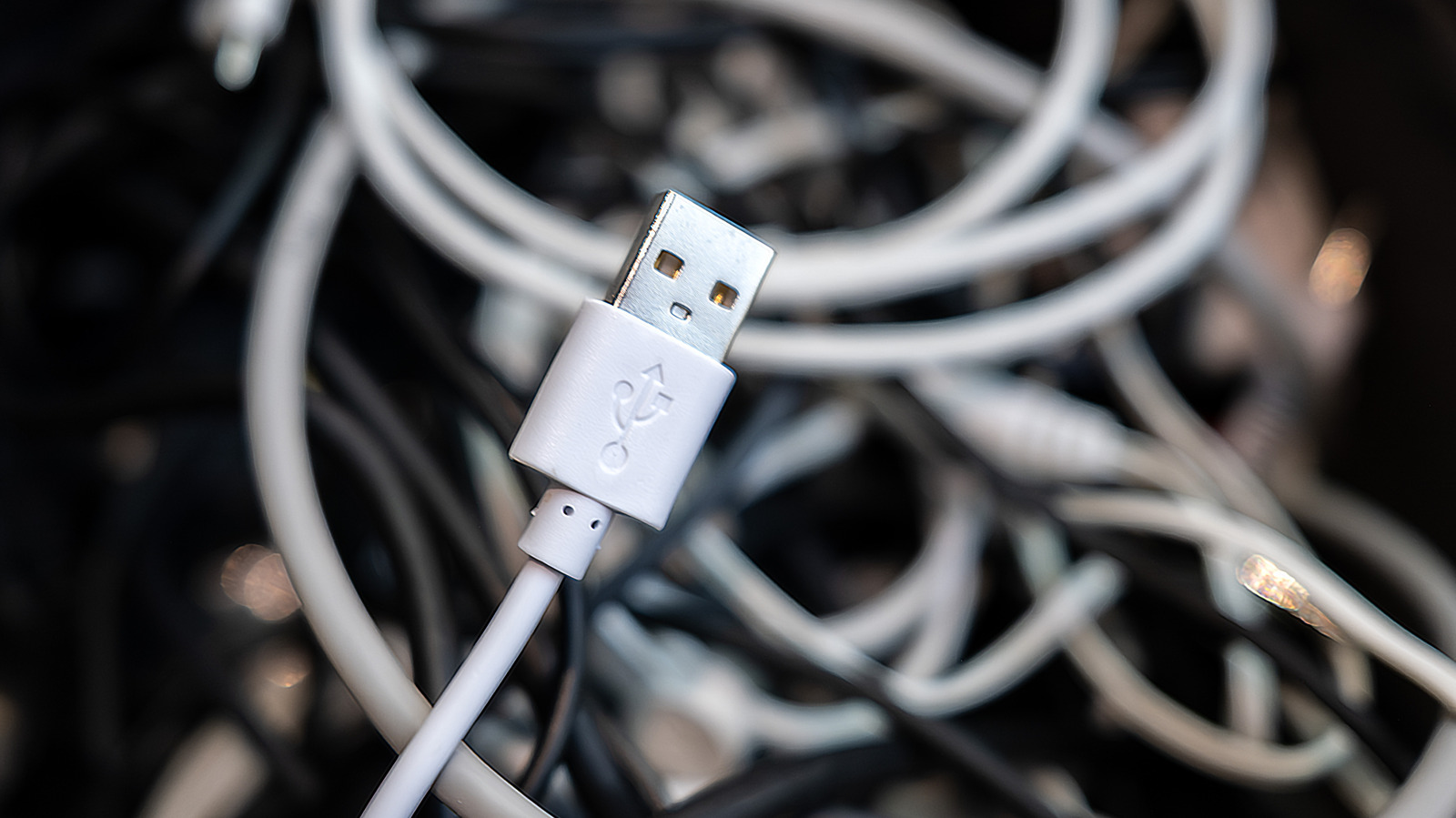
Navigating the myriad of USB standards has become increasingly difficult as connector types and underlying interfaces have evolved. An Engadget guide published on 15 August 2026 provides a practical framework for identifying port capabilities through specific symbols and colour coding, helping users avoid sub-optimal transfer speeds when connecting devices.
The USB trident logo, used since the standard's introduction in the late 1990s, typically denotes USB 2.0 when seen alone. While this iteration offers 480Mbps bandwidth, it is now considered slow by modern standards and is best reserved for peripherals like mice and keyboards. In contrast, the 'SS' marking indicates USB 3.x standards, which have undergone significant naming revisions by the USB Implementers Forum to reduce confusion.
Colour coding serves as a secondary indicator, though it is not strictly standardised. Blue ports usually signify USB 5Gbps connections, although some manufacturers may use this colour for later USB 3 generations. Red ports often indicate 10Gbps or 20Gbps speeds and typically provide power even when the host computer is shut down. Yellow ports similarly offer power delivery and can support either USB 2.0 or 5Gbps speeds.
The guide highlights that symbols are now encouraged over colours for clarity, as there is no approved meaning for colours other than white, black, and blue. The newest standard, USB4, is limited to USB-C connectors and features a trident logo accompanied by speed ratings such as 20, 40, or 80Gbps. It is important to note that while USB4 supports high speeds, not all USB-C cables or ports meet these specifications.
Beyond data transfer, icons denote additional functionalities such as Thunderbolt, Power Delivery, and DisplayPort Alt Mode. Thunderbolt cables, marked by a lightning bolt logo, guarantee minimum capabilities like outputting to two 4K displays, whereas USB4 lacks such resolution guarantees. Power Delivery icons indicate smart charging capabilities, while DisplayPort logos confirm video output support via USB-C.
Consumers are advised to check specification sheets and manuals when device labeling is unclear, as cheap cables may lack proper identification. Understanding these identifiers ensures users can optimise their setups for maximum performance, whether transferring large files or connecting external displays.