Engadget clarifies distinction between USB4 standard and USB-C connector
While USB-C remains the physical interface, USB4 delivers up to 80 Gbps bandwidth, enabling high-resolution video output and faster external storage performance for devices manufactured from 2020 onwards.
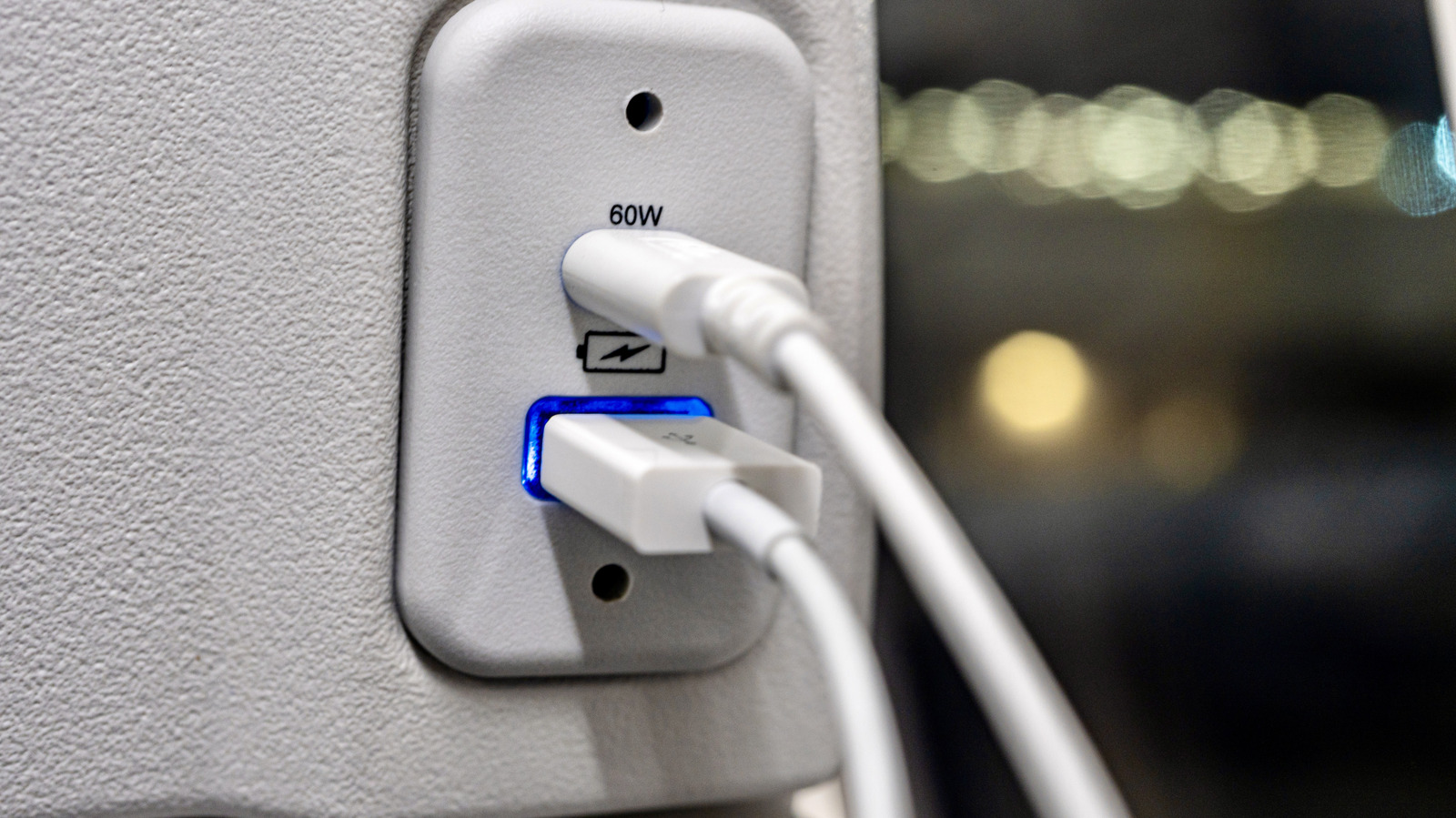
Engadget has published an explainer detailing the technical distinctions between USB4, the latest data transmission standard, and USB-C, which serves as the physical connector type. The publication notes that while all USB4 cables utilise USB-C connectors, not all USB-C ports support the higher bandwidth requirements of the USB4 protocol. This distinction is critical for users seeking to leverage the full capabilities of modern hardware, as older USB-C connectors may limit data transfer speeds to previous standards such as USB 3.2.
USB4 represents a significant upgrade in bandwidth and functionality compared to its predecessors. The first generation of USB4 supports data transfer speeds of up to 40 Gbps, while Version 2.0 devices can achieve bandwidths of up to 80 Gbps. This increased throughput allows for write speeds of up to 4,000 MB/s, rising to 8,000 MB/s with USB4 2.0, making the standard particularly suitable for high-performance portable solid-state drives and the rapid transfer of large 4K video files.
Unlike USB 3.2, which is limited to data transfer rates of 5 Gbps to 20 Gbps depending on the generation, USB4 natively supports video output and charging through a single cable. The standard features dynamic bandwidth sharing, allowing it to allocate resources between data transfer and video needs in real time. This capability is facilitated by DisplayPort funneling, which enables the connection of dual high-resolution monitors through a single cable, supporting high refresh rates and resolutions on gaming and professional displays.
Engadget highlights that devices manufactured from 2020 onwards have a strong likelihood of supporting USB4, following the standard's launch in 2019. Users can typically identify USB4 compatibility by looking for a "USB4" or "Thunderbolt" lightning logo on the port, as the standard supports Thunderbolt 3 technology. However, the publication cautions that manufacturer labelling practices vary, and consumers should consult device manuals to confirm certification if the port markings are ambiguous.
The article suggests that upgrading to USB4 is most beneficial for users requiring high-speed data transfers, external GPU support, or multi-monitor setups. For those utilising only low-power peripherals such as wired mice and keyboards, the performance gains may not justify the cost of new hardware. The explainer underscores that while USB-C remains ubiquitous, the underlying USB4 standard is what drives the enhanced multitasking and speed capabilities demanded by modern computing workflows.