Engadget advises dual monitors or large single displays for home office efficiency
A July 2026 feature suggests that adding screen real estate through dual displays or a 4K curved panel significantly enhances multitasking and workflow for desk-bound professionals.
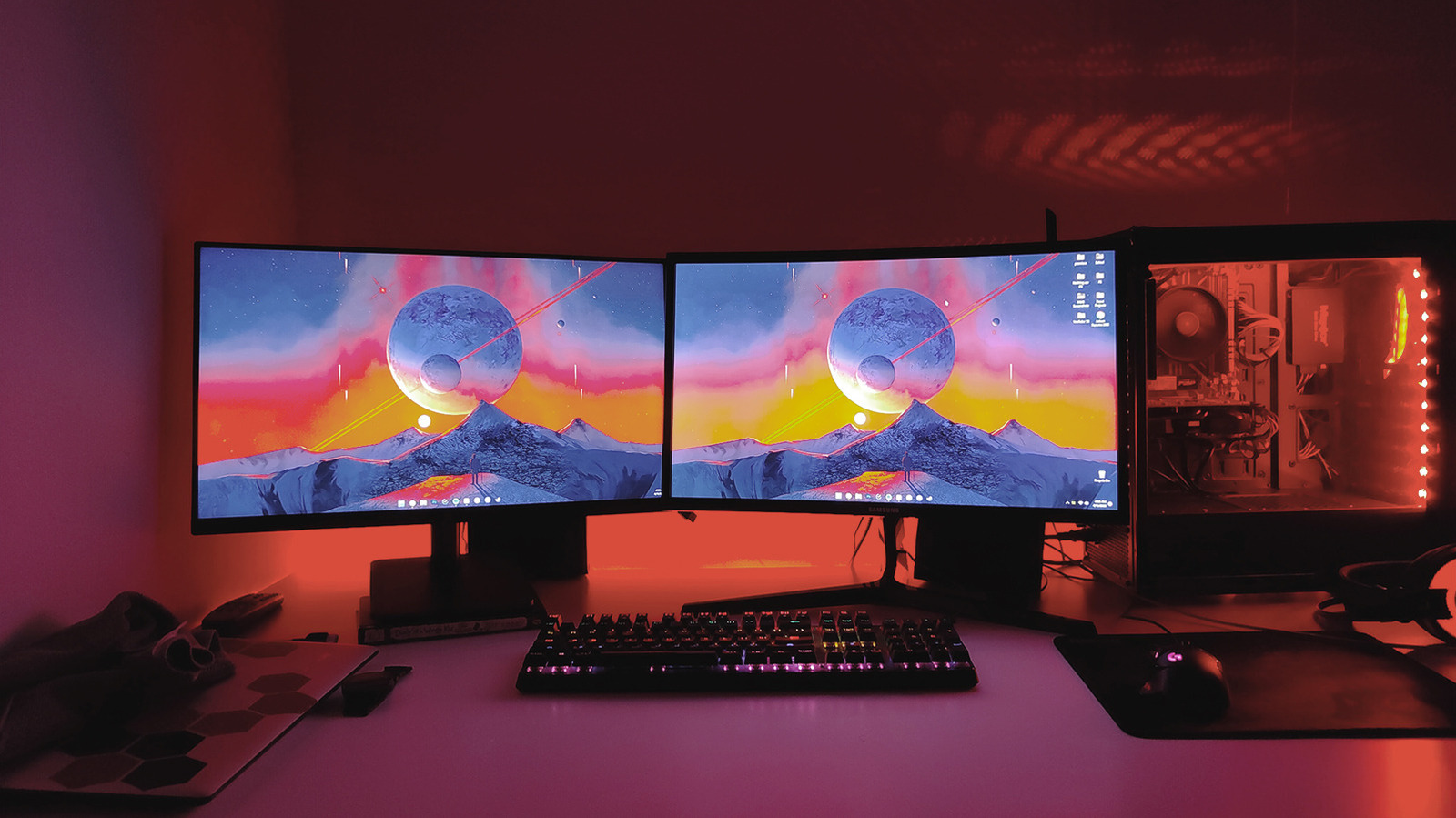
Engadget published an article on 14 July 2026 recommending hardware upgrades to improve computing experiences for remote workers and those spending significant time at a desk. The piece argues that while software optimisation has limits, adding physical screen real estate through a second display or a larger single monitor offers tangible productivity benefits that cannot be replicated digitally.
The outlet suggests that a dual-monitor configuration is particularly effective for multitasking, allowing users to keep multiple windows open simultaneously. Recommendations include positioning two 24-inch monitors side-by-side or stacking larger 27- or 32-inch panels vertically, provided the user maintains an optimal viewing distance. For specific workflows such as programming or writing, Engadget notes that orienting one monitor vertically can also be advantageous.
A critical consideration for dual setups is display consistency. The article advises users to match display specifications as closely as possible, ideally selecting the same model to ensure size, resolution, refresh rates, and colour balance align. This uniformity helps prevent visual strain and maintains a cohesive workspace environment.
For users seeking to simplify their setup or conserve space, Engadget highlights the utility of using a laptop as a secondary screen. This approach can eliminate the need for a separate webcam and, if the laptop supports USB-C charging and display output, allows for a single-cable connection via a docking station. The article suggests placing the laptop directly underneath the main monitor to manage height differences and utilise the built-in keyboard and trackpad.
Alternatively, for those preferring a single display, Engadget recommends a large 27-inch or larger 4K curved monitor. The 4K resolution is advised to maintain clarity on larger screens, while the curved design helps reduce bezel distraction and improves immersion for tasks such as gaming. The article also suggests using a monitor arm to enhance ergonomic flexibility and manage cable clutter, offering adjustments that built-in stands often lack.
The piece concludes by noting that while dual monitors suit heavy multitaskers, single-display setups remain viable for users who prioritise simplicity and desk space. The advice reflects a shift towards more specialised home office ergonomics, moving beyond basic configurations to tailored hardware solutions.