Engadget advises against common cleaning myths for USB ports
A new guide from Engadget outlines safe maintenance procedures for USB ports, recommending non-conductive tools and cautioning against methods that can lead to short circuits or permanent damage.
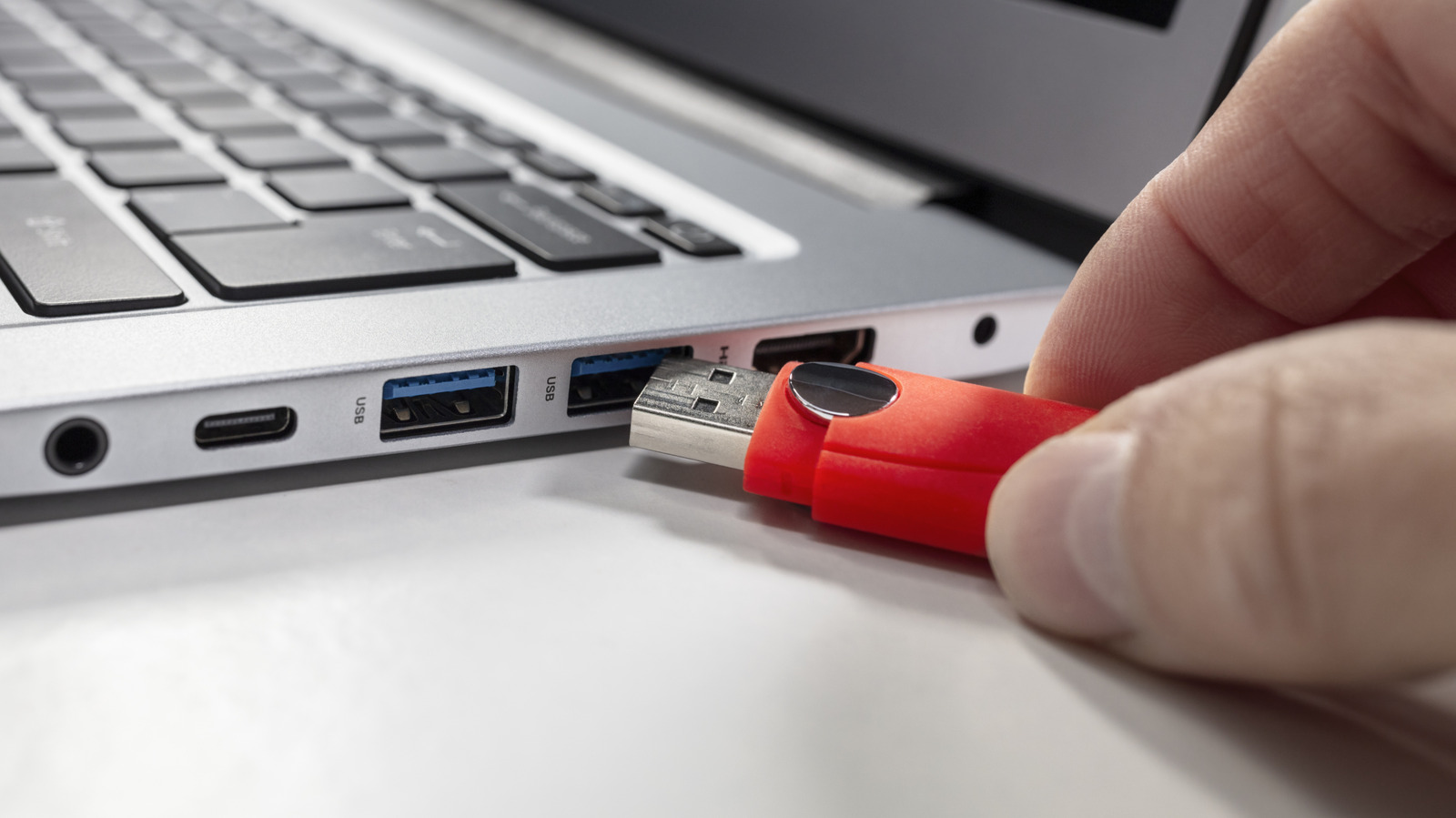
Engadget has published a guide detailing the safe maintenance of USB ports, emphasising that cleaning should only be undertaken when specific issues arise, such as visible residue, intermittent charging, or loose connections. The publication warns against common but hazardous methods, including the use of WD-40, Q-tips, or metallic tools, citing risks of permanent damage, short circuits, and fibre shedding. Instead, the recommended procedure involves powering down devices and using non-conductive tools, such as plastic or wooden toothpicks, to gently remove lint, followed by short bursts of compressed air.
The guide advises users to check their devices' USB ports if they experience problems powering or connecting equipment, noting that dirt or lint accumulation can lead to unstable connections or charges that drop out intermittently. Before commencing any cleaning, users must power down the device and, in the case of desktop PCs, unplug it from the wall to ensure it is not receiving power. This safety step is critical before attempting to remove debris from the port.
For the actual cleaning process, Engadget identifies plastic or wooden toothpicks as the most effective household item for removing lint. Users are urged to use these tools delicately, applying gentle thrusts to weed out dirt or grime without applying excessive force that could damage the internal components. To complement this, short blasts of compressed air can be used to dislodge remaining dust, though users are cautioned against pressing the can for too long to avoid potential damage to connector pins.
The publication explicitly warns against the use of WD-40, household cleaning sprays, or bleach, stating these substances can cause permanent damage to electronics or leave residues that encourage further dirt buildup. Similarly, cotton buds are discouraged as they may shed fibres that negatively impact connector pins. Metallic tools, such as paper clips and safety pins, are also strictly advised against due to the high risk of short circuits and physical damage to the pins.
Cleaning is recommended only when there is visible residue, sand exposure after beach visits, charging issues, or loose connections. If a smartphone is not charging properly, a laptop fails to detect USB accessories, or wired peripherals feel loose, cleaning the port may resolve the issue. Engadget notes that as long as users take reasonable care of their devices, frequent cleaning should not be necessary.