Choosing a laptop power bank: capacity is only half the equation
Engadget’s guide says buyers should compare watt-hour capacity and per-port output, then check USB-C Power Delivery compatibility across the laptop, bank and cable.
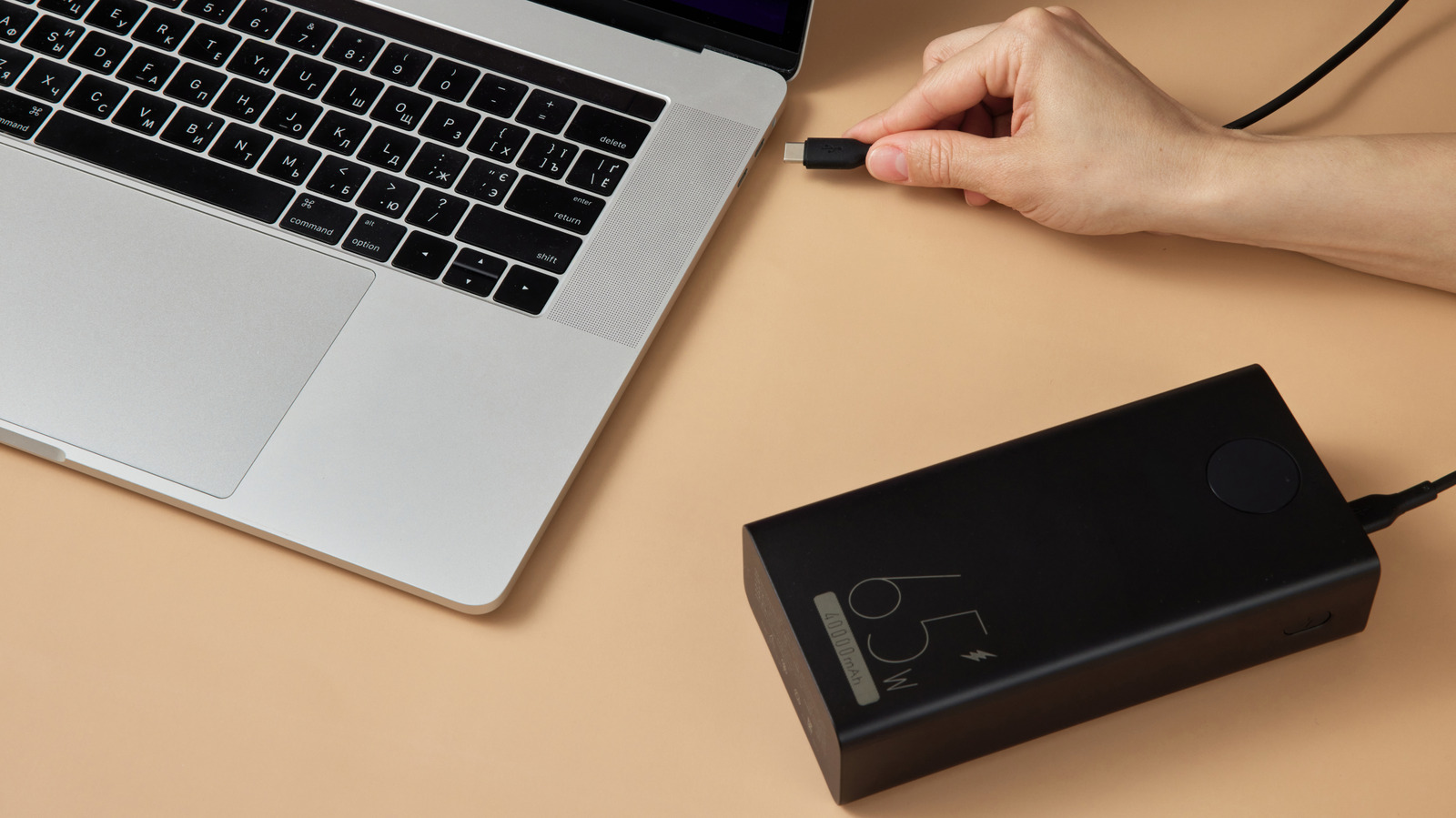
A power bank’s milliamp-hour figure does not show how much energy it can deliver to a laptop or how quickly it can do so. Engadget’s guide recommends checking both capacity in watt-hours (Wh) and output in watts (W), including the rating for the specific port in use.
At a nominal 3.7 volts, a 10,000 mAh bank stores about 37Wh before conversion losses; a 20,000 mAh bank stores about 74Wh. To estimate a laptop’s average power use, the guide suggests dividing its battery capacity by its typical runtime. Actual demand varies with workload.
Energy is also lost as the bank raises voltage for laptop charging and through heat. In the guide’s example, a 20,000 mAh, 45W bank has about 52Wh available after an assumed 30 per cent loss. For a laptop averaging 14W, that could add around 3.7 hours of runtime. It is an estimate, not a guarantee.
Engadget describes a 20,000 mAh bank as a reasonable emergency or partial-charge option and 27,000 mAh, or about 100Wh, as a larger choice. Capacity alone is not enough: a bank with high storage but only 15W output may slow battery drain or fail to charge a laptop drawing substantially more power.
Buyers should check that the laptop supports USB-C charging and that the bank provides USB-C Power Delivery at sufficient per-port wattage. The cable must also support the required power level. The guide notes that some higher-power connections require a 5-amp-rated cable, and compatible devices negotiate voltage and current when the laptop, bank and cable all support them.