Better lighting and settings can sharpen laptop webcam video
Engadget’s guide recommends cleaning the lens, improving light and checking device-specific controls before investing in another camera.
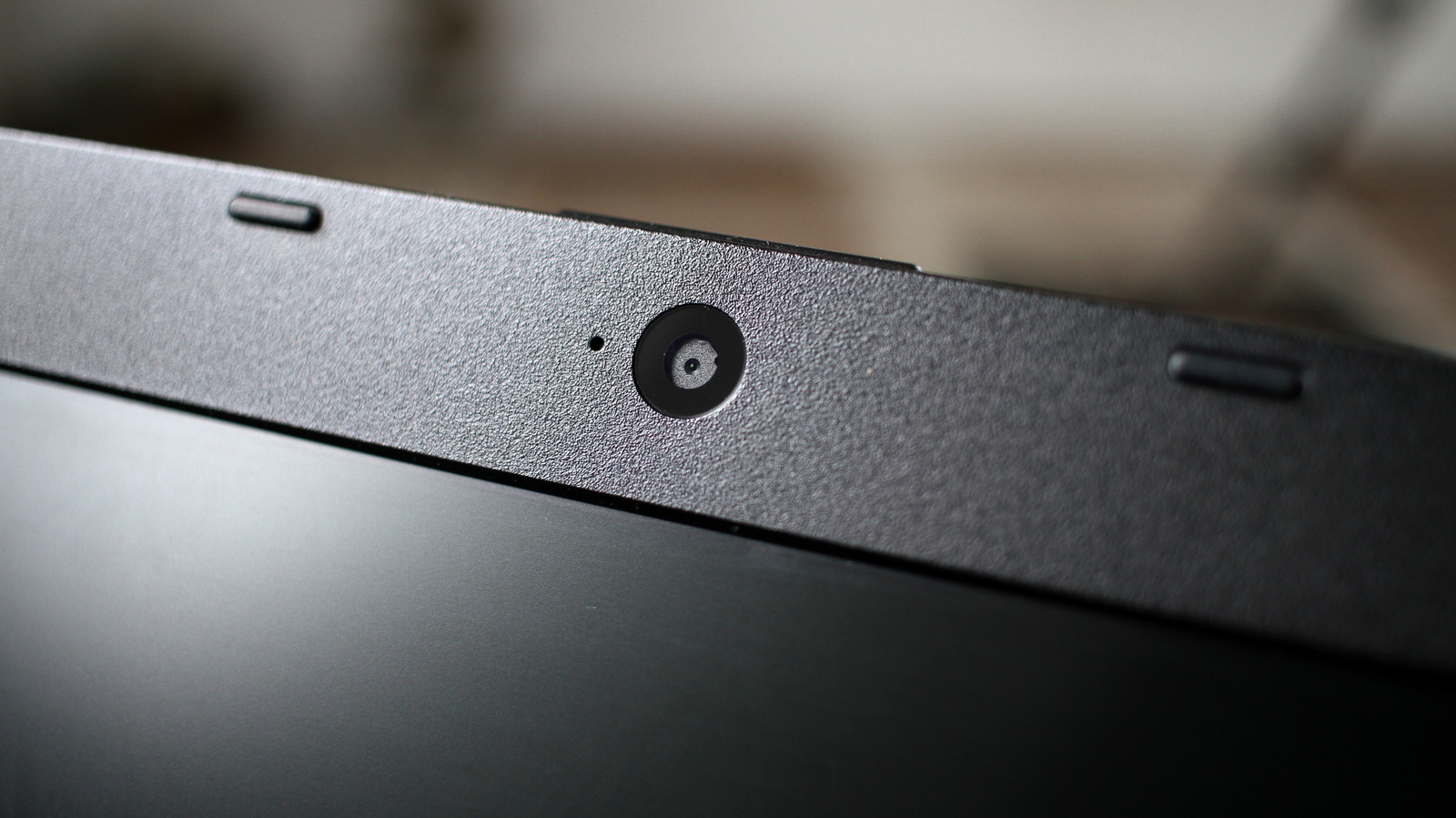
Laptop webcam quality can be limited by the small sensors that fit inside thin screens, Engadget reports. Those sensors capture less light, which can leave video blurry, grainy or washed out. Lighting and device settings can also affect the result.
A first step is to wipe the lens with a microfibre cloth. Fingerprints can blur the image, while household cleaning products may damage the screen.
Lighting can matter more than software adjustments. Engadget recommends avoiding a bright light behind the user and facing a window, or placing a lamp or LED light in front. On supported Macs, Edge Light can use the display to illuminate the user; third-party apps offer a similar option for Windows.
Windows 11 users may be able to adjust brightness, saturation or Video HDR under camera settings, depending on the webcam. NVIDIA Broadcast and Camo offer additional image tools, while Mac users can try Studio Light. Feature availability varies by device and operating system.
If those changes do not improve the picture, Engadget suggests considering an external webcam, a high-end camera or, for Mac users, an iPhone as a webcam.