Apple Intelligence turns written prompts into Mac Shortcuts
An Engadget guide says macOS 27 Golden Gate can turn written requests into proposed Shortcuts, while warning that results may need checking.
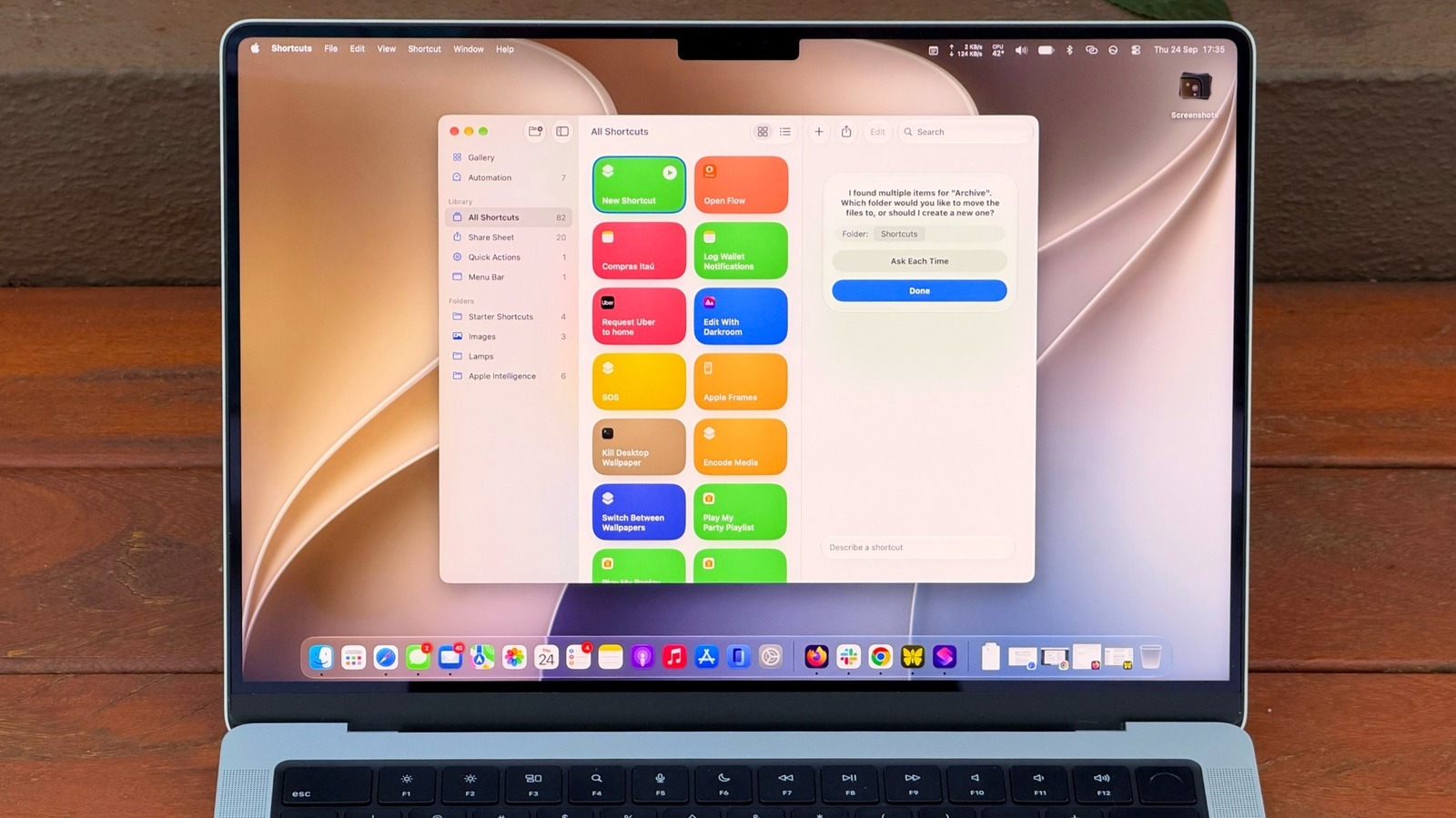
Apple Intelligence can help Mac users build automations by describing what they want in writing, according to a guide published by Engadget. Its “Describe a Shortcut” feature proposes a workflow from a prompt, easing the need to select and connect actions manually.
The guide suggests asking Shortcuts to move Downloads files older than 30 days into an Archive folder, or to summarise clipboard text in three sentences and save it as a new note. It advises giving clear details: a vague request such as “Clean up my Downloads” may not produce the intended result.
Generated shortcuts are not guaranteed to work as intended. Engadget recommends checking the outcome and refining the prompt if needed. It also says complex requests may reach limits sooner, without specifying those limits.
Users can assign a keyboard shortcut or add a shortcut to the menu bar or Control Centre. The guide also points to the Automation tab for workflows that run on their own.
Shortcuts has been available on Mac since macOS Monterey, the guide says. Apple Intelligence requires a Mac with an M1 chip or later.