An old MacBook can become a home NAS, with limits
Engadget outlines three ways to turn an unused Mac into shared storage or a media server, while warning that older hardware may struggle with demanding workloads.
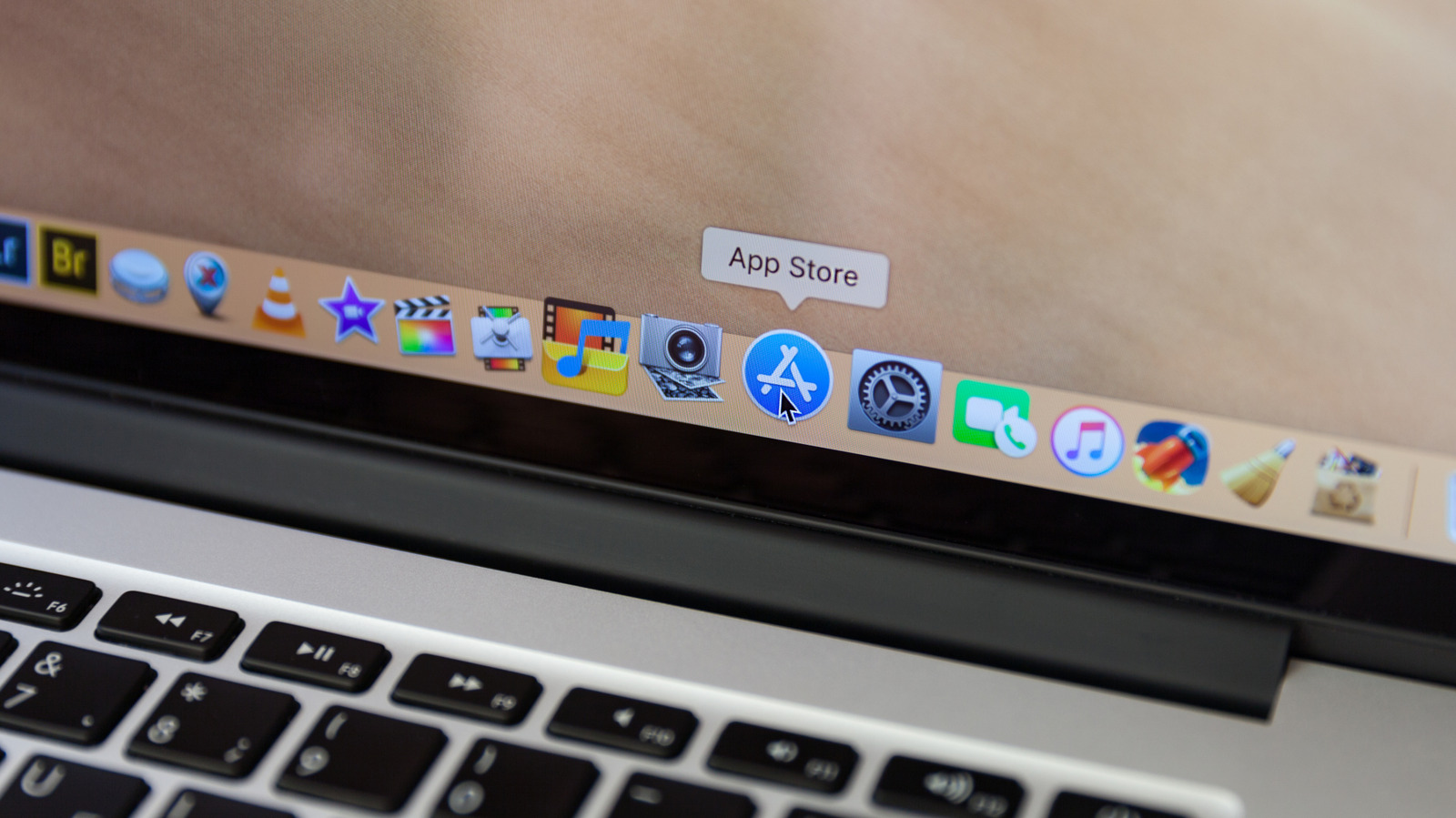
An old MacBook can serve as a home network-attached storage system for shared files, backups or a media library, according to a practical guide published by Engadget. The options range from built-in macOS tools to Linux-based setups.
The simplest route is macOS File Sharing, which lets users share selected folders and external drives. Access permissions can be set, and files can be made available to Windows and Android devices on the network.
For media libraries, the guide points to apps including Plex, Kodi and Infuse. Plex offers free home streaming, while remote streaming requires a fee. Older Macs with limited memory may stutter when transcoding 4K video; Engadget suggests setting Plex to Original quality to reduce that strain.
A more advanced option is replacing macOS with Debian and adding CasaOS or Umbrel. M-series Macs can also run Debian in a virtual machine. The Linux route turns the computer into a remotely managed, headless server, and can support tools such as Nextcloud and Jellyfin.
Engadget recommends external drives because older disks can fail, along with an Ethernet connection for a faster, more stable network link and settings or software to prevent the Mac from sleeping. Its guide offers no model-specific performance benchmarks, so an older Mac’s suitability will depend on its hardware and workload.