WIRED Guide Highlights Five Extensions to Refine YouTube Experience
A recent editorial recommendation excludes ad-blocking tools, focusing instead on customisation, organisation, and metadata quality to support content creators.
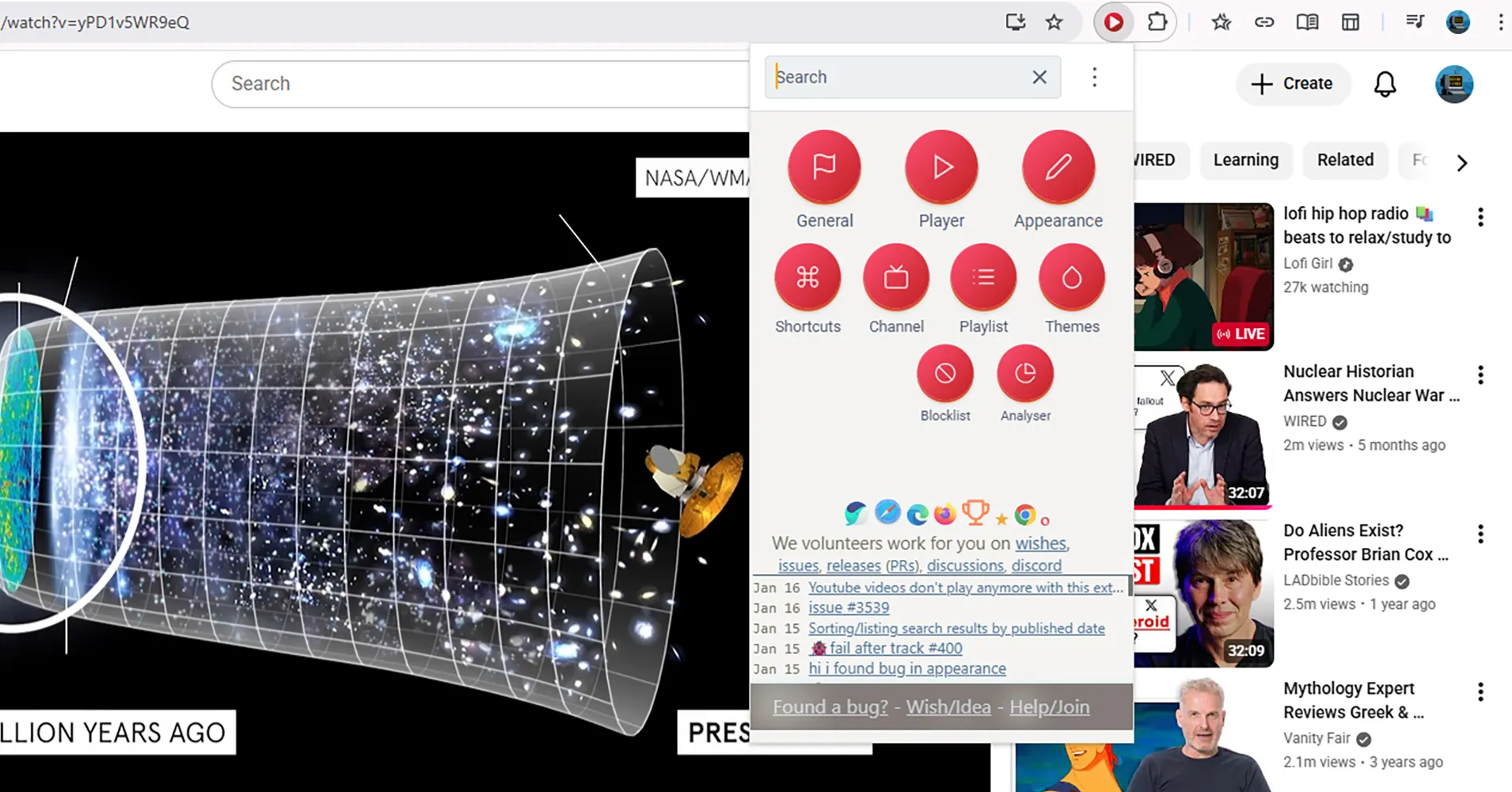
WIRED has published a guide recommending five browser extensions designed to enhance the YouTube viewing experience on Chromium-based browsers, including Google Chrome, Microsoft Edge, Opera, and Vivaldi. The selected tools focus on interface customisation, playback control, subscription management, immersive viewing, and metadata improvement. Notably, the guide explicitly excludes ad-blocking extensions to support content creators.
The recommendations address common user pain points, such as algorithmic manipulation of titles and thumbnails, highlighted by the inclusion of DeArrow. This extension replaces sensational or baiting titles and thumbnails with crowdsourced, more informative alternatives. It allows users to default to random thumbnails with emojis removed and enables user contributions, underscoring how metadata is often tweaked to game the YouTube algorithm.
For interface and playback control, Improve YouTube offers a comprehensive suite of features, including hiding sidebars or thumbnails, changing progress bar colours, and creating new tabs for search results. It also allows users to hide YouTube Shorts, reverse playlists, pause videos when switching tabs, and set custom keyboard shortcuts. Similarly, Enhancer for YouTube provides granular control over playback speed, quality, and volume, alongside custom themes and pop-up players.
Subscription management is handled by PocketTube, which allows users to create groups and subgroups with custom icons and auto-generated playlists. The tool features a 'Deck mode' for column-based arrangement and extra filtering options, aiming to streamline the often rudimentary default handling of subscriptions on the platform.
Immersive viewing is addressed by Turn Off the Lights, which dims the browser area around the active video to reduce distraction from comments or recommendations. Users can adjust the opacity and colour of the dimming effect, add glowing effects, and utilise video filters. The extension also includes an option to control audio volume via the mouse scroll wheel.
While YouTube uploads more than 20 million videos daily and has added various features over the years, browser extensions can further enhance functionality. The compatibility of the extensions with non-Chromium browsers is not confirmed, and the long-term availability and maintenance status of these tools are not addressed in the source material. The guide reflects editorial preference rather than objective performance metrics.