Unexpected Roku TV narration may be a screen reader shortcut
Engadget says pressing the remote’s Options button four times toggles Roku’s screen reader, which reads on-screen text aloud.
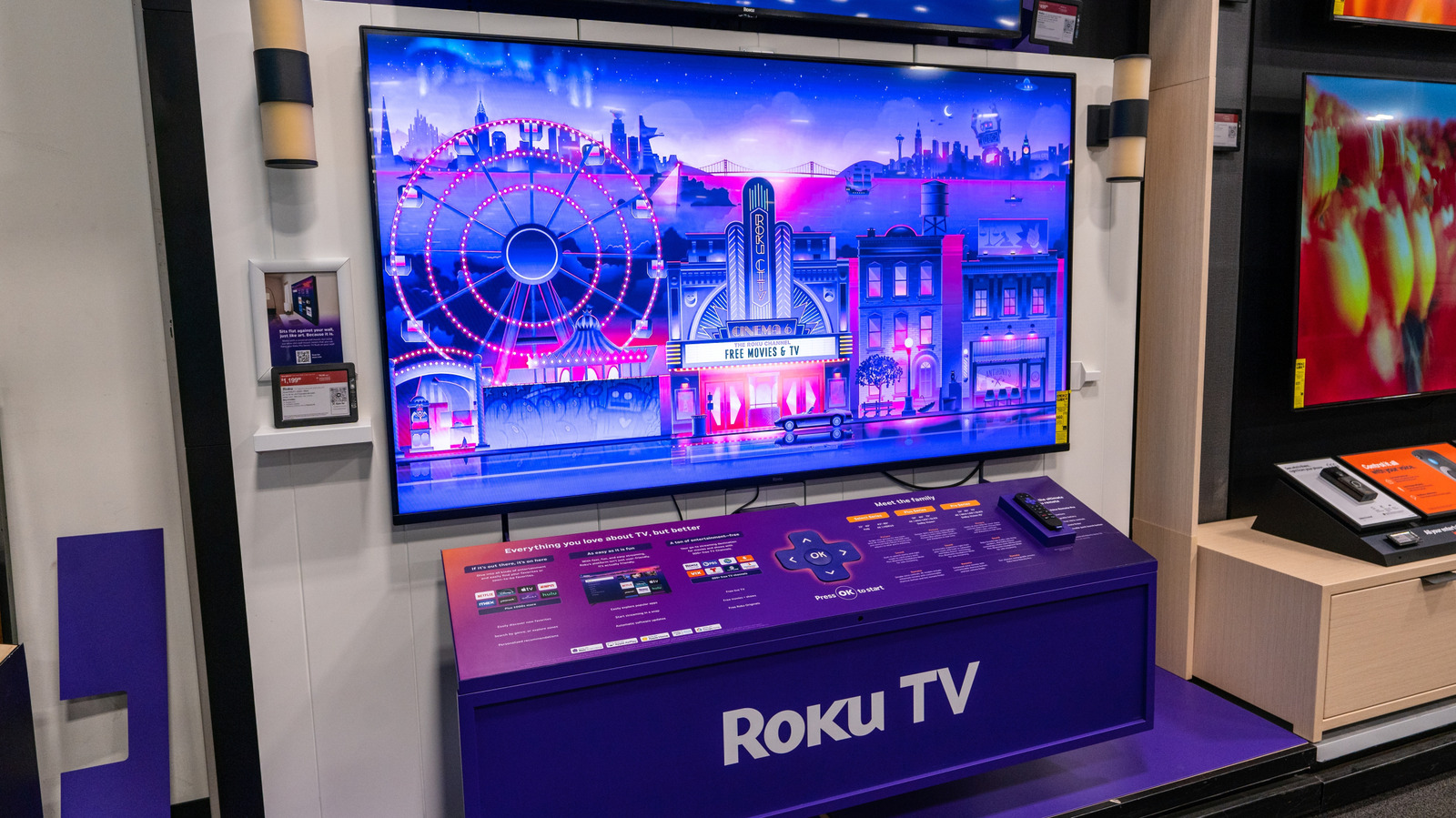
A Roku TV that suddenly starts reading on-screen text aloud may have its screen reader enabled. Engadget reports the feature is an accessibility tool designed to help people who are visually impaired navigate apps.
The remote’s Options button, marked with a star, toggles the screen reader when pressed four times in a row. Pressing it four more times turns the feature off.
The shortcut may be activated accidentally, for example if a remote is caught between couch cushions or stepped on by a pet. That is one possible explanation for unexpected narration, rather than a confirmed cause in every case.
Users can also switch off the screen reader in Roku’s Accessibility settings. To prevent accidental activation, Engadget says the remote shortcut can be disabled in the Screen Reader settings.
The supplied information does not specify which Roku models or software versions use the shortcut.