Ring doorbell feeds now accessible on select smart TVs via native integration
Users can view live doorbell video on televisions without relying on smartphones, with compatibility limited to Amazon Fire TV devices and Samsung models from 2022 onwards.
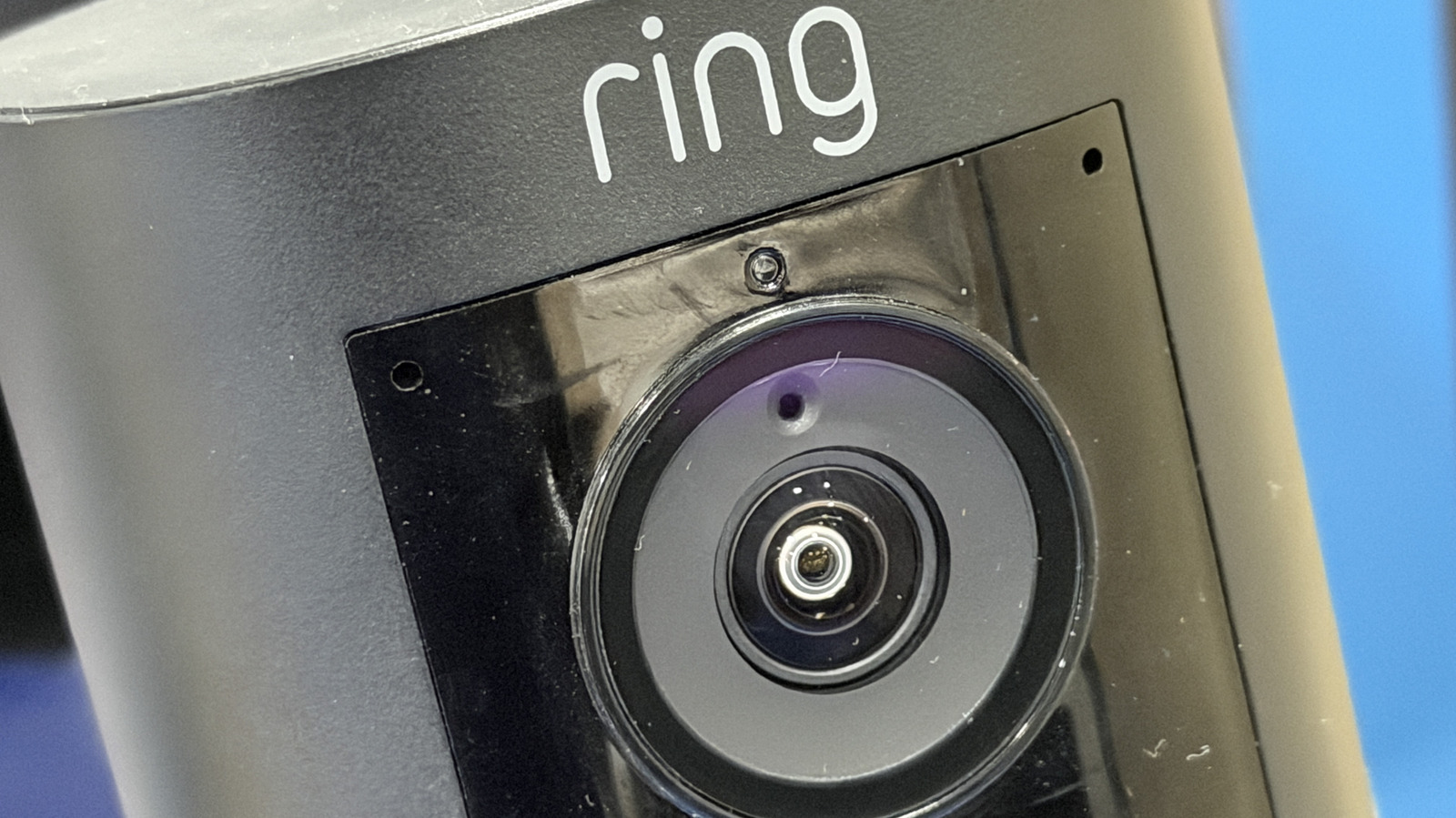
A recent guide outlines methods for displaying live Ring doorbell feeds on smart televisions, allowing users to monitor their front porch without interrupting activities to check a mobile device. The integration capabilities vary significantly depending on the television hardware, with Amazon’s own ecosystem offering the most direct connectivity. Because Ring is owned by Amazon, its security cameras integrate natively with Amazon’s Fire OS platform, which powers devices from Amazon, Panasonic, TCL, Hisense, Toshiba, and Insignia.
For televisions running Amazon Fire OS, users can link their Ring account directly through the Alexa app. The setup involves enabling the Ring skill within the Fire TV interface and signing in to authorise the connection. Once linked, users can configure doorbell and motion announcements within the Alexa app, triggering a picture-in-picture video feed on the television screen whenever the doorbell is pressed or motion is detected. Live feeds can also be summoned at any time using Alexa voice commands.
Samsung Smart TVs from 2022 and newer models also support native Ring integration, albeit through a different pathway. These televisions run on the Tizen operating system and utilise the SmartThings platform to bridge the connection. Users must add Ring as a partner device within the SmartThings app, log in to their Ring account to authorise the link, and then enable specific notifications within both the TV app and the mobile Ring application. This configuration ensures that alerts appear directly on the television screen.
For televisions that do not natively support either Fire OS or the SmartThings integration, functionality can still be achieved through hardware workarounds. Connecting a Fire TV Stick or Fire TV Cube to a television’s HDMI port effectively grants the display the same native Ring integration capabilities as a dedicated Fire TV. This method provides users with picture-in-picture alerts and voice command support, replicating the experience of owning a television with built-in Amazon software.
Alternative methods such as screen mirroring from a smartphone are available for other devices, though the guide notes this approach is less efficient. Mirroring requires the user to open the Ring app on a mobile device and cast the screen to the television, which defeats the primary purpose of avoiding mobile device interaction when answering the door. The guide does not specify compatibility for smart televisions from manufacturers other than Samsung and those running Fire OS.