Netflix Enforces Premium Subscription and Hardware Requirements for Dolby Vision Streaming
Users seeking Dolby Vision support must navigate a strict ecosystem of compatible devices, high-speed internet, and updated app settings to access titles such as Stranger Things and The Crown.
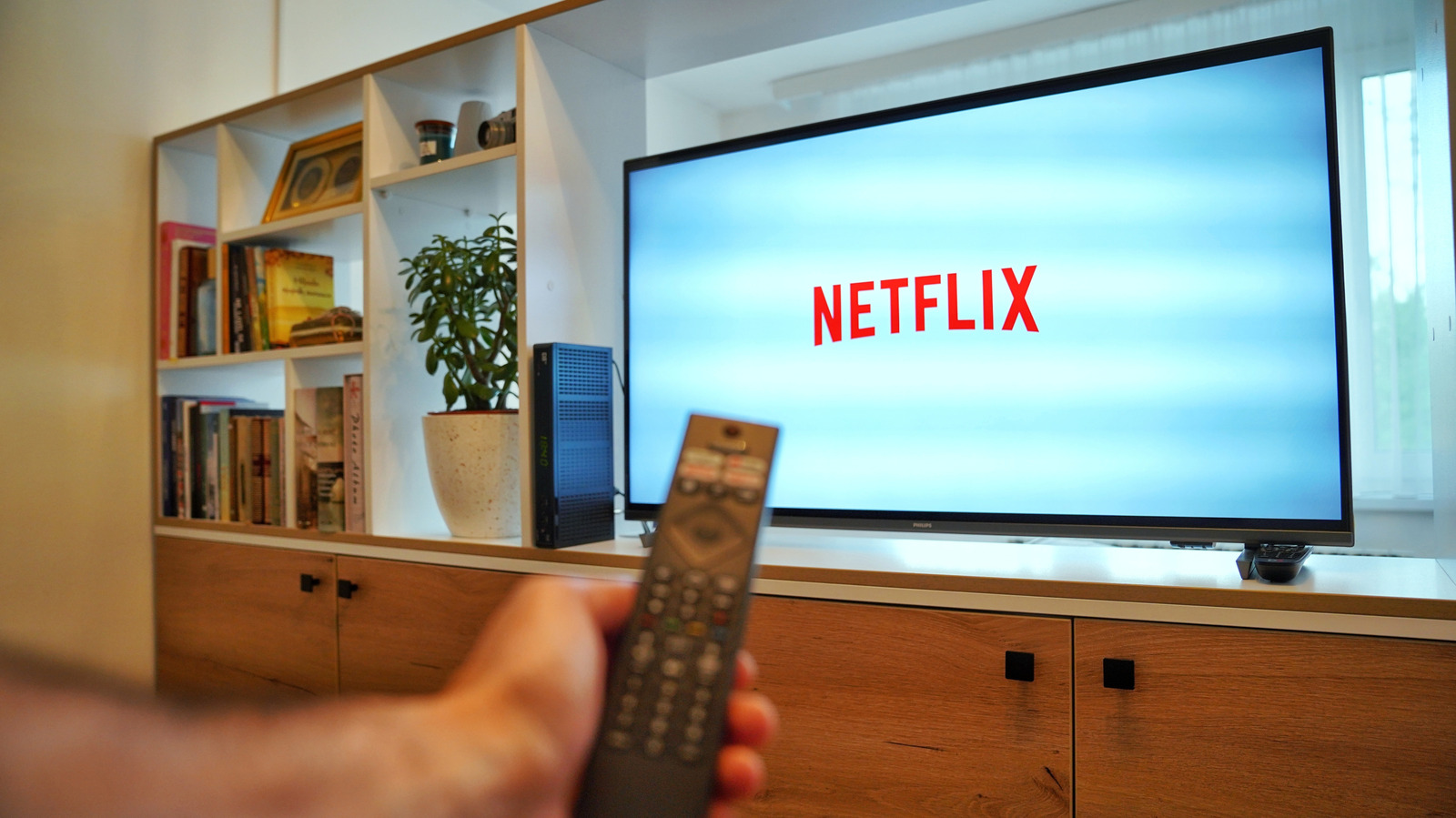
Netflix has formally enabled Dolby Vision streaming, a move that requires subscribers to maintain the platform’s top-tier Premium subscription plan. The service is priced at $26.99 per month, a fee that unlocks the highest available video quality tiers alongside other premium benefits. Without this specific subscription level, access to the format remains restricted, regardless of hardware capabilities.
To utilise Dolby Vision, viewers must also possess a display or device capable of supporting the format. Compatible hardware includes specific television models from manufacturers such as LG, Sony, and TCL, as well as Amazon Fire TV units. Alternatively, the technology is supported on compatible computers and gaming consoles, provided the user employs a web browser that supports the standard, such as Google Chrome, Microsoft Edge, or Safari on Mac.
Technical prerequisites extend beyond the screen itself. Users must ensure their internet connectivity meets a minimum speed of 15 megabits per second to facilitate a smooth, lag-free stream. Furthermore, the setup requires the use of high-quality HDMI cables that comply with the HDCP 2.2 specification. While mobile streaming to larger screens via Chromecast is possible, wired connections or direct smart TV applications are recommended for optimal performance.
Once the hardware and connectivity are verified, users must adjust their application settings to ensure proper playback. This involves navigating to the app’s settings page to confirm that streaming quality is set to High and that HDR is explicitly enabled. For those utilising external audio equipment, soundbars from brands including Bose, Sony, Denon, and Hisense support Dolby Vision passthrough, ensuring the full audiovisual experience is maintained.
The platform offers a selection of titles in the format, including popular series such as Stranger Things, Bridgerton, The Crown, The Sandman, and Outer Banks. Feature films like The Gray Man, Enola Holmes, and Glass Onion are also available. Dolby Vision, originally introduced by Dolby Laboratories in 2014, utilises dynamic metadata to adjust HDR effects scene-by-scene or frame-by-frame, offering improved depth, contrast, and colour accuracy compared to standard HDR10.
Verification of the streaming quality can be performed through various methods depending on the device in use. Smart TV users can utilise the information button on their remote, while computer users on Mac or Windows can press Ctrl + Alt + Shift + D to view session details. Mobile users should check the Playback Specification within the app’s settings to confirm the stream is delivering the intended Dolby Vision output.