LG monitors silently install McAfee adware via Windows Update
Testing reveals the LG Monitor App Installer appears on most bootups, raising privacy concerns over data collection and system resource access.
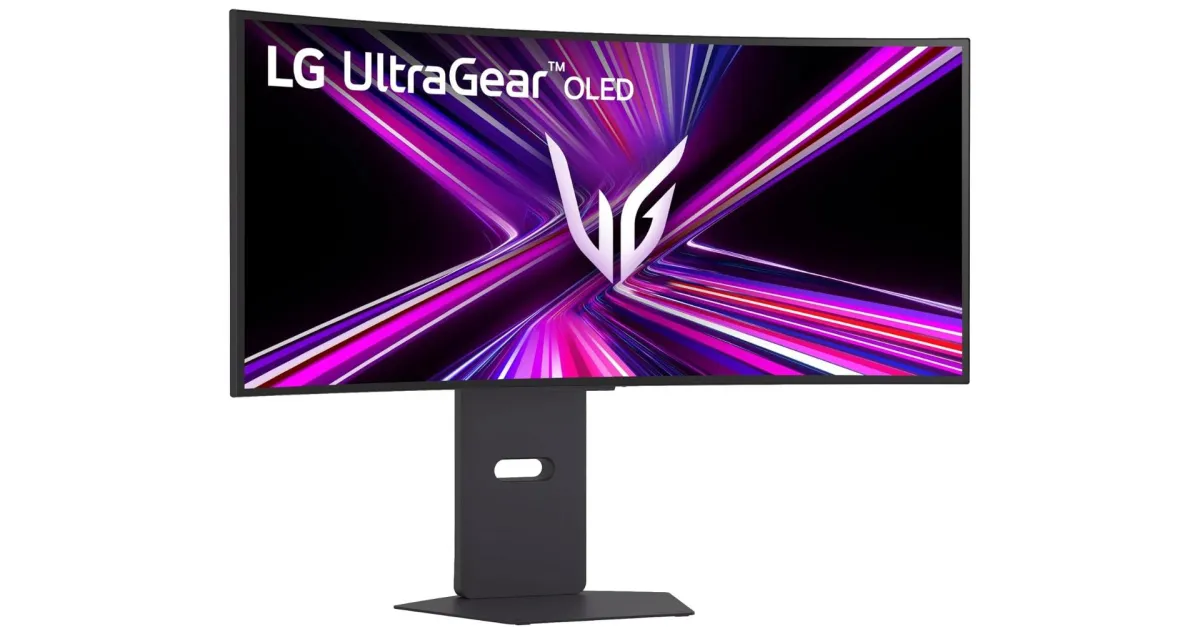
LG monitors are automatically installing the LG Monitor App Installer through Windows Update when connected to a PC running Windows 11. The application deploys silently, without seeking user permission or providing notification, and subsequently displays pop-up advertisements for McAfee antivirus software and other LG applications. This behaviour has drawn scrutiny following recent user complaints and testing by Gamers Nexus, which observed the ads appearing on 31 out of 32 bootups during their evaluation.
The installation leverages Microsoft’s mechanism allowing developers to pair a Hardware Support App in the Windows Store that installs automatically based on device metadata. Microsoft’s own documentation warns that this automatic installation feature does not notify users, noting that some may find the experience confusing and frustrating, potentially leading to poor app ratings. This practice is not unique to LG; Dell employs a similar mechanism to auto-install the Alienware Command Center app, though it does not reportedly include the same level of notification spam associated with the LG app.
Reports of the LG Monitor App Installer auto-installing date back to 2024, but a recent wave of complaints on Reddit has highlighted the sudden appearance of these ads in the bottom right corner of the Windows 11 home screen. The application does not appear to offer special controls of its own, instead directing users to LG’s other apps and McAfee. The LG Monitor App Installer requires permissions to use all system resources and access the Internet connection, according to its Windows Store page.
Privacy concerns have been raised regarding the data handling practices of the software. LG’s privacy policy states that the app automatically collects device data, internet activity, and geolocation information. This data collection occurs for a program that is installing without the user’s explicit permission or consent, adding a layer of complexity to the user experience that extends beyond mere advertising nuisance.
Workarounds exist for users wishing to block the auto-installation. Windows Pro users can apply a group policy setting to prevent the behaviour, while Windows Home users may disable the feature in the Advanced system settings under options for automatically downloading manufacturers’ apps. The exact frequency of ad appearances may vary between individual units and Windows configurations, and it remains unclear if the behaviour is consistent across all LG monitor models or specific lines such as the UltraGear series.