iPhone Camera Control offers app, gesture and response settings
An Engadget guide outlines how iPhone 16, 17 and 18 users can tailor the button’s supported apps, camera adjustments and press response.
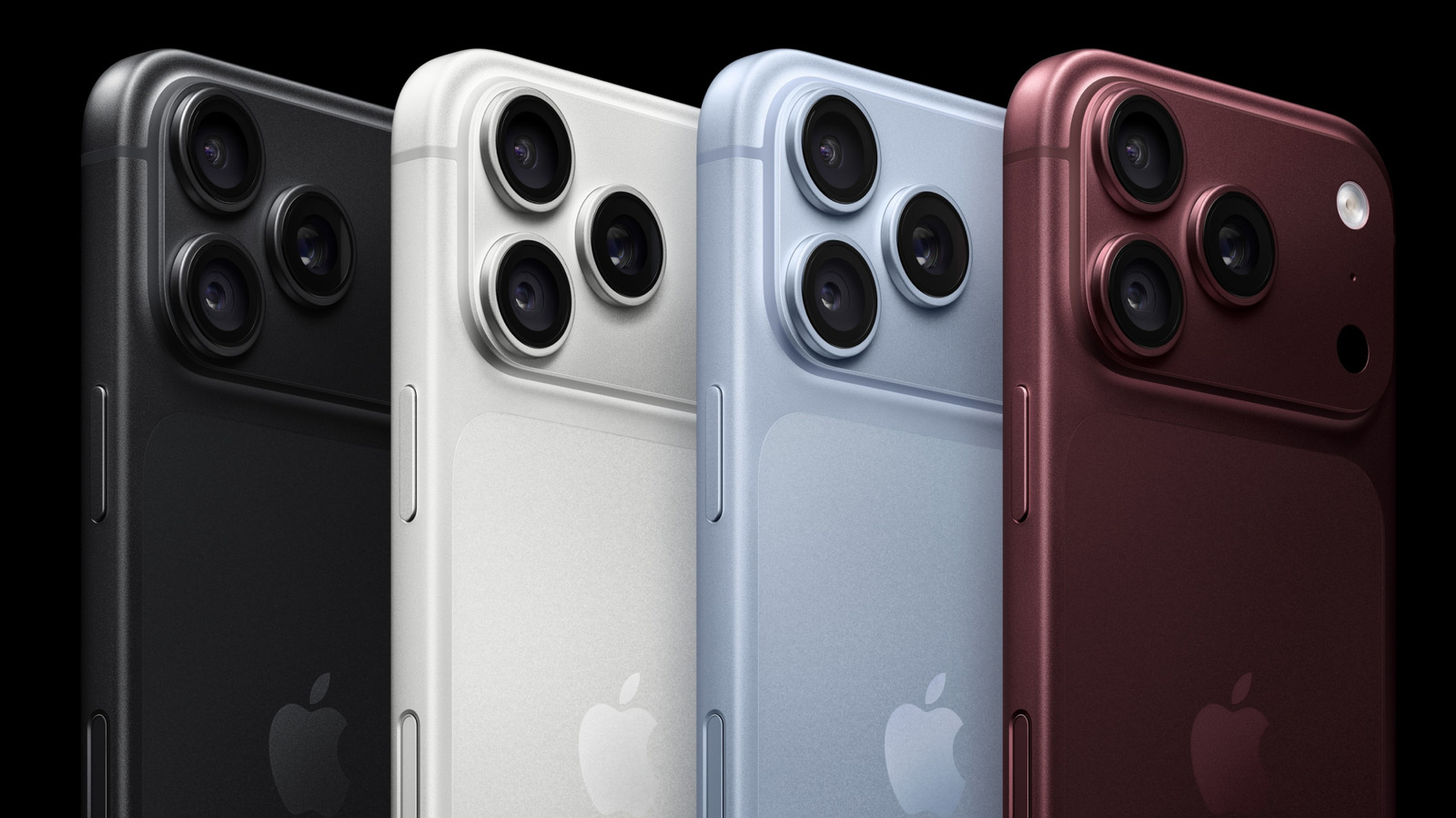
Engadget has published a guide to customising Camera Control on iPhone 16, 17 and 18 series models. The capacitive button on the right side of the phone can open camera-related apps and provide access to photography controls through clicks and swipe gestures.
In Settings > Camera > Camera Control, users can select which supported app opens when they press the button. Options depend on installed apps and their support for the feature; some may appear unavailable.
The Controls settings let users configure gestures and choose which camera adjustments are available, as well as their order. With the Camera app active, light presses or swipes can move through those adjustments.
Accessibility settings offer further changes, including disabling the button or changing the force and speed needed to register a press. Response options include Default, Slow and Slower.
The guide’s author says they use Slow to reduce accidental launches and limit adjustments to Zoom, Exposure and Styles. These are personal preferences; available features can vary by model, iOS version and app support.