How to turn an old phone into a home security camera
Engadget outlines how AlfredCamera can repurpose an old phone, tablet or computer webcam for live home monitoring.
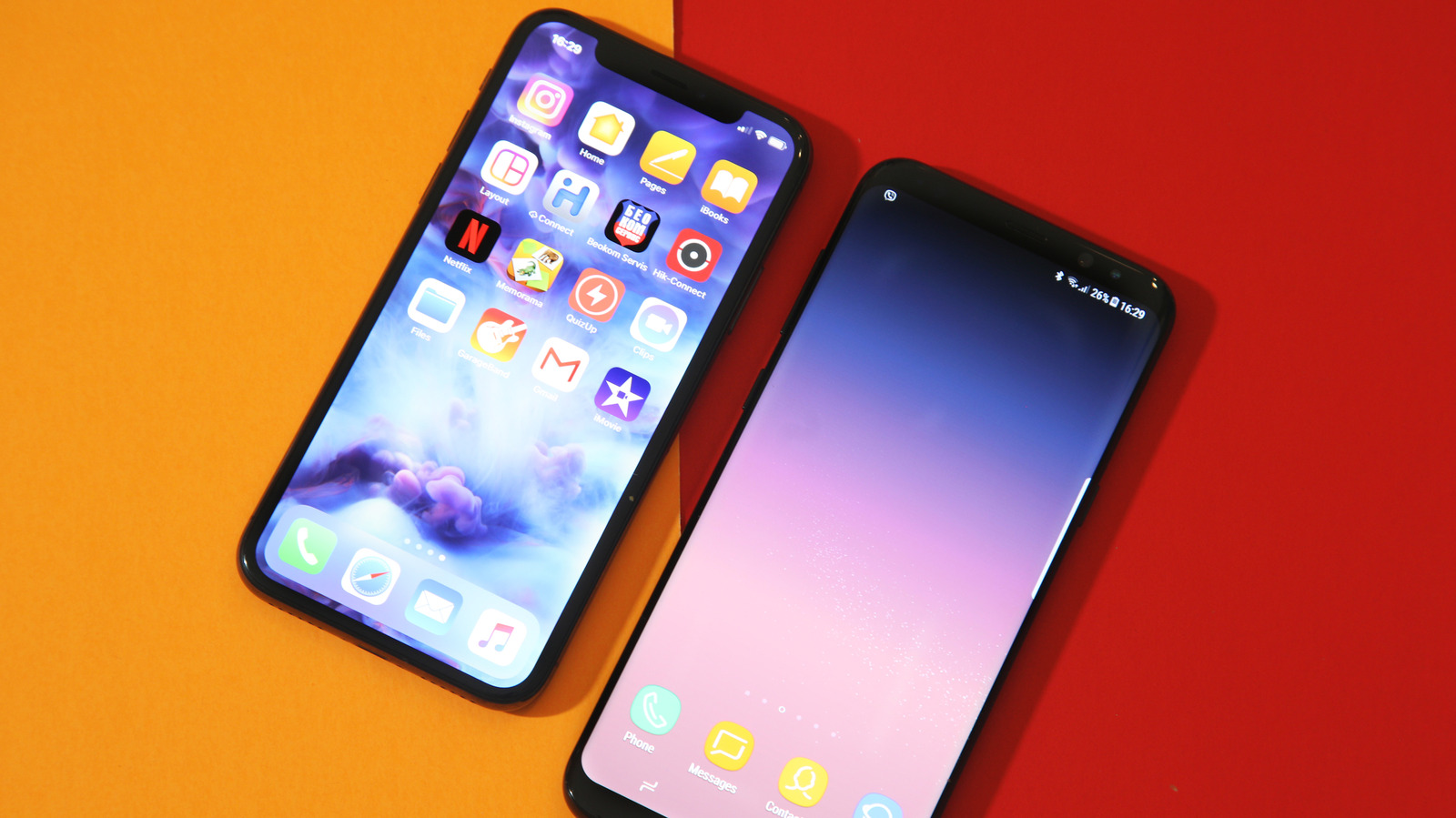
An old phone or tablet can be repurposed as a home security camera using the AlfredCamera app, according to a guide published by Engadget on 6 September.
The app is described as free, cross-platform and compatible with iOS and Android. The setup requires a compatible device, the app and an internet connection, with Wi-Fi preferred although mobile data may also work.
Users install AlfredCamera on a main device and the older device, then pair them through the same account or a QR code. The main device is set to “Viewer” mode while the older device runs in “Camera” mode.
Engadget says the free plan includes live video, a siren, low-light viewing and two-way talk. Paid plans reportedly add more cameras, higher-definition streaming, recording, cloud storage and person, vehicle or pet detection.
The guide recommends leaving the old device connected to power, disabling battery optimisation for the app and using a stand to position the camera. A factory reset is optional but may clear stored accounts, passwords and personal data before the device remains connected to Wi-Fi.
Users placing the device near the elements may also consider weather protection, although the setup should not be treated as equivalent to a dedicated security camera. The source does not independently assess AlfredCamera’s privacy, security or reliability.