How to restore iPhone camera settings to their defaults
Engadget outlines a manual reset process and warns that Apple’s broader settings reset also removes Apple Pay cards, keys and passes.
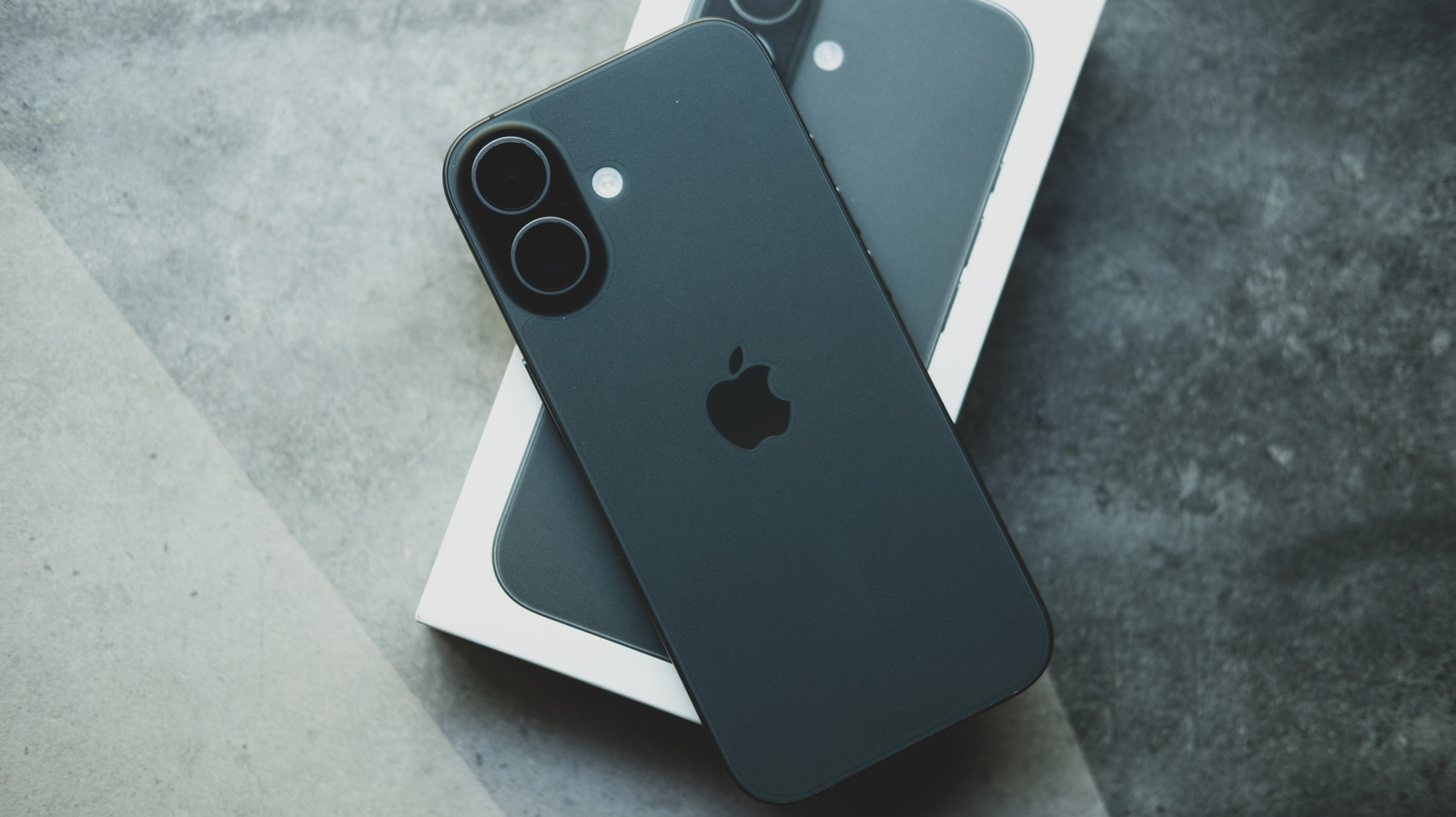
iPhone users can restore their camera settings to suggested defaults, but Apple does not provide a dedicated camera-reset button. Engadget recommends reviewing the options manually under Settings > Camera.
The Preserve Settings section contains toggles that determine whether camera choices persist after the Camera app is closed. Turning these off generally allows the relevant settings to return to their defaults, although Live Photo is initially an exception.
Suggested defaults include 1080p video at 30 frames per second, High Efficiency for formats, Grid and Level turned off, and Smart HDR and Prioritise Faster Shooting turned on. Supported devices may use 240 frames per second for Slo-mo, while Cinematic recording and audio options vary by model.
On iPhones compatible with iOS 26, Engadget lists Lens Correction, Macro Control and Scene Detection as on, with the default resolution set to 24 megapixels and ProRAW & Resolution Control turned off. Menu layouts and available features differ by iPhone model and iOS version.
A broader option is available under Settings > Transfer or Reset iPhone, but Reset All Settings affects the entire device rather than only the camera. It removes Apple Pay cards, keys and passes, so users should use it only if they are prepared to reconfigure affected settings.