Feline Footprints: Cat Inadvertently Teaches Author Mac and PC Shortcuts
Through walking on and sitting on laptop keyboards, the animal has activated window-hiding commands, desktop switches, and accessibility features, leaving the owner to deduce the specific key combinations involved.
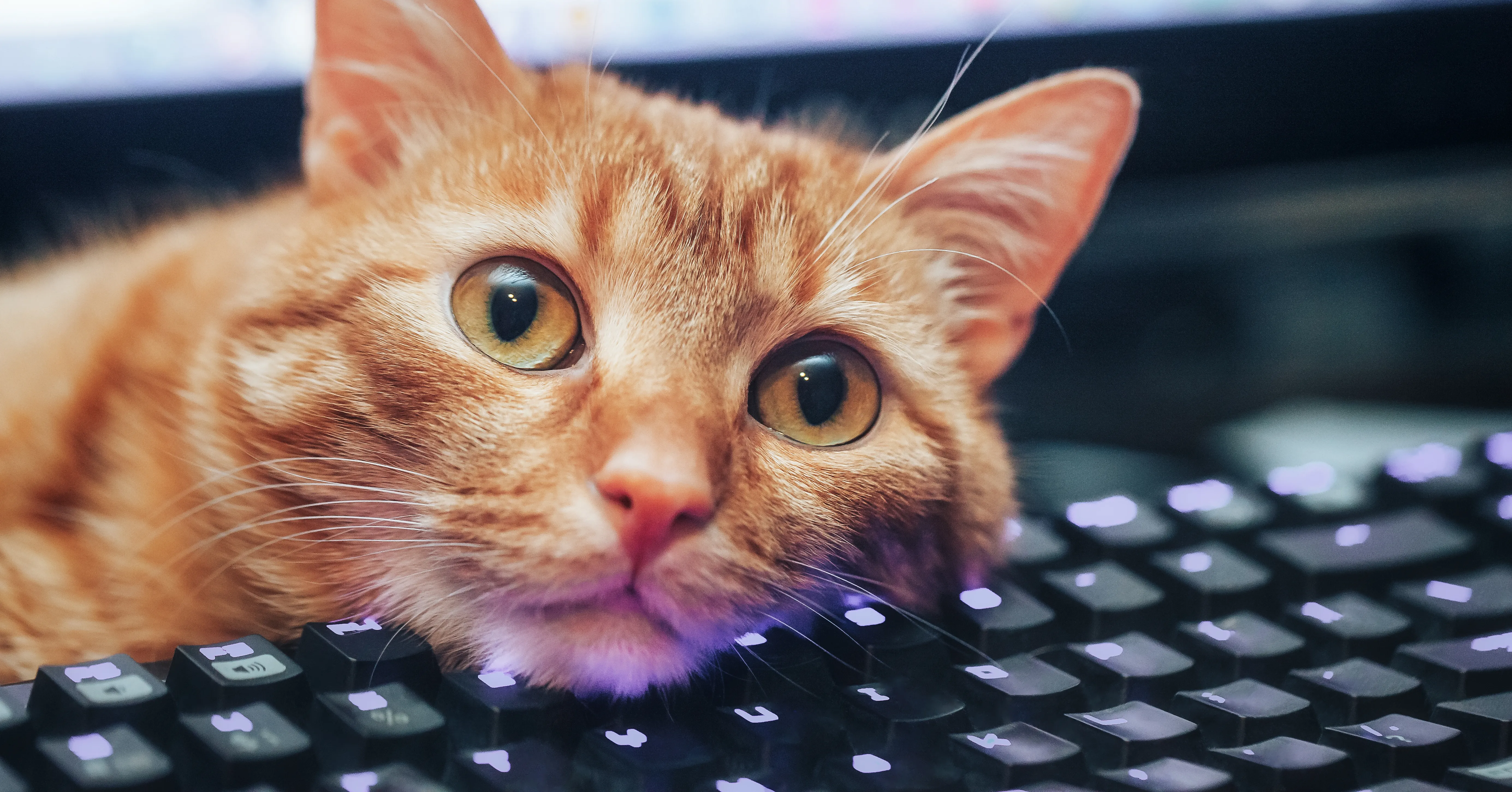
Mira, a domestic cat, has inadvertently become an expert in computer navigation by physically interacting with the author's MacBook and their wife Kathy's Windows PC. The animal frequently walks across or sits on the laptop keyboards, triggering a range of system functions that range from hiding windows to capturing screenshots. While the behaviour might seem destructive, the author notes that these interactions have actually provided valuable insights into the operational mechanics of both operating systems.
The specific functions triggered by the cat include hiding all windows, switching virtual desktops, taking screenshots of specific screen areas, and toggling the visibility of the dock. On the Mac, the author deduces that Mira likely pressed Command-Option-H to hide windows or Command-Option-D to toggle the dock. Similarly, on the Windows PC, the cat appears to have activated Windows-, to hide windows and Windows-Ctrl-Left/Right arrow keys to switch between virtual desktops.
Beyond standard navigation tools, the cat has also activated accessibility features designed for users with physical limitations. On the Windows system, the author discovered that pressing the Shift key five times activates Sticky Keys, while sitting on the right Shift key for five seconds triggers FilterKeys. These features, intended to assist users with difficulties pressing multiple keys or those with hand tremors, were activated by the cat's natural movement patterns rather than intentional user input.
The author admits that the exact physical mechanism by which Mira triggers these complex multi-key combinations remains unexplained. There is particular uncertainty regarding the specific shortcut that caused the keyboard to stop working entirely on the wife's laptop, a detail the author has researched extensively but cannot fully account for. The precise way the cat managed to hold keys for specific durations or press rapid combinations is based on the author's deduction rather than direct observation of the animal's intent.
Despite the confusion caused by these accidental commands, the author expresses a sense of gratitude for the lessons learned. The discovery of shortcuts such as Command-Shift-4 for taking screenshots on the Mac and Windows+Shift+S on the PC has added utility to the author's daily workflow. The incident highlights how standard system functions, often overlooked, can be discovered through unexpected means.
Looking ahead, the author is working to train Mira to stop walking and sitting on the laptops, though they acknowledge the possibility that this may take time. The story serves as a reminder of the hidden capabilities within common computing devices and the unpredictable nature of human-animal interaction in a digital workspace.